That 'Disapproved' Status is Costing You More Than You Think
It’s 10 AM. You’ve just approved your Diwali ad budget. You log into Google Merchant Center, ready to see your beautiful new ethnic wear collection dominate the shopping results. Instead, you see it: a long list of red errors. ‘Promotional overlay’. ‘Image quality issues’. ‘Invalid image’. Your entire Google Shopping apparel feed is disapproved. While you panic-call your photographer (who is already on another shoot), your competitors on Myntra and Ajio are capturing every single sale you’re missing. This isn't just a technical glitch; it's a cash bonfire. Every hour your feed is down during peak season is thousands of rupees in sales handed directly to your competition. The manual process of shooting, editing, and re-uploading photos is slow, expensive, and clearly, it’s not working. You’re trapped in a cycle of rejections, wasting time and ad spend while the market moves on without you. This isn't a small problem—it's the silent killer of your online growth.
The 4 Photo Rules Your Photographer Is Breaking
Google's rules for Shopping ads aren't suggestions; they are rigid commandments. For apparel, they are ruthless. Your creative, brand-building photoshoot style that works on Instagram will get you banned from Google's most powerful sales channel. The problem is, most Indian fashion brands use the same photos everywhere, from their lookbooks to their performance marketing ads. This is a fatal mistake. Your photographer might be great at creating a mood, but they are likely failing you on the four pillars of Google Shopping compliance. It's not their fault; they're artists. But you're running a business, and you need a system, not just art. A system that guarantees compliance every single time, without endless back-and-forth and reshoots. Let's break down the exact rules your current photos are likely violating.
Rule #1: Your Logo is Your Enemy (No Text, No Watermarks, No Overlays)
This is the most common reason for rejection. That subtle watermark in the corner? Disapproved. A 'Diwali Sale' graphic on the image? Disapproved. Even your brand logo tastefully placed on the photo? Disapproved. Google demands a sterile, distraction-free image that focuses 100% on the product. Their algorithm is designed to detect any text or graphic overlay and will instantly flag your product. Removing these manually is a nightmare for your design team, creating endless variations of the same image and wasting precious hours. What if you could generate perfectly clean, sterile images from the start? DrapifyApp’s AI models wear your apparel on a perfectly neutral background with zero text or watermarks, ever. You get a clean version for your Google Shopping apparel feed and can use the Design Studio to add graphics for other channels later. It’s compliance by default, not by painful editing.
Generate your own AI fashion photoshoot with Drapify — 50 free credits, no card required.
Rule #2: The Background Must Be Invisible (And Absolutely Clean)
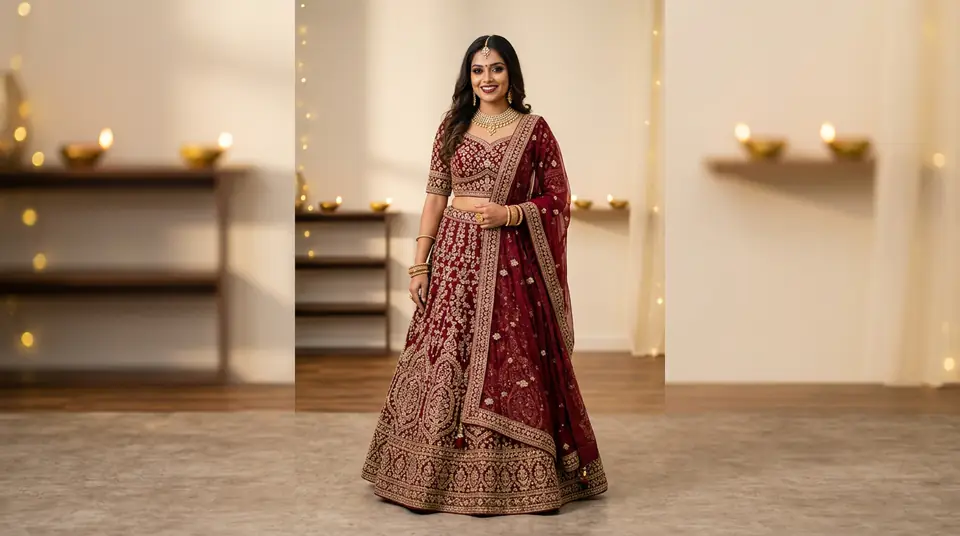
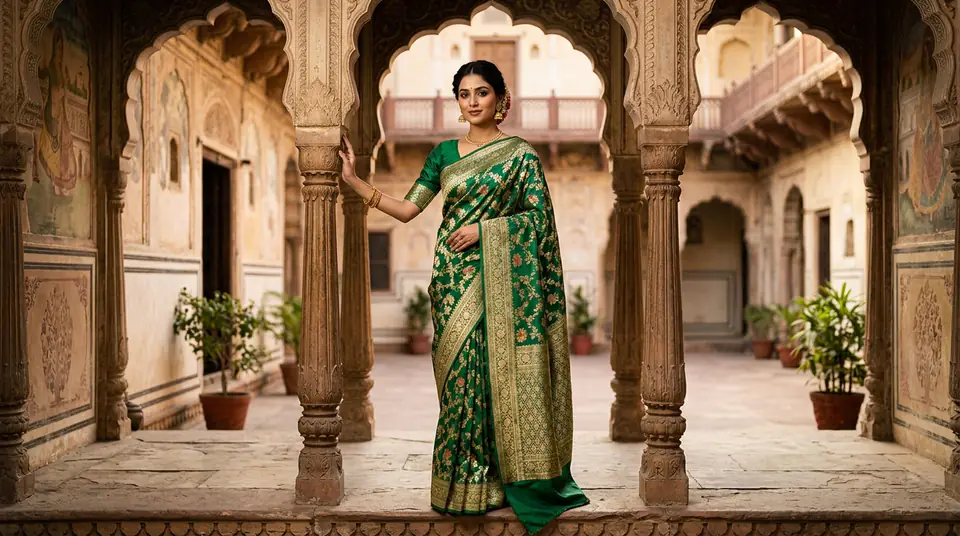
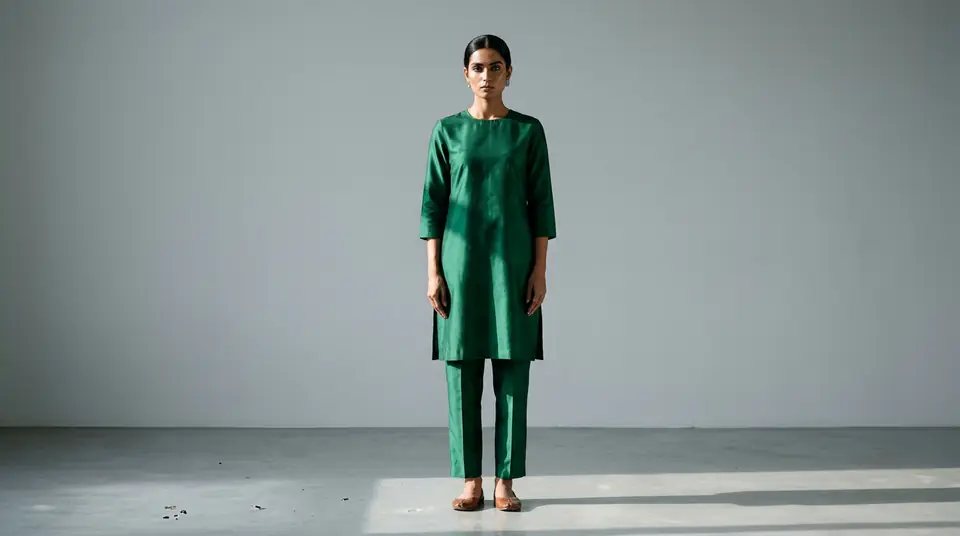
Google Shopping strongly prefers clean, solid white or light grey backgrounds. Your beautiful outdoor shoot at a Jaipur fort? It might look amazing in a lookbook, but it’s a liability in your shopping feed. Busy backgrounds distract from the product and can cause your listing to be de-prioritized or disapproved. Even a slightly off-white studio background with scuffs or shadows can trigger a quality issue rejection. You need absolute consistency. Trying to 'cut out' the background from existing photos often leaves jagged edges and looks cheap, hurting your conversion rate. You need photos that are shot on a perfect background from the beginning. This is where AI photography becomes a non-negotiable tool. It doesn't simulate a clean background; it generates one that is mathematically perfect, ensuring your entire catalogue is uniform, professional, and instantly approved by Google's bots.
Rule #3: High Resolution is Not a 'Nice to Have'
Blurry, pixelated images scream 'untrustworthy brand' to customers and 'low quality' to Google. Google’s minimum requirement is 250x250 pixels for apparel, but this is a trap. To be competitive and allow for the 'zoom' feature, you need images that are at least 1080 pixels on the longest side. Anything less, and you risk rejection or, worse, you get approved but customers can't see the fabric detail and they bounce. Up-scaling a low-resolution photo is not an option; it just creates a bigger blurry photo. You need high-resolution source images. A traditional photoshoot might give you one or two high-res hero shots, but what about every single variant? DrapifyApp solves this instantly. You can generate crisp, clear images at 1K resolution (~15 credits) or stunningly detailed 2K resolution (~25 credits), ensuring every single product in your Google Shopping apparel feed meets and exceeds Google's quality standards, building trust and boosting conversions.
The ₹15 Fix for a ₹2 Lakh Problem
Let’s be honest. The cycle of shooting, editing, and fighting rejections is exhausting and expensive. One Surat-based kurti brand we spoke to calculated they lost an estimated ₹2.5 Lakhs in potential sales during last year's Raksha Bandhan rush. Their entire new collection was stuck in 'Disapproved' for 10 critical days due to 'promotional overlay' violations. Their cost per photo from their traditional studio shoot in Mumbai was over ₹800 when accounting for the model, studio, photographer, and edits. Today, they generate their entire Google Shopping apparel feed using DrapifyApp. Their cost? Around ₹15 per photo. Their approval time? Instant. They upload a single flat-shot of their kurti, and within seconds, our AI generates dozens of perfectly compliant, high-resolution, on-model photos on clean white backgrounds. No watermarks. No text. No messy backgrounds. No more rejection emails. They stopped wasting money on ads that don't run and started focusing on scaling their business.
Stop Losing Sales. Automate Your Way to Approval.
Your Google Shopping feed shouldn't be a source of stress. It should be your most powerful customer acquisition machine. By clinging to an outdated, manual photography process, you are actively choosing to leave money on the table. DrapifyApp is the unfair advantage your competitors are starting to use. It’s a system designed for the ruthless efficiency that ecommerce demands. Generate hundreds of compliant product photos for Kurtis, sarees, shirts, western wear, even footwear and jewelry, in the time it takes to have one frustrating phone call with your photographer. Stop debugging and start selling. The festive season is already here. How many more sales will you let slip away because of a preventable photo rejection?