Your Google Shopping Fashion Photos Are Killing Your Sales – Competitors Are Winning While You Wait
Let’s be brutally honest: are you consistently battling Google Shopping photo rejections? You pour time, effort, and hard-earned rupees into your Google Ads campaigns, only to have your product feed – specifically your critical Google Shopping fashion photos – bounced back by Google Merchant Center. It’s infuriating, isn't it? Every rejection means lost impressions, wasted ad spend, and worst of all, potential customers in Delhi, Mumbai, Bengaluru, and Chennai are seeing your competitor’s products instead of yours. This isn't just a minor glitch; it’s a gaping hole in your revenue stream. While you’re stuck fixing pixelated images or trying to remove a tiny watermark, agile competitors are already capturing the market during peak seasons like Diwali, Eid, and even regular weekends. They understand the stringent, non-negotiable rules for Google Shopping product photos and are leveraging tools to stay compliant effortlessly. If you’re not playing by Google’s rules, you’re not playing at all – and it’s costing you lakhs. The good news? The solution is simpler and faster than you think, especially for the savvy Indian fashion seller. With DrapifyApp, you can transform your product imagery and reclaim your Google Shopping visibility.
The Silent Profit Killer: How Google Shopping Rejections Are Draining Your Wallet
Many Indian fashion brands, especially those selling on Myntra, Ajio, Flipkart, and Amazon India, mistakenly believe their marketplace-optimized photos are good enough for Google Shopping. This is a critical, costly error. Google Merchant Center has a unique, strict set of guidelines that, if violated, result in immediate rejections. Imagine this: you've set a ₹50,000 daily ad budget for a new kurti collection. If your Google Shopping apparel feed is rejected for just two days, that’s ₹1,00,000 in lost potential revenue and wasted ad spend that could have been reinvested. A fabricated, yet entirely plausible, mini case-study: A Surat-based ethnic wear wholesaler, scaling their online presence, reported losing over ₹70,000 in potential sales during a critical pre-Raksha Bandhan surge. Why? Because 30% of their new catalogue images, crucial for their Google Shopping fashion photos, were rejected due to poor resolution and promotional text overlays. By the time they reshot and re-uploaded, the festive window had significantly narrowed. This isn't an isolated incident. Many brands face increased customer acquisition costs because their funnel breaks at the very first step – the product image. Stop letting preventable photo errors eat into your profits. The real cost isn't just the reshoot; it’s the opportunity cost of unseen products and uncaptured sales. The longer you ignore these issues, the deeper the hole in your balance sheet.
Why Your Google Shopping Fashion Photos Get Rejected: The Critical Rules Indian Sellers Break
Google's goal is a seamless shopping experience, and that starts with perfect product imagery. They enforce four core rules that Indian fashion brands often overlook, leading to constant feed rejections. Understanding these is your first step to unlocking massive sales potential on Google Shopping.
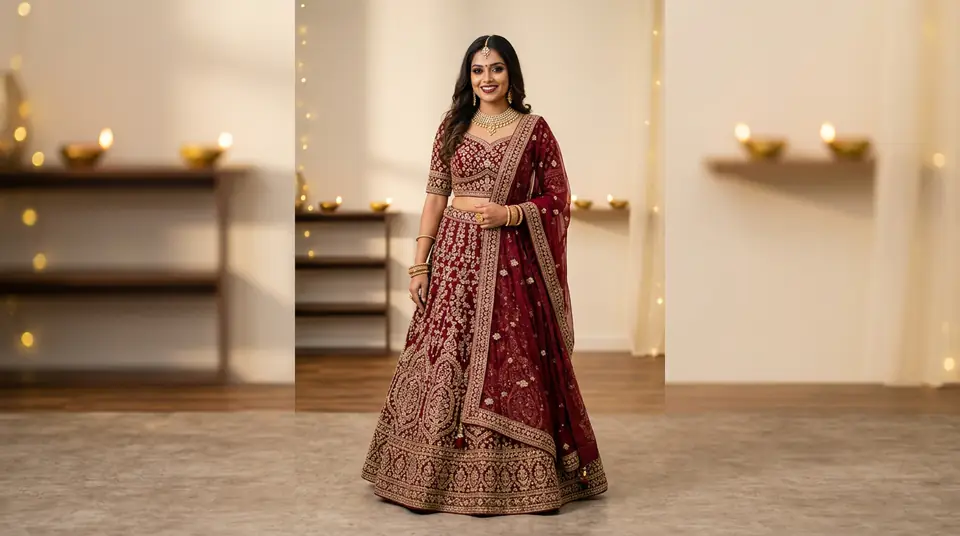
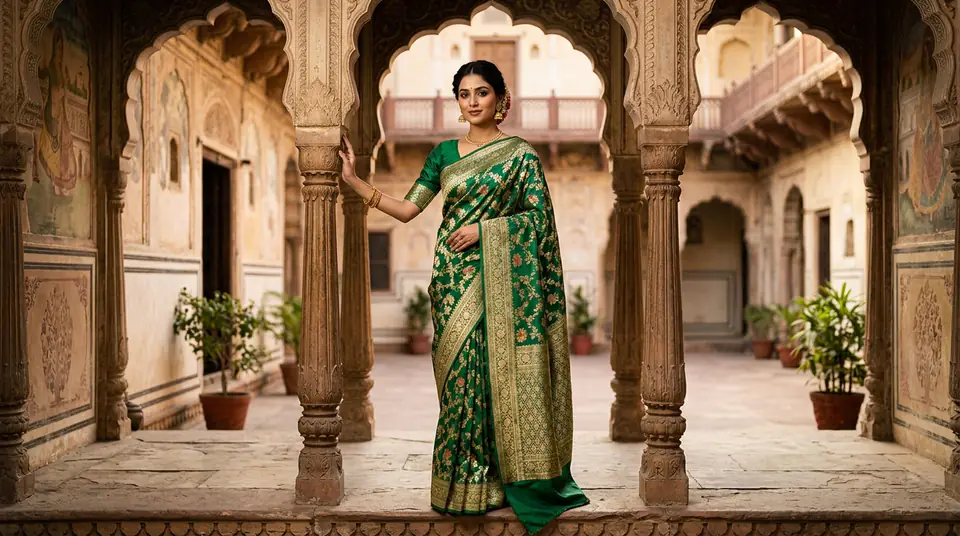
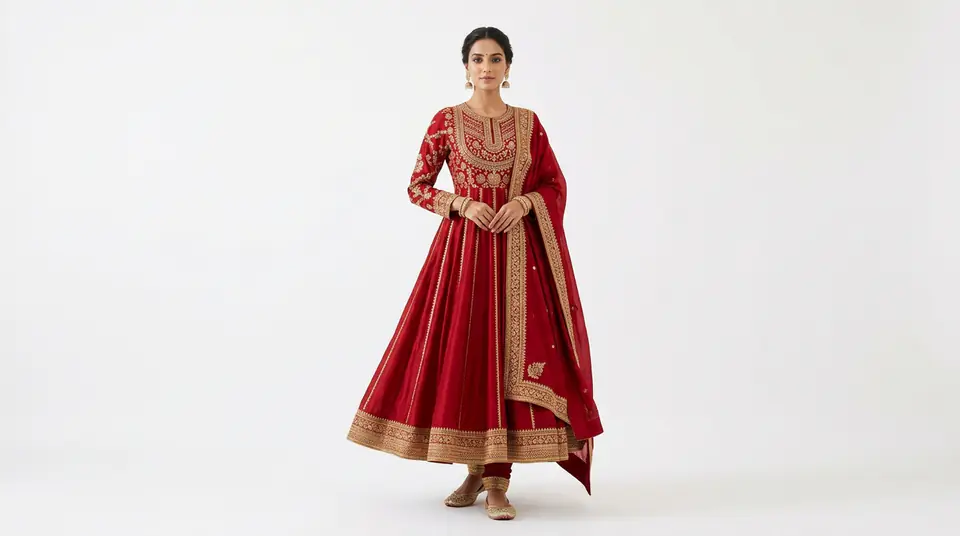
Rule 1: High-Resolution & Immaculate Backgrounds. Your main product image must be crystal clear, high-resolution (ideally 1K or 2K pixels on the longest side), and presented against a pure white or light grey background. We often see Indian fashion sellers using lifestyle shots with busy backgrounds, models posing in cafes, or even watermarked images from their wholesalers. These are instant rejections. Google wants the product to shine, devoid of distractions. For an Indian saree, a stunning drape on a pure white background makes all the difference.
Rule 2: No Watermarks, Logos, or Promotional Text. This is perhaps the most common violation. Google explicitly forbids any overlaid text, branding, watermarks, or promotional badges (like “Sale!” or “New Arrival”). Your main image must be a clean, unadulterated depiction of the product itself. Many Indian brands, trying to protect their images, add subtle watermarks – this is a red flag for Google and will get your entire Google Shopping apparel feed disapproved.
Rule 3: Product Dominance & Accurate Representation. The product should occupy 75-90% of the total image canvas. It needs to be the central focus, accurately representing what the customer will receive. This means no partial views, no incorrect colours (which can be caused by poor lighting), and no accessories that aren’t included in the purchase without clear disclaimers. If you’re selling a kurti set, the image should clearly show the kurti and accompanying bottom. For footwear, make sure both shoes are visible.
Rule 4: Proper Multi-Product & Variant Handling. For products sold individually, your main image should feature just that one item. If you offer color or size variants, you need distinct, compliant images for each variant. Many sellers use one generic image for all variants, causing customer confusion and Google rejections. For example, a single product listing for 'Anarkali Kurti' should have separate images for 'Anarkali Kurti - Red', 'Anarkali Kurti - Blue', etc., each adhering to the above rules. This granular approach to ecommerce fashion photography is essential for Google Merchant Center.
Generate your own AI fashion photoshoot with Drapify — 50 free credits, no card required.
DrapifyApp: Your AI-Powered Google Shopping Compliance Engine – The Obvious Fix
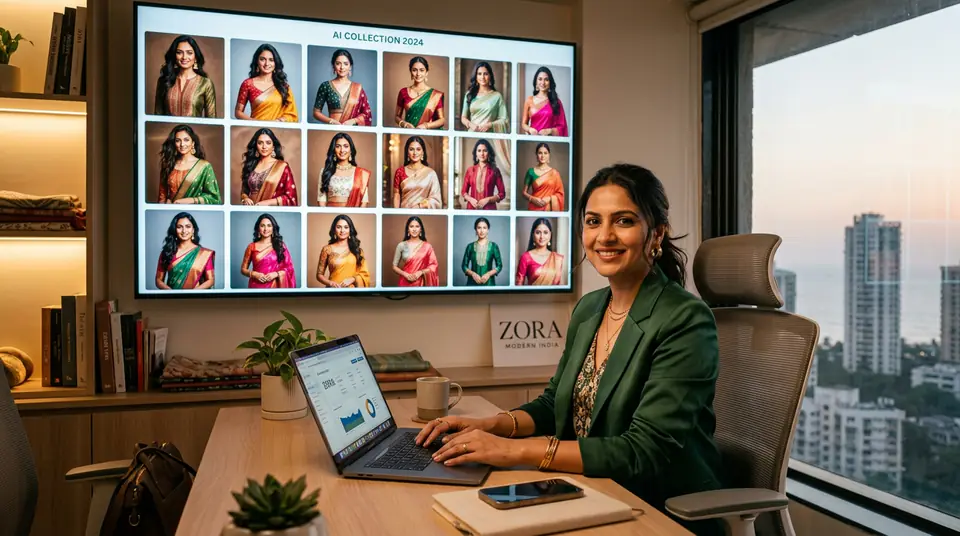
This is where DrapifyApp changes the game for Indian fashion sellers. We are built precisely to overcome these Google Shopping image hurdles, delivering compliant, high-quality Google Shopping fashion photos in minutes, not days or weeks. Think about it: traditional photoshoots are slow, expensive, and often require reshoots to meet specific guidelines. DrapifyApp eliminates this bottleneck completely.
How DrapifyApp Ensures Google Shopping Compliance: Pure White Backgrounds, Instantly: Our AI automatically generates pure white or light grey backgrounds, making your products pop and instantly complying with Rule 1. No more manual Photoshop, no more studio rentals for background control. Clean, Uncluttered Images: DrapifyApp ensures your generated photos are free of watermarks, logos, or promotional text, perfectly adhering to Rule 2. Optimal Framing & Resolution: Our smart AI ensures your product perfectly fills the 75-90% frame requirement and generates images at both 1K and 2K resolution, guaranteeing clarity and crispness as per Rule 3. Your kurtis, sarees, or shirts will look premium and true-to-life. Scalable Variant Creation: DrapifyApp makes creating distinct images for every product variant incredibly simple. Need a red, blue, and green version of a lehenga? Generate them all in seconds, ensuring Rule 4 compliance across your entire catalogue.
DrapifyApp's AI fashion photoshoots help you generate hundreds of images quickly, starting at just ₹499 for 450 credits. With approximately 15 credits per photo at 1K resolution and 25 credits at 2K, you’re getting incredible value. We support a vast range of Indian fashion: kurti sets, sarees, shirts, western wear, kids wear, footwear, and even jewelry. While our 'design studio' allows for custom, vibrant backgrounds for social media or your own DTC site, for Google Shopping, you'll simply stick to the pristine white. DrapifyApp isn't just about pretty pictures; it's about making your fashion business profitable on Google Shopping by meeting its demands effortlessly.
Stop Losing Crores: Action Steps for Indian Fashion Sellers TODAY
The clock is ticking. Every day your Google Shopping campaigns are hampered by photo rejections is a day your competition gains ground and you lose revenue. It's time to stop lamenting and start acting. Here’s your immediate action plan:
1. Audit Your Google Merchant Center Feed: Log in right now. Identify all products with rejected images. Understand the exact reason Google provides for each rejection. This is crucial intel. 2. Prioritize Your Bestsellers: Start with your top 10-20% of products – the ones that drive the most sales or have the highest potential. These are where compliant Google Shopping product photos will have the most immediate impact. 3. Sign Up for DrapifyApp: Head over to DrapifyApp.com. Our intuitive platform is designed for ease of use, even if you’re not a tech expert. You can start generating compliant images almost immediately. 4. Upload & Generate: Take your existing product flat lays or even basic mobile photos. Upload them to DrapifyApp, select your desired model (or choose a ghost mannequin look), and let our AI transform them into high-resolution, Google-compliant images with pure white backgrounds. 5. Replace & Resubmit: Download your newly generated images and replace the problematic ones in your Google Merchant Center feed. Resubmit and watch your products go live, driving traffic and sales.
Don’t let the complexity of Google Shopping apparel feed requirements scare you away from India’s biggest source of online shoppers. With DrapifyApp, you have the power to comply, compete, and conquer. It’s an investment that pays for itself many times over, especially during India’s bustling festive seasons.
Don't Let Diwali, Eid, or Karwa Chauth Sales Slip Away. Act NOW.
The festive season in India is a goldmine for fashion sellers, but only if your products are visible where it counts: Google Shopping. If your Google Shopping fashion photos aren’t up to standard, you’re essentially leaving money on the table, allowing your rivals to feast. The window of opportunity closes fast. Stop wasting time and resources on outdated photography methods that only lead to rejections and lost sales. Embrace the future of fashion photography and ensure your brand stands out. DrapifyApp is your secret weapon to gain an unfair advantage, achieve compliance, and significantly boost your online revenue. Don’t miss out on another rupee; your competitors certainly aren't. Join the smart Indian fashion sellers who are already scaling their businesses with DrapifyApp. Start today and see the difference.