01.Step 1: Audit Your Current Catalogue Ruthlessly
The first step is to brutally audit every single product listing photo you have live right now. You can't fix a problem you haven't measured. The goal is to see the chaos your customer sees. You'll probably be surprised. I was horrified when I first did this. I had off-whites, pure whites, grey-whites from a cloudy day in Jaipur, and even a few with the corner of a rug showing. Embarrassing. But necessary.
This isn't about feeling bad. It's about getting a baseline. Be methodical. No emotion.
02.Step 2: Choose Your One True Background
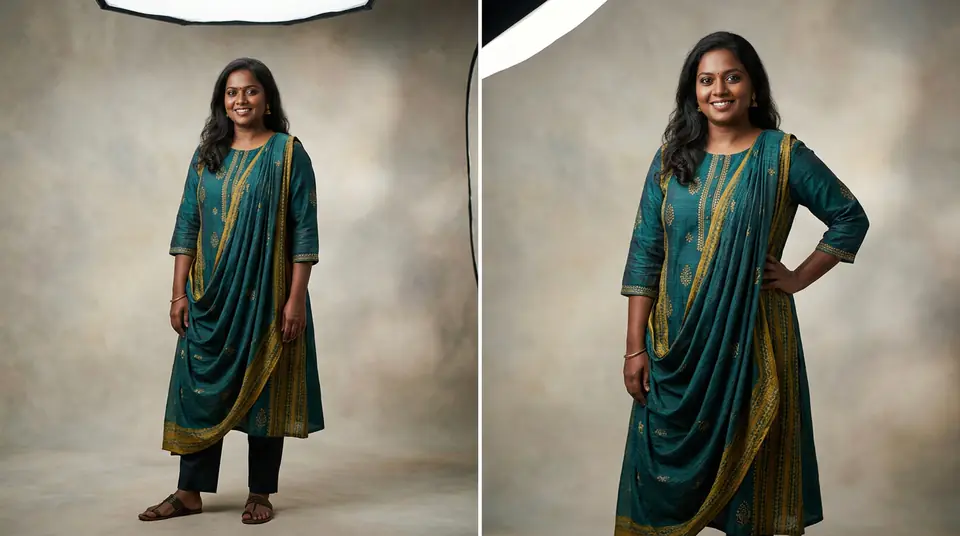
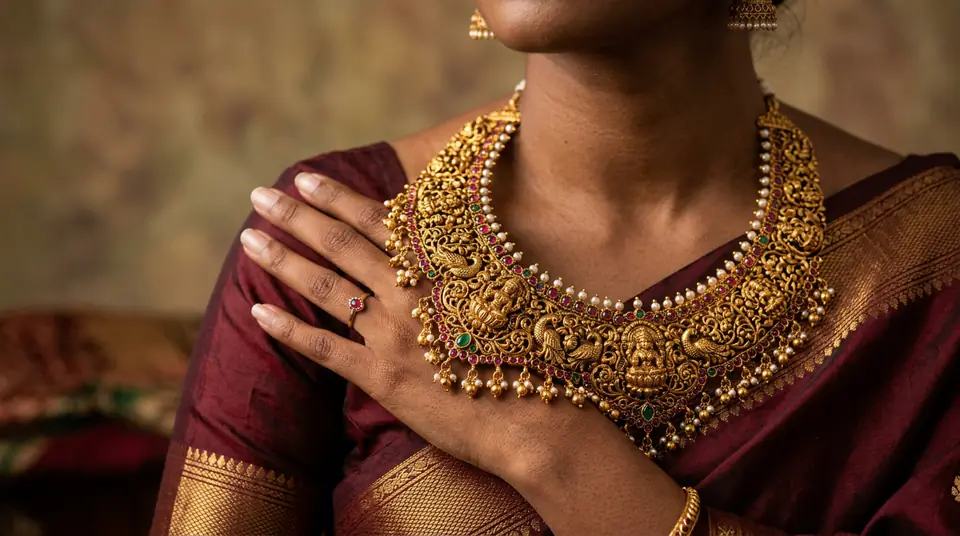
Select a single, non-distracting background color and texture that you will use for 95% of your product photos going forward. The time for creativity is not here. Boring is profitable. Your goal is a clean grid on Myntra or your Shopify store that lets the customer compare products easily. The background should be invisible. It's there to make your product the hero, nothing else.
| Background Type | Best For | Pros | Cons |
|---|---|---|---|
| Pure White (#FFFFFF) | Marketplaces (Amazon, Myntra) | Clean, required by platforms, no distractions. | Can wash out light-colored items, can look sterile. |
| Off-White / Light Grey | D2C sites, WhatsApp catalogues | Softer, looks more premium, forgiving on the eyes. | Inconsistent shades if not controlled, might be rejected by some marketplaces. |
| Textured/Lifestyle | Hero images, social media | Shows context, creates mood, tells a story. | Distracting for product grids, expensive, hard to keep consistent. |
For my brand, I use a light grey (#F5F5F5) for my own website and WhatsApp, and generate a pure white version for marketplaces. This gives the best of both worlds.
03.Step 3: Define Your Lighting and Shadow Style
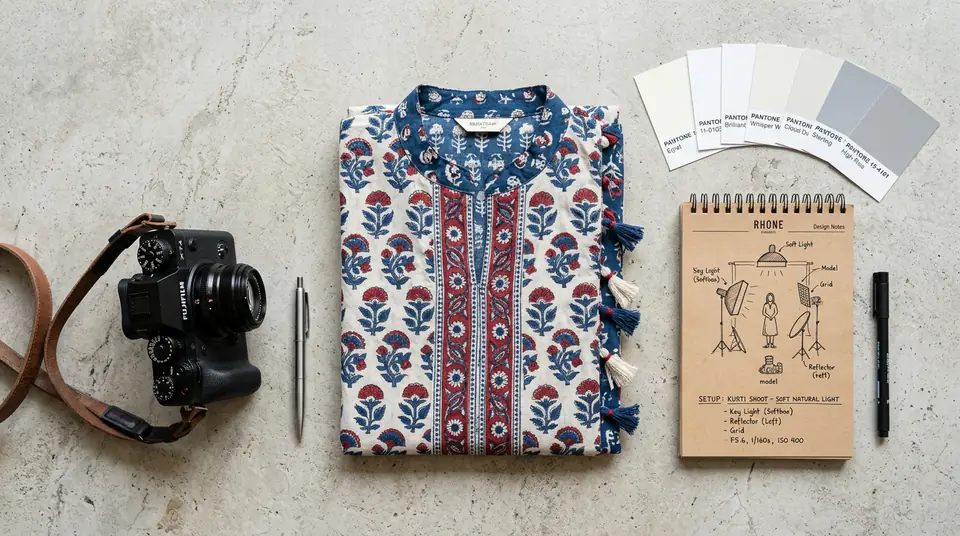
Decide on a single, repeatable lighting setup to create a consistent shadow style for all your product images. This is just as important as the background color. A photo on a grey background with a hard shadow on the right looks completely different from another photo on the same grey with soft, diffused light. This is where most brands fail, even if they get the background color right.
My biggest early mistake was using natural light from a window. The light in Jaipur changes dramatically from 10 AM to 2 PM. My morning photos looked warm, and my afternoon photos looked cool and harsh. Total disaster for consistency. You need control.
Generate your own AI fashion photoshoot with Drapify — 50 free credits, no card required.
04.Step 4: Reshoot Your Bestsellers First
Start by fixing your top 10-20% of products—the ones that already generate 80% of your revenue—to match your new background and lighting rules. Don't try to reshoot all 500 of your SKUs at once. That's a recipe for burnout and failure. Focus on maximum impact. The product pages that get the most traffic are the ones that need to look perfect first. This builds momentum and gives you a quick win.
This is also the best time to test tools that make this process less painful. When I had to fix my first 50 kurtis, I didn't have time to set up a studio again. I took clean flat-lay photos on my floor and used DrapifyApp for my boutique clothing photography. It generated new model photos on my chosen background in minutes. Problem solved.
05.Step 5: Automate Backgrounds for New Inventory
Create a workflow that applies your chosen background to all new product photos automatically, removing the risk of human error or laziness. Manual editing is slow, expensive, and never perfectly consistent. A pixel off here, a slightly different shade of grey there. It adds up. For my AI WhatsApp catalogue photos, speed is everything. I cannot afford to spend a day in Photoshop for every new batch of arrivals.
Using a tool that bakes in your standards is the only way to scale. With Drapify, I've locked in my #F5F5F5 background. Every single photo, whether for a saree, a lehenga, or a men's kurta, comes out on that exact background. I don't even have to think about it. This is how you build a real system.
3 Minutes
To generate a model photo with a perfect background
₹13-15
Cost per photo vs. ₹300+ for a studio
100%
Consistency with an automated process
0 Hours
Spent on manual background removal
06.Step 6: Update Your Marketplace and D2C Guidelines
Document your new product photo background standards and make them the official rule for your team, any freelancers, and your marketplace listing process. This last step is boring, but it's what separates the pros from the hobbyists. Your one-page style guide from Step 3 becomes company law. It should be non-negotiable.
If you have an employee who lists products on Ajio and Meesho, they get a copy of the guide. If you hire a freelance photographer for a special festive collection, they must follow the guide. Consistency is not an accident; it's a documented, enforced process. For platform-specific rules, like creating Myntra catalogue photos, your guide should specify the pure white background variant. You can even use tools to generate color variant photos with AI models, ensuring they all share that same, perfect background.