01.1. You're using watermarks or promotional text on your main images.
Google Shopping strictly prohibits watermarks, logos, or any promotional text on primary product images because it wants a clean, unobstructed view of the item being sold. This isn't about protecting your brand; it's about providing a consistent, fair shopping experience across all merchants. Any text like "Sale!", "Free Shipping," or even your small brand logo stamped on the main photo will get your product feed rejected faster than a hot vada pav at peak lunch hour in Mumbai.
Your title and description are where you convey value and promotions. The image? That's purely for the product. Google wants to avoid a chaotic, ad-filled visual landscape, ensuring users can clearly see what they’re buying without distraction. If you're wondering why your best-selling kurti isn't showing up, this is often the first place to check. It's a simple, non-negotiable rule that catches out countless Indian sellers.
02.2. Your background isn't pure white or isn't consistent.
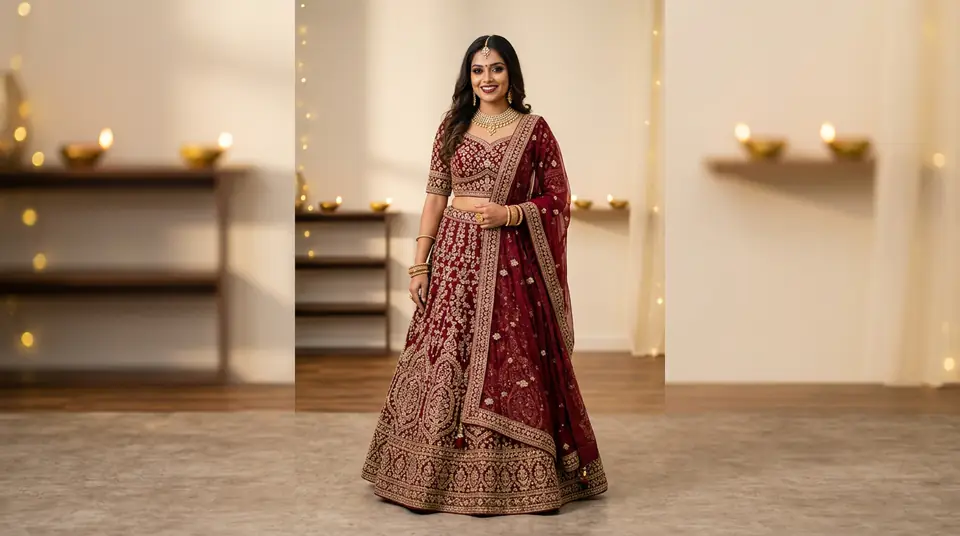
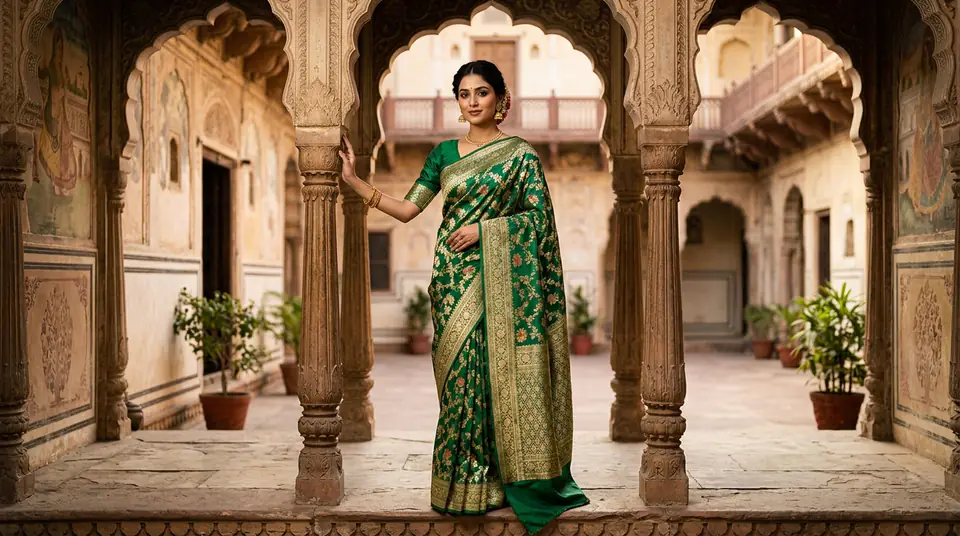
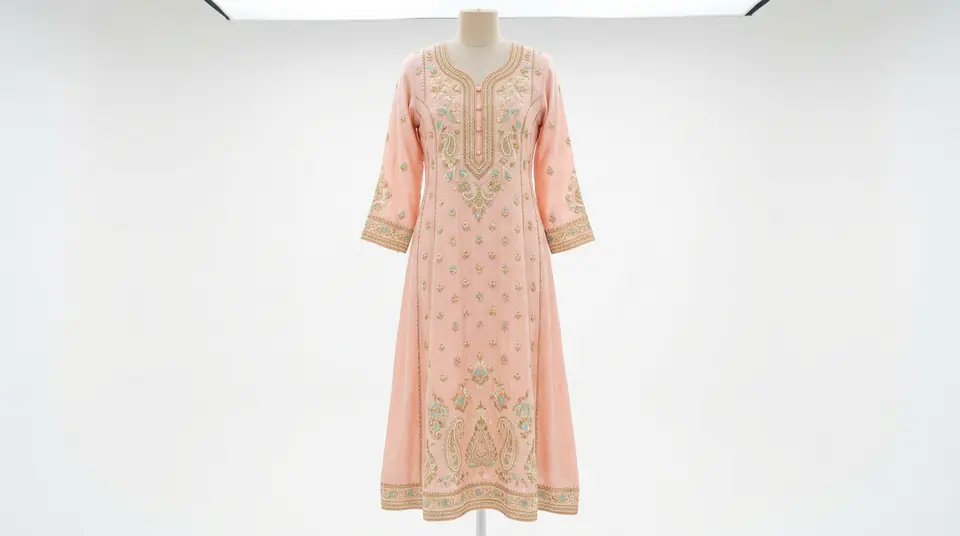
Google requires main product images for apparel to have a pure white background (RGB 255, 255, 255) to maintain visual consistency across its entire platform. Forget your fancy marble backdrop, the picturesque Jaipur street scene, or even that slightly off-white studio wall – if it isn't pure white, Google flags it. This uniformity helps shoppers compare products directly without visual clutter.
An inconsistent background for different products in your catalogue isn't just a Google policy violation; it also screams 'unprofessional' to potential buyers. Imagine browsing for a new anarkali suit and seeing a mix of outdoor shots, grey backgrounds, and then a crisp white one. It creates visual dissonance, making your brand look disjointed and less trustworthy. You wouldn't see Myntra or Ajio doing this, right? Learn how to achieve perfect product photo background consistency without breaking the bank.
RGB 255, 255, 255
Required pure white background
7-10 days
Typical Google Merchant Center appeal time
03.3. Your product isn't filling 75-90% of the image.
The product in your Google Shopping images must occupy between 75% and 90% of the total image canvas to ensure clear visibility without excessive padding or being cut off. Too much empty space around your product makes it appear small and insignificant, forcing shoppers to strain their eyes or zoom in. On the flip side, if your garment is cropped too tightly, key details might be missing, leaving buyers guessing.
This rule ensures every product gets the spotlight it deserves on the search results page. Think about it: a shopper scrolling quickly on their phone needs to grasp your product instantly. If they can’t make out the embroidery on your lehenga or the drape of your saree, they’ll just keep scrolling. It’s a simple framing mistake that can dramatically reduce your click-through rate. Proper ecommerce product photography demands precision in every shot.
Generate your own AI fashion photoshoot with Drapify — 50 free credits, no card required.
04.4. You're showing lifestyle photos instead of clear product shots as primary.
Google expects your primary image to be a clear, front-facing view of the single product being sold, not a dynamic lifestyle shot with multiple items or models in a scenic setting. While lifestyle images are fantastic for marketing and showcasing your brand's vibe, they confuse Google's algorithms when used as the main product photo, often leading to rejections for policy violations like "product not clearly visible" or "model obscuring product."
Save those beautiful shots of your model twirling in a saree on a Goa beach for your secondary images or Instagram ads. Your main Google Shopping image needs to be unambiguous: this is the product, clearly displayed, on a white background. This is where AI model photoshoots really shine. You can get crisp, compliant main images effortlessly, and then use AI for engaging lifestyle shots too. DrapifyApp allows you to generate high-quality AI model photoshoot images from a single garment photo, perfectly suitable for both primary and secondary image needs, all within minutes.
05.5. Your product has color variants but you're only showing one image.
If your product (say, a tunic) comes in multiple color variants (e.g., red, blue, green), you must submit a separate image for each specific color variant in your Google Shopping feed. It's a common oversight for sellers to just show one default color and list the others as options. This leads to frustrated shoppers who can't visually confirm the other colors and, more importantly, Google often rejects such listings because the images don't match the listed attributes.
Customers want to see what they're getting. If you're selling a vibrant silk saree available in five shades, each shade needs its own distinct, high-quality image. This isn't just a Google rule; it's basic e-commerce best practice for boosting conversion rates. Before DrapifyApp, generating unique images for dozens of color variants meant costly reshoots. Now, you can easily generate color variant photos with AI models in different poses from a single base image, often for as little as ₹13-15 per photo, saving massive time and expense.
06.6. Your images are low-resolution or pixelated when zoomed.
Google penalizes product images that appear blurry, pixelated, or have poor resolution, especially when a user zooms in, as it significantly degrades the shopping experience. While Google has minimum requirements (250x250 pixels for apparel), the recommended size is much higher, often 800x800 pixels or more, to support zoom functionality and ensure clarity on high-resolution screens.
Remember that time you tried to check the fabric detail on a dress on Amazon India, only for the image to pixelate? That's what you're doing to your potential customers. Cheap, low-res photos might save you a few rupees upfront, but they cost you far more in lost sales and ad budget down the line. Google aims for a premium shopping experience, and fuzzy photos don't cut it. Ensure your product images are sharp, detailed, and support robust zoom for an optimal fashion ad conversion fix.
07.7. You're not using identity-locked models for different poses.
Using inconsistent models across various poses for the same product, or even across a collection, signals a lack of professionalism and can confuse Google's algorithms about product identity. When a shopper sees the same kurti on three different models with wildly varying body types and skin tones, it creates an immediate sense of distrust or ambiguity about the product itself.
For platforms like Myntra and Ajio, visual consistency is paramount. Google too wants this seamless experience. Imagine your entire catalogue, from sarees to lehengas, presented by the same set of diverse, identity-locked models. It builds brand recognition and trust. DrapifyApp's AI models are identity-locked, meaning you can generate hundreds of photos of the same garment on the same AI model in various poses and backdrops. This ensures your Myntra catalogue photos or any other marketplace listings maintain a professional, cohesive look, reducing customer confusion and returns.
| Problem | Google Shopping Rule | Solution |
|---|---|---|
| Watermarks | No promotional overlays | Clean primary images |
| Mixed Backgrounds | Pure white (RGB 255, 255, 255) | Use consistent white backgrounds |
| Product Scale Off | 75-90% image fill | Properly crop and size images |
| Single Color Image | Image for each variant | Generate all color variant photos |
| Low-Res Photos | High quality, zoomable images | Use 800x800+ resolution |