The Invisible Wall: Why Your Ads Disappear
It stings because you know your product is good. Your kurtis are vibrant, your lehengas are intricate, your menswear is sharp. You've got stock, you've got a great website, maybe even some decent organic traffic. But Google, that behemoth of discovery, keeps throwing up roadblocks. More often than not, for fashion brands in India, those roadblocks aren't about your bid strategy or keyword targeting. They're about your Google Shopping apparel feed photos. It’s a frustrating cycle, isn't it? You spend hours optimising everything, only for a few bad images to send your entire campaign to the 'disapproved' graveyard.
I’ve seen it countless times, from small D2C brands in Bengaluru struggling to scale past ₹30 lakhs to established players in Surat trying to push their seasonal collections during Diwali. They're all making the same fundamental photography mistakes that Google Merchant Center (GMC) absolutely hates. And when GMC is unhappy, your ads don't run, sales plummet, and your carefully crafted strategy falls apart. It's not about being clever; it's about following the rules that are right there in front of us, rules many still manage to miss.
Rule #1: The White Background & Aspect Ratio Obsession
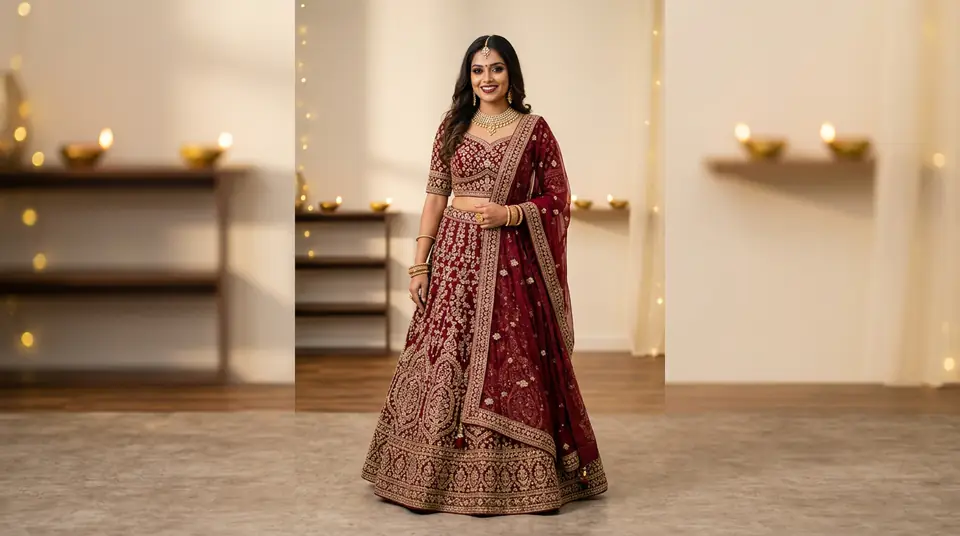
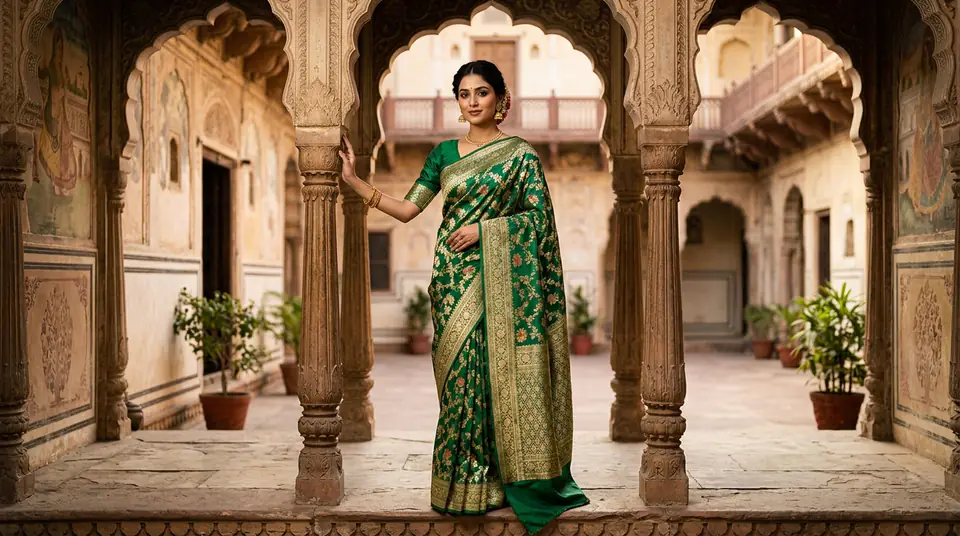
First up, and probably the most common blunder: backgrounds. Google wants a solid white or transparent background for your main product image. No lifestyle shots, no elaborate sets, no models lounging on antique furniture. Just your product, pristine against pure white (#FFFFFF). I've had clients argue this for hours, saying, "But my customers love seeing the clothes styled!" Sure, for your social media or product detail pages, but not for your Google Shopping feed. Google's logic is simple: they want to compare products apples-to-apples, and a busy background interferes with that.
““My designer said a styled background makes the product look richer, more premium. Why does Google want it to look so… plain?””
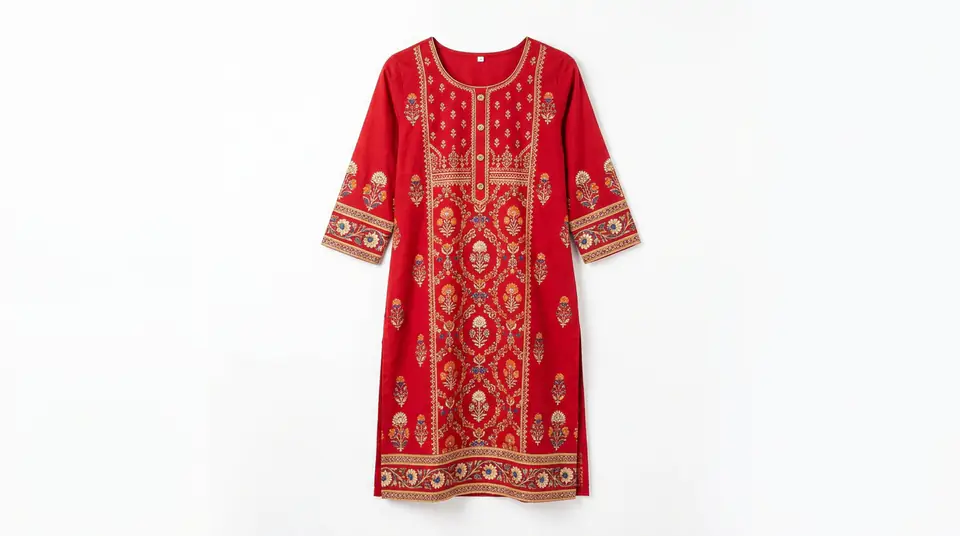
Then there’s the aspect ratio and padding. Oh, the padding. Google specifies a minimum of 75% and a maximum of 90% of the image area for the product itself. This means your item can't be tiny in the middle of a vast white canvas, nor can it be cropped so tightly that parts are missing. It needs a comfortable amount of whitespace around it – like it's breathing. Most phones default to a different aspect ratio, and if you just upload directly without resizing or cropping, you're looking at a swift rejection. It's tedious, yes, but it’s non-negotiable for a clean Google Shopping apparel feed.
Generate your own AI fashion photoshoot with Drapify — 50 free credits, no card required.
What Google Sees (And Your Customers Don't)
Beyond the background, there are other sneaky culprits. Watermarks, promotional text overlay, brand logos, or even too much shadowing. Google doesn't want any of it on your primary image. These elements might work for your Amazon India listings or Myntra storefront, but for Google Shopping, they’re a strict no-go. The image needs to be purely descriptive of the product, nothing more. A single garment photo, unadorned. Think of it as a digital display window where only the item itself is on show.
This focus on clarity and product-only display is where traditional photoshoots often fall short, or rather, cost a bomb to get right across thousands of SKUs. Imagine reshooting your entire new line of printed t-shirts, just for a slightly different background or a model switch. The logistics alone, the sheer time, and the ₹25,000 to ₹50,000 studio bill for a single day can be crippling. This is precisely the kind of pain point DrapifyApp solves, allowing you to generate perfectly compliant, clean product shots from a single garment photo – in about three minutes, for roughly ₹13-15 per photo.
The Model Dilemma: Mannequin or Human?
Another common debate: do you use a ghost mannequin or a live model? For your primary Google Shopping image, Google actually prefers a clear, unembellished shot of the garment. If you're using a model, they need to be fully visible, not cropped, and the focus must remain squarely on the apparel. No distracting poses or accessories that aren't part of the product being sold. This is especially tricky when you're catering to the incredibly diverse Indian market, trying to represent various body types and styles.
Often, brands make the mistake of using one model for a hundred products, leading to creative fatigue and a disconnect with customers who don't see themselves represented. (It’s why so many brands struggle to hit that next revenue milestone, say, ₹1 crore from ₹50 lakhs). If you’re pushing multiple color variants of a kurti, you need consistent, clear shots for each. DrapifyApp allows you to generate photos with diverse, identity-locked AI models across multiple poses, all while maintaining the exact garment and perfect white background Google demands. You can even generate new color variants without ever reshooting, saving you lakhs during the crucial festival seasons like Eid or Diwali.
75%-90%
product-to-image ratio Google demands
3 minutes
time to generate an AI photo on DrapifyApp
₹13-15
cost per AI photo on DrapifyApp
From Rejection to Revenue: Small Changes, Big Wins
It all boils down to discipline. Google isn't trying to make your life difficult; they're trying to create a consistent, high-quality shopping experience for their users. When your product images are clean, clear, and compliant, not only do you avoid those dreaded disapprovals, but your ads actually perform better. Click-through rates often improve because the product is clearly visible, and conversion rates follow because customers aren't misled by busy backdrops or fuzzy details.
My advice? Stop fighting Google. Instead, invest in tools and workflows that make compliance easy. Go through your existing Google Shopping apparel feed, especially for your top 20 best-selling items, and scrutinize every single image against these rules. If you find errors, fix them. It might seem like a small detail, but in the cutthroat world of online retail, especially on platforms like Google Shopping, these small details are where lakhs are won or lost. With solutions like DrapifyApp, getting these images right is no longer a logistical nightmare; it's a strategic advantage that pays dividends.