MYTH: "You need an expensive DSLR and a full studio setup for professional catalogue photos."
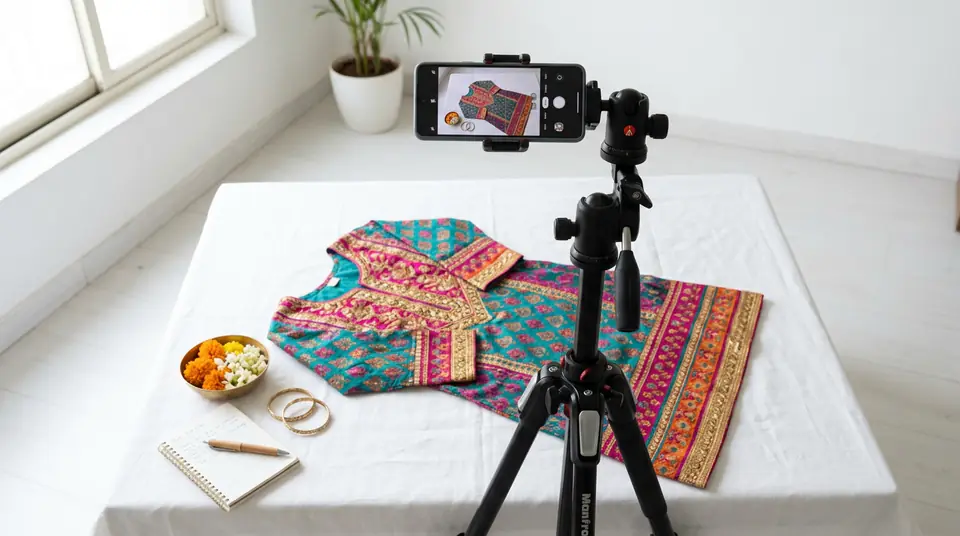
The reality is, your smartphone, used smartly, can capture perfectly acceptable product photos for many small businesses and even some online marketplaces, especially when you're just starting out.
People believe this because professional studio photos do look amazing. They see ads with perfect lighting, crisp details, and models posing flawlessly. And honestly, for a long time, that was the only way to get truly high-quality images. Photographers would talk about lens apertures, strobe lights, and backdrops, making it all sound very complicated and expensive. I remember thinking I needed to save up lakhs just for equipment before I could even think about selling beyond my immediate circle.
But technology has come a long way. Modern smartphone cameras, especially those on phones bought in the last 2-3 years, have excellent sensors and processing capabilities. My own journey started with an old Redmi Note 7 Pro, shooting kurtis on my bedsheet. While those early photos weren't Myntra-ready, they were good enough for my WhatsApp catalogue and even helped me get my first 50 sales.
90%
of all phone photos are taken on iPhones or Samsung Galaxy phones (2023 data)
48MP-108MP
typical resolution of modern phone cameras
₹0
initial equipment cost (if you already own a smartphone)
MYTH: "Any natural light is good light for phone photography."
The truth is, while natural light is generally best, specific natural light conditions are crucial for clean, consistent catalogue photos, especially when you're shooting with a phone.
Sellers hear "use natural light" and think, "Great, I'll just step outside or turn on all the lights in my room." It sounds simple, right? The problem is, direct sunlight creates harsh shadows and blown-out highlights, making your clothes look flat and losing details. Mixed lighting from different bulbs (tube light, yellow bulb, sunlight) creates confusing colour casts that make your product look inconsistent and difficult to colour-correct later. You'll spend hours trying to fix something that was wrong from the start.
What you need is diffused natural light. Think about the light near a large window, ideally facing north or south, on a slightly overcast day. This light is soft and even, wrapping around your product without harsh shadows. You don't need a fancy softbox; a sheer white curtain can diffuse direct sunlight beautifully. I learned this the hard way after reshooting a batch of block print sarees four times because the colours kept looking different in every photo, all because of inconsistent lighting.
MYTH: "Basic photo editing apps can fix any bad product photo."
Reality check: Editing apps are powerful tools for enhancement, not for rescuing fundamentally flawed photos. If your original image is blurry, poorly lit, or has a distracting background, no app can magically transform it into a professional shot.
It's easy to get excited by the filters and tools in apps like Snapseed or Lightroom Mobile. You might think, "I'll just brighten this up, smooth that out, and it'll be perfect." But starting with a poor base image means any edits you make will look artificial or even worse. Over-editing can make fabrics look fake, colours appear unnatural, and details get lost. Marketplaces are quick to reject such images because they don't accurately represent the product. I once spent an entire Saturday trying to salvage photos of a cotton kurti that I'd shot in my dimly lit living room, only to have Flipkart reject them all for "poor image quality and inaccurate colour representation." That's a day I'll never get back.
The rule is: get it right in the camera first. Use editing apps for minor adjustments like cropping, slight exposure correction, white balance tweaks, and perhaps a subtle sharpening. If you're spending more than 5 minutes editing a single product photo on your phone, you probably need to reshoot.
MYTH: "Your phone photos will be accepted on all major marketplaces like Myntra and Flipkart."
While phone photos can get you started on some platforms, they often hit a hard ceiling with the stricter image guidelines and quality expectations of top Indian marketplaces like Myntra, Amazon India, and even Flipkart for certain categories.
For platforms like Meesho or your personal WhatsApp Business catalogue, a well-lit, clear phone photo is often sufficient. They prioritize accessibility for sellers. But as you aim for bigger platforms, the bar rises significantly. These marketplaces require specific pixel dimensions (e.g., Myntra often demands 2000x3000 pixels or higher), crisp detail, consistent white or light backgrounds, and increasingly, professional model shots for apparel. Trying to upscale a phone photo to meet these dimensions often results in pixelation and rejection. I've seen countless sellers get stuck here, unable to list their most beautiful lehengas on Myntra because their phone photos just couldn't deliver the required quality or scale, leading to lost sales opportunities during wedding season.
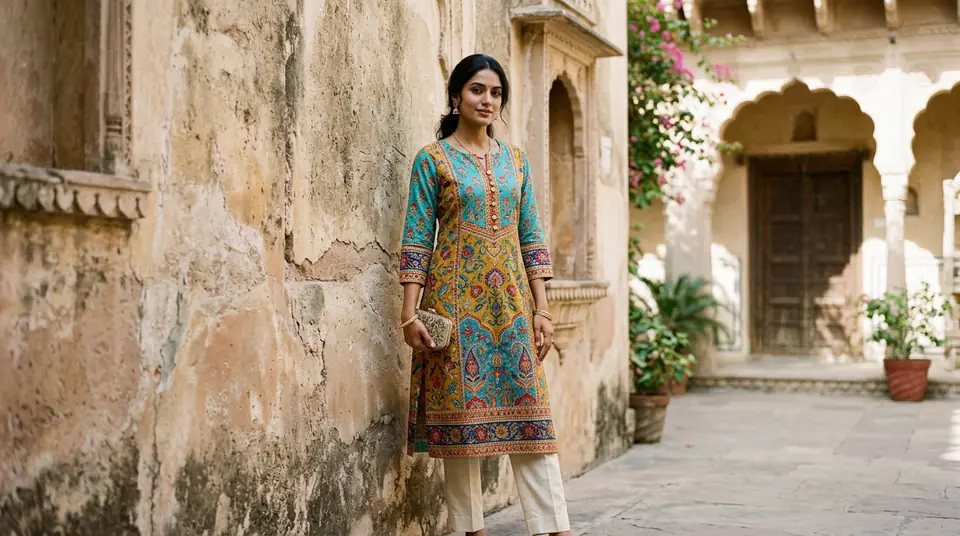
This is where dedicated tools can make a real difference. For instance, an AI tool like DrapifyApp can take a simple flat-lay photo you took with your phone and transform it into a professional model shot, meeting those strict resolution and background requirements in minutes. This effectively bridges the gap between your phone's capabilities and marketplace demands, all without needing a studio or a professional photographer. You get marketplace-compliant images ready to upload, like those stunning saree catalogue photography shots.
MYTH: "AI photography is only for big brands or tech-savvy people, not small sellers."
This is simply not true; AI photography tools are incredibly accessible and affordable, designed to empower small and medium-sized sellers, even those who consider themselves technologically challenged, to create high-quality fashion visuals.
Many sellers hear "AI" and picture complex software, huge server rooms, or something that costs thousands of rupees monthly. They think it's just another tech trend for companies with big marketing budgets. But that's a misunderstanding of what modern AI tools actually are. They're built for simplicity. You upload one garment photo, pick a model, and in three minutes, you have a professional-grade image. There's no learning curve, no need to understand code or advanced photography concepts. The beauty is in its user-friendliness and affordability.
Consider a seller in Surat producing 50 new kurti designs every month. Hiring a photographer for even simple kurti catalogue photography at ₹500 per piece would cost ₹25,000. With DrapifyApp, generating professional model shots for all 50 designs might cost as little as ₹450 (50 images x ₹9/image with a bulk plan). That's a massive saving of over 98% that goes directly back into your business.
| Category | DIY Phone (approx.) | DrapifyApp (AI) (approx.) | Traditional Studio (approx.) |
|---|---|---|---|
| Initial Investment | ₹0 (if phone owned) | ₹499 (one-time credits) | ₹50,000+ (equipment/rental) |
| Cost per Product (10 new kurtis) | ₹0 (time cost) | ₹90 (10 images x ₹9) | ₹5,000-₹10,000 (at ₹500-₹1000/pc) |
| Speed | Slow (DIY time) | Minutes | Days to weeks |
| Quality | Basic, inconsistent | Professional model shots | High, custom |
| Marketplace Suitability | WhatsApp, Meesho (basic) | Meesho, Flipkart, Myntra (model shots) | All marketplaces, D2C |
MYTH: "You have to pay for an expensive monthly subscription for good photo tools."
Many powerful photo generation tools, like DrapifyApp, operate on a flexible pay-per-use model, meaning you only pay for the photos you actually create, without the burden of recurring monthly subscriptions.
This myth comes from the common software-as-a-service (SaaS) model where you pay a monthly fee whether you use the tool or not. For small businesses, especially those with seasonal demand or fluctuating product launches, a subscription can feel like a wasted expense during slower months. You might have only a few new lehenga designs this month, but a subscription forces you to pay for unlimited usage you don't need.
The reality is that platforms like DrapifyApp understand the Indian seller's need for flexibility. You can buy one-time credit packs starting from just ₹499. Your credits never expire. This means you only top up when you have new products ready to shoot. This flexible model is designed to support businesses of all sizes, ensuring you have access to professional tools without the financial pressure of a fixed monthly cost. You can even generate your first HD photo completely free, without signing up, just to see if it works for your product. Try it on the DrapifyApp home page.
Who This Is NOT For
While phones and AI tools can do wonders, it's important to know when they might not be the right fit for your specific needs.
This approach is generally not for brands that require highly artistic, conceptual photoshoots with complex styling, unique sets, and specific brand-story elements that a human creative director would oversee. If your brand needs a very niche, specific model persona that requires intricate facial expressions or unique interactions with props that AI can't perfectly replicate, a traditional photoshoot might still be necessary. Also, if you're selling extremely bespoke, one-of-a-kind items where every tiny stitch, texture, or hand-painted detail needs hyper-realistic, macro-level photography that goes beyond standard product representation, a dedicated studio with specialized equipment might be your best bet.