WhatsApp · social selling

How to get orders on WhatsApp for clothing.

No algorithm to fight, no commission to pay — just a catalogue, a contact list, and whether your photos look trustworthy enough on a small screen to justify a UPI transfer.

Catalogue setup that converts Broadcasts without getting blocked Building the list Why compressed photos cost sales

Quick answer

How do you get orders on WhatsApp for a clothing business?

To get orders on WhatsApp, set up a WhatsApp Business catalogue with clear on-model photos, prices and sizes for every item, build your contact list from existing customers and other channels, send targeted broadcasts rather than mass forwards, and reply quickly with payment and delivery details. Image quality matters most because WhatsApp compresses images heavily.

WhatsApp Business catalogue
A WhatsApp Business catalogue is an in-app product listing feature that lets a business display items with photos, prices and descriptions so customers can browse and enquire without leaving the chat.

A large amount of Indian fashion is sold on WhatsApp, and almost none of the standard e-commerce advice applies to it. There is no ranking algorithm to satisfy, no commission to pay, no listing quality score. What there is instead is a contact list, a catalogue, and a small screen on which a stranger decides whether to send you money by UPI. That makes WhatsApp selling almost purely a trust problem, and trust on WhatsApp is transmitted through image quality more than anything else — which is awkward, because WhatsApp compresses images aggressively and a photo that was already marginal arrives looking worse. This guide covers catalogue setup, list building, broadcast discipline and the image problem underneath all of it.

Why traditional whatsapp · social selling slows sellers down

  • Catalogue photos look compressed and amateur by the time they arrive on the buyer’s screen
  • Broadcasts get ignored, or worse, get the number reported and restricted
  • The contact list is small and grows only through walk-in customers
  • Buyers ask the same questions repeatedly because the catalogue does not answer them
  • No trust signal to justify an advance UPI payment from a stranger
  • Resellers forward the catalogue but the images degrade with every forward

How DrapifyApp fixes it with AI

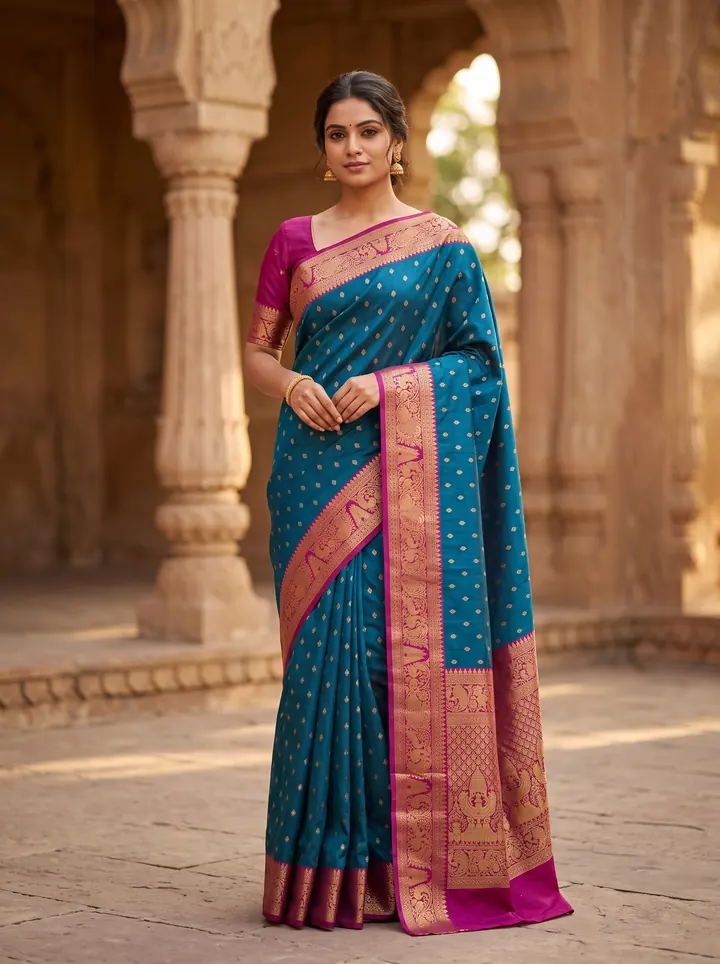
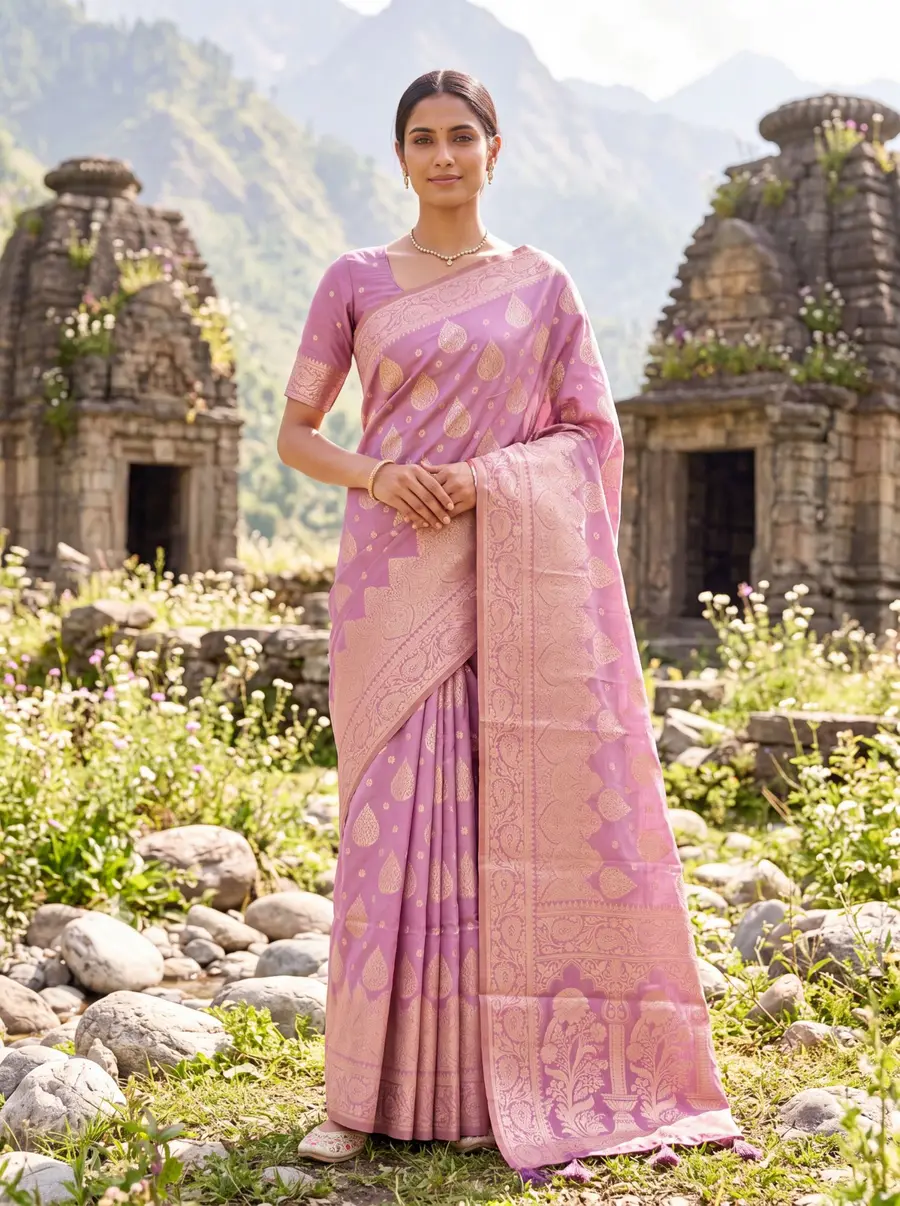
  • Generate a full editorial set from one photo — multiple poses, angles and backgrounds
  • Fabric, print and embroidery reproduced 1:1 from your reference image
  • The same identity-locked model across every pose and colourway
  • New colour or scene in minutes — no re-shoot, no re-booking
  • Marketplace-ready ratios and pure-white backgrounds built in

The playbook, step by step

  1. 1

    Fill the WhatsApp Business catalogue properly — every item with photos, price, available sizes and a short description. Half-filled catalogues generate repetitive questions.

  2. 2

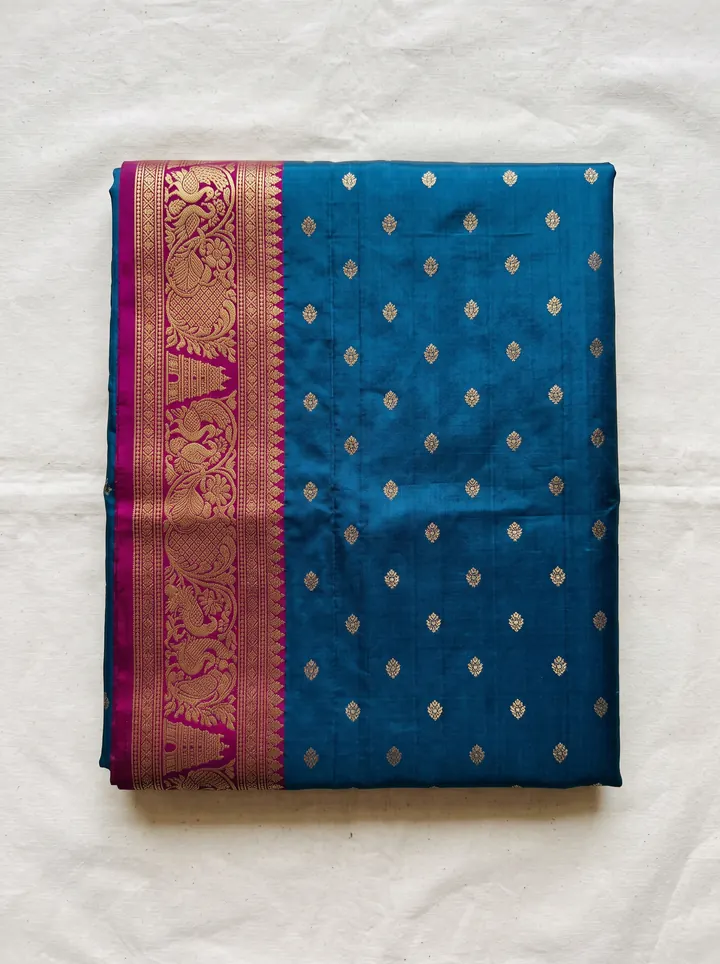
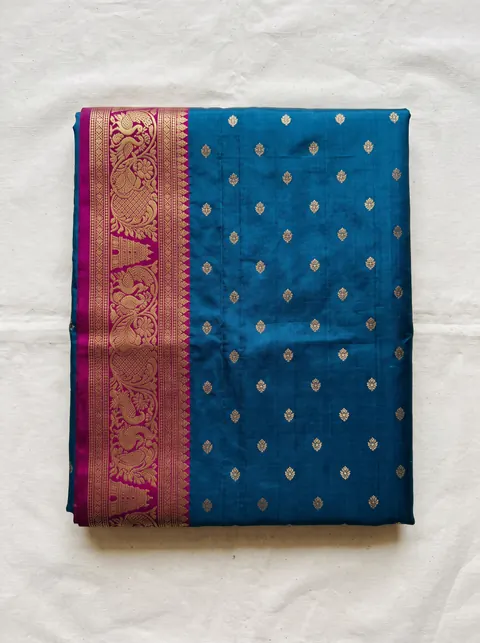
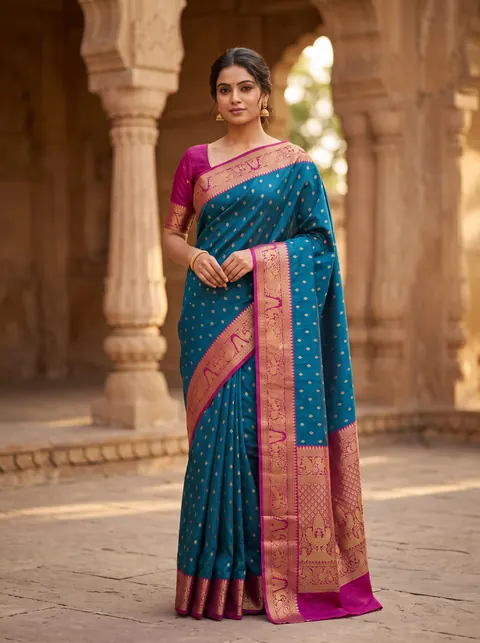
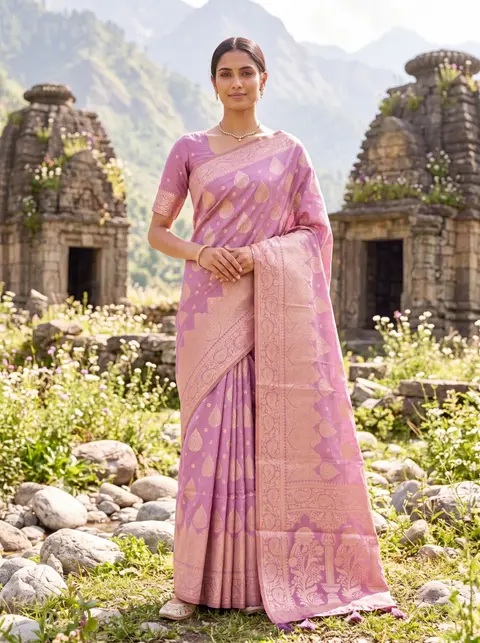
    Use on-model photos as the first catalogue image. On a phone screen a flat-lay is hard to judge and easy to scroll past.

  3. 3

    Upload the highest quality image you can, because WhatsApp will compress it and a marginal photo becomes a poor one.

  4. 4

    Build the list from every channel you already have — walk-ins, Instagram bio, invoices, packaging inserts.

  5. 5

    Segment broadcasts by interest rather than sending everything to everyone. Mass forwards get numbers reported and restricted.

  6. 6

    Answer with price, sizes and delivery time in the first reply so the buyer does not have to ask three times.

  7. 7

    Give first-time buyers a trust anchor: a return commitment, partial payment, or COD where you can support it.

0%

commission on a WhatsApp sale

Trust

is the only conversion lever

~3 min

for a full on-model set per SKU

₹10

per catalogue photo at 1K

Why brands use Drapify for whatsapp · social selling

Marketplace-ready output

Correct aspect ratios, clean backgrounds and catalogue-grade clarity for Myntra, Amazon, Flipkart, Meesho, AJIO and Nykaa specs.

A full set per SKU in ~3 minutes

Upload one flat-lay, get the hero shot plus the secondary angles that answer buyer questions — no studio booking, no model call.

Fewer "looked different online" returns

Fabric, print and colour reproduce 1:1 from your reference, and real drape physics show fit honestly instead of flattering it.

Every colourway listed, not just two

Recolour one base shoot into all your variants with the same model and pose, so each colour gets its own converting listing.

₹10 a photo, one-time credits

No subscription and no expiry, so photographing a long tail of slow-moving SKUs stops being a budget decision.

Commercial rights included

Use every image on listings, ads, packaging and social with no additional licensing fee.

Built for every whatsapp · social selling business

D2C fashion brandsMarketplace sellersBoutique ownersWholesalers & resellersDesigners & studios

One upload, every sales channel

  • Website product pages
  • Myntra, Amazon & Flipkart listings
  • Instagram & Meta ad creatives
  • WhatsApp business catalogues
  • Lookbooks & campaign decks

WhatsApp compression is why your catalogue looks cheap

This is the most underrated problem in WhatsApp selling, and it is purely technical.

WhatsApp compresses images heavily to keep transfers fast on poor connections. A photograph that looked acceptable on your phone arrives on the buyer's screen softer, with muted colour and lost fabric detail — and every time a reseller forwards it, the degradation compounds.

The consequence is specific to this channel. On a marketplace, a mediocre photo loses you a click. On WhatsApp, where the buyer is being asked to transfer money by UPI to someone they may not know, a photo that looks amateur does something worse: it undermines the belief that you are a real business with real stock. The image is not just selling the garment, it is the evidence that you exist.

Two practical responses. Upload the highest-quality source you have, because compression applied to a strong image still produces an acceptable result while compression applied to a weak one does not. And prefer images with strong subject clarity — a well-lit garment on a model against a clean background survives compression far better than a busy, dim flat-lay on a patterned bedsheet.

Broadcasts, resellers and how to not get restricted

WhatsApp's growth mechanics are unlike any other channel here: there is no discovery, so your reach is exactly the list you have built plus whatever your resellers forward.

Building the list is a patient, unglamorous business. Every walk-in customer, every Instagram bio click, every invoice and packaging insert is a contact. There is no shortcut, and buying lists is both ineffective and a fast route to restriction.

Broadcast discipline decides whether the list keeps working. Sending every drop to every contact is what gets numbers reported and eventually restricted, which costs you the entire asset at once. Segment by what people have actually bought or asked about, and send less than you want to.

Resellers are the multiplier, and they are also the reason catalogue quality compounds. A reseller forwards your catalogue to their own network, so your images are doing your selling in rooms you will never see — and each forward degrades them further. A catalogue built from strong on-model images survives that chain; one built from dim flat-lays arrives as noise.

Why catalogue photos move more than one of those levers at once

Most listing advice treats photography as a presentation detail. On a marketplace it is a ranking input, and it is the only input that touches three of the five signals simultaneously.

A better first image raises click-through, because the search grid is a wall of thumbnails and yours is competing on visual quality alone. A complete set of secondary images raises conversion, because every unanswered question — how does this drape, what does the back look like, is this the same shade in daylight — is a reason to close the tab. And an accurate set lowers returns, because the most expensive return in fashion is the one where the buyer says the product looked different online.

That last point is where flat-lay-only catalogues quietly bleed money. A flat-lay is a truthful photo of a garment lying down, and buyers cannot read fit or fall from it, so they guess — and a meaningful share of them guess wrong. On-model imagery does not flatter the product, it removes the guess.

This is the honest case for AI catalogue photography rather than the promotional one. It is not that AI photos are magic; it is that most small sellers ship two flat-lays because a studio shoot costs ₹15,000–₹50,000 a day and cannot be justified per SKU. Generating a full on-model set from one flat-lay at ₹10 a photo removes the reason the catalogue was thin in the first place.

From upload to catalogue in 3 steps

1

Upload your garment

Drop a fabric photo, flat-lay or a single product shot. No studio, no model, no setup.

2

Pick your model & scene

Choose ethnicity, body type, age, pose, background and lighting — or start from smart defaults.

3

Generate in ~3 minutes

Get a full set of identity-locked catalogue photos at up to 4K, ready to download and list.

Read the full how-it-works guide

Pay once. Shoot forever.

No subscription. Credits never expire. Commercial rights included.

🇮🇳 Prices in ₹ INR

Starter

₹999INR

~100 AI photos

₹10/photo

⭐ Most Popular

Growth

₹1,999INR

~200 AI photos

₹10/photo

WhatsApp · social selling FAQ

Use the catalogue feature in WhatsApp Business and add every item with photos, price, available sizes and a short description. Lead with an on-model image rather than a flat-lay, since it is far easier to judge on a phone screen. A complete catalogue also cuts down the repetitive size and price questions that consume your day.
50 free credits · No card required

Try your first whatsapp · social selling shoot free.

Sign up free, get your first photoshoot in under 3 minutes. Credits never expire.