Meesho · product photos

Meesho ke liye product photo kaise banaye?

Mobile se ek saaf photo lo, AI se model par pehnao, aur Meesho ke size mein upload karo. Studio, model ya photographer ki zaroorat nahi.

See pricing
Mobile se flat-lay AI se on-model photo Har colour ki photo Meesho ke size mein ready
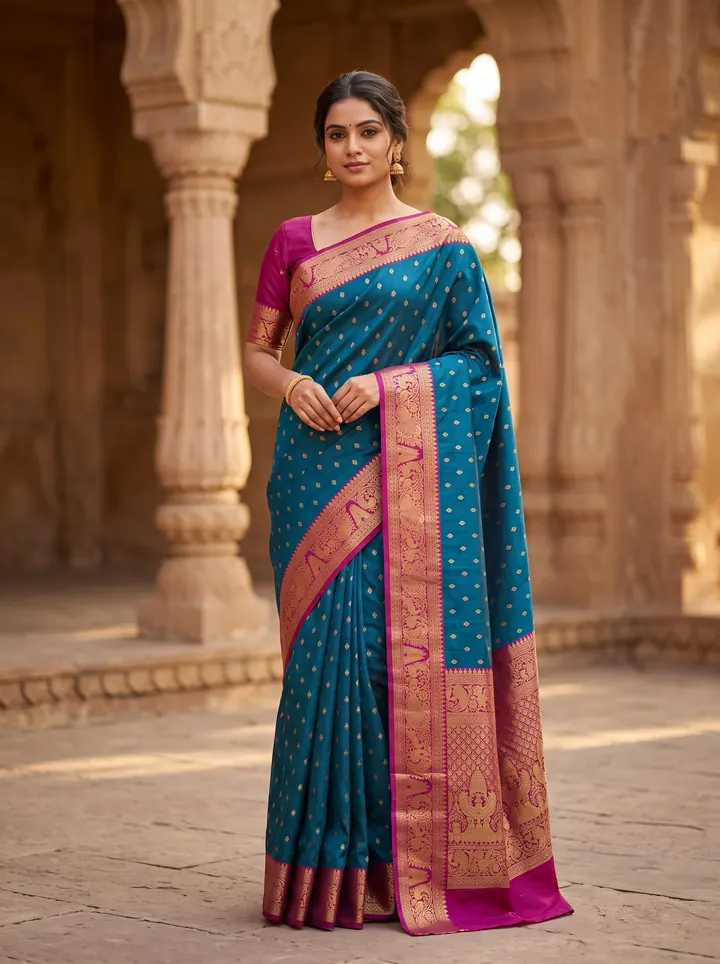
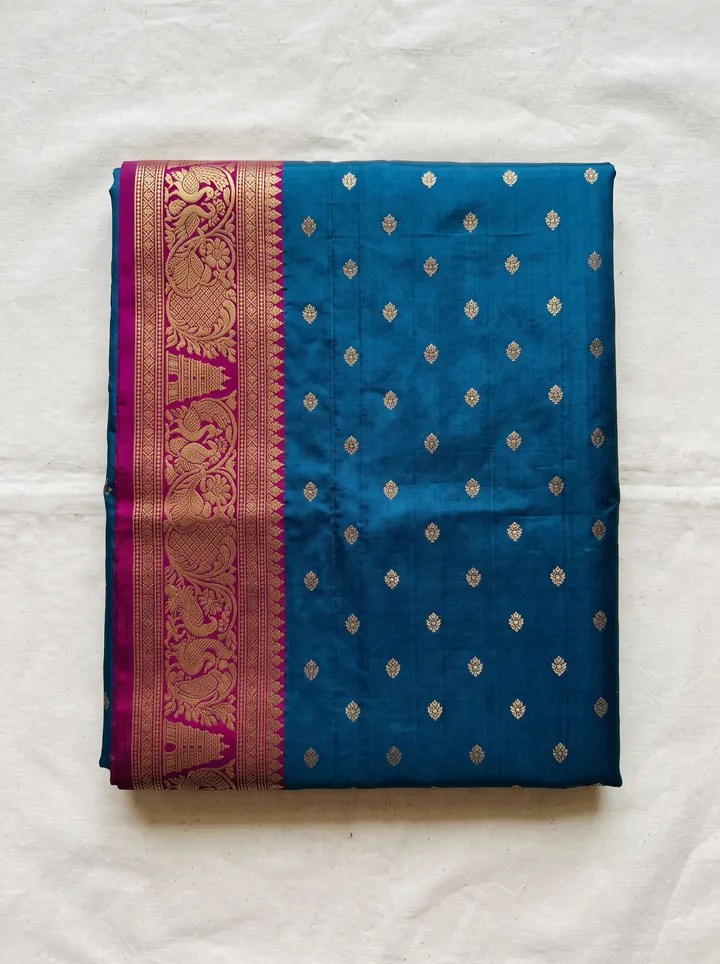
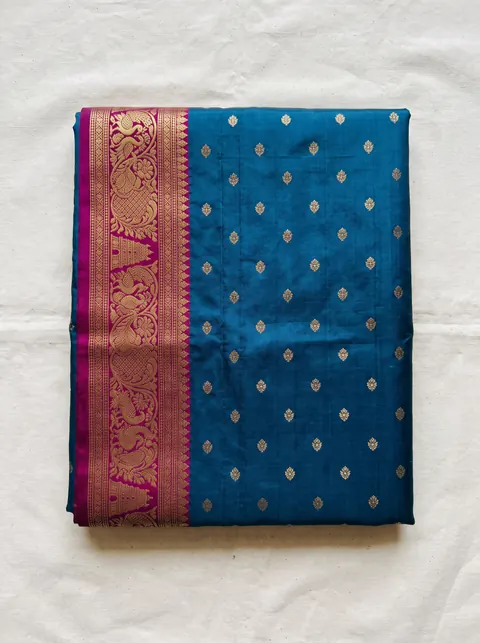
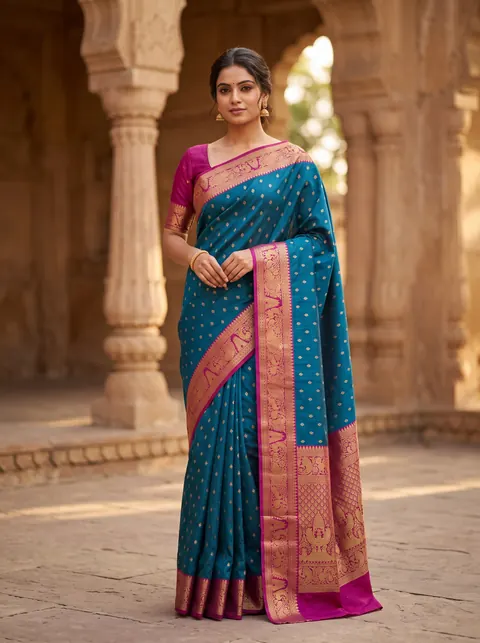
AI model wearing the saree — made with DrapifyThe saree as a plain flat-lay phone photo
Phone photo✨ Drapify
‹ ›
Drag the line

Real output · drag to compare · tap a garment

Quick answer

Meesho ke liye product photo kaise banaye?

Meesho ke liye product photo banane ke liye kapde ko saaf, achhi roshni wali jagah par flat ya hanger par rakh kar mobile se photo lijiye, phir AI fashion photo tool se usse Indian model par on-model photo mein badaliye, aur front, back aur detail shot ke saath sahi portrait size mein catalogue mein upload kariye.

Meesho product image generator
Meesho product image generator ek AI tool hai jo seller ke kapde ki ek simple photo ko Meesho catalogue ke liye model par pehni hui, saaf background wali product photos mein badalta hai.

Meesho par buyer ek jaise products ki grid mein scroll karta hai, aur wahan sirf photo, price aur rating dikhti hai. Isliye Meesho catalogue mein photo hi click aur order laati hai. Zyada suppliers do flat-lay photos daal dete hain kyunki model ke saath studio shoot har product ke liye mehenga padta hai. Ab AI se ek mobile photo ko kuch minute mein model par pehni hui catalogue photo mein badla ja sakta hai. Yeh guide batati hai ki achhi input photo kaise lein, AI se kaunsi photos banayein, aur Meesho par upload karte waqt kya dhyan rakhein taaki listing reject na ho aur return kam aayein.

Why traditional meesho · product photos slows sellers down

  • Model aur studio shoot har product ke liye bahut mehenga hai
  • Sirf flat-lay photos se buyer fit samajh nahi paata, order kam aate hain
  • Har colour ki alag photo nahi hai, toh variants adhoore dikhte hain
  • Photo dhundhli ya galat size mein hone se catalogue achha nahi dikhta

How DrapifyApp fixes it with AI

  • Generate a full editorial set from one photo — multiple poses, angles and backgrounds
  • Fabric, print and embroidery reproduced 1:1 from your reference image
  • The same identity-locked model across every pose and colourway
  • New colour or scene in minutes — no re-shoot, no re-booking
  • Marketplace-ready ratios and pure-white backgrounds built in

Real outputs · not stock photos

What your meesho · product photos photos could look like

Every photo below started as one plain garment photo. Tap any photo to see it full size.

The playbook, step by step

  1. 1

    Kapde ko press kariye aur din ki roshni mein, saade background (safed chaadar ya deewar) par flat ya hanger par rakhiye.

  2. 2

    Mobile ko seedha upar ya saamne rakh kar photo lijiye — poora kapda frame mein ho, kinare kate na hon.

  3. 3

    Print ya embroidery ka ek close-up alag se lijiye, taaki AI detail sahi bana sake.

  4. 4

    AI tool mein photo daaliye, Indian model, pose aur background chuniye.

  5. 5

    Har catalogue ke liye kam se kam front, back, ek detail shot aur ek full-length on-model photo rakhiye.

  6. 6

    Har colour variant ki alag photo banaiye — same model aur pose ke saath.

  7. 7

    Upload se pehle check kariye ki photo mein colour asli kapde jaisa hai aur koi text ya watermark nahi hai.

Why brands use Drapify for meesho · product photos

3 minute mein poora set

Ek flat-lay photo daalo — model photo, back view aur detail shot sab ek saath milte hain. Studio booking ki zaroorat nahi.

Meesho ke size mein ready

Sahi ratio, saaf background aur clear quality — upload karte hi catalogue mein lagao.

Har colour ki alag photo

Ek shoot se saare colour variants — same model, same pose. Har colour ki listing poori dikhegi.

₹199 se packs, koi subscription nahi

Credits expire nahi hote. Jitni photo chahiye, utni banao.

Colour variants · any location

One saree. Every colour. Any backdrop.

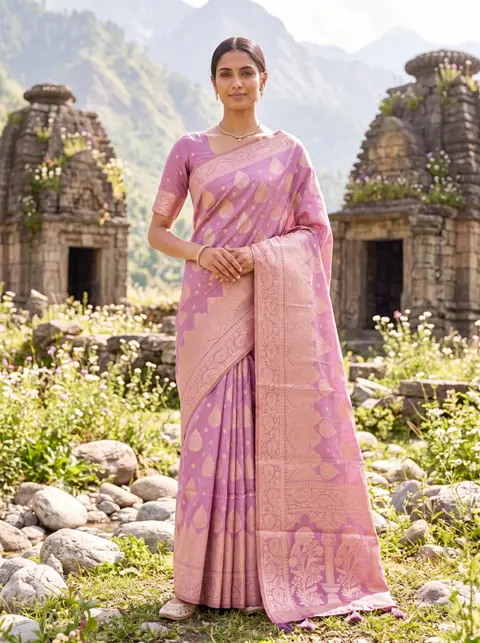
Shoot one colourway and render the rest — same weave, same pallu, same styling. Then move the whole shoot from a golden stepwell to a Himalayan temple. Go on, tap a colour.

Colourway

Location

Every colourway you don't list is a buyer who scrolls past.

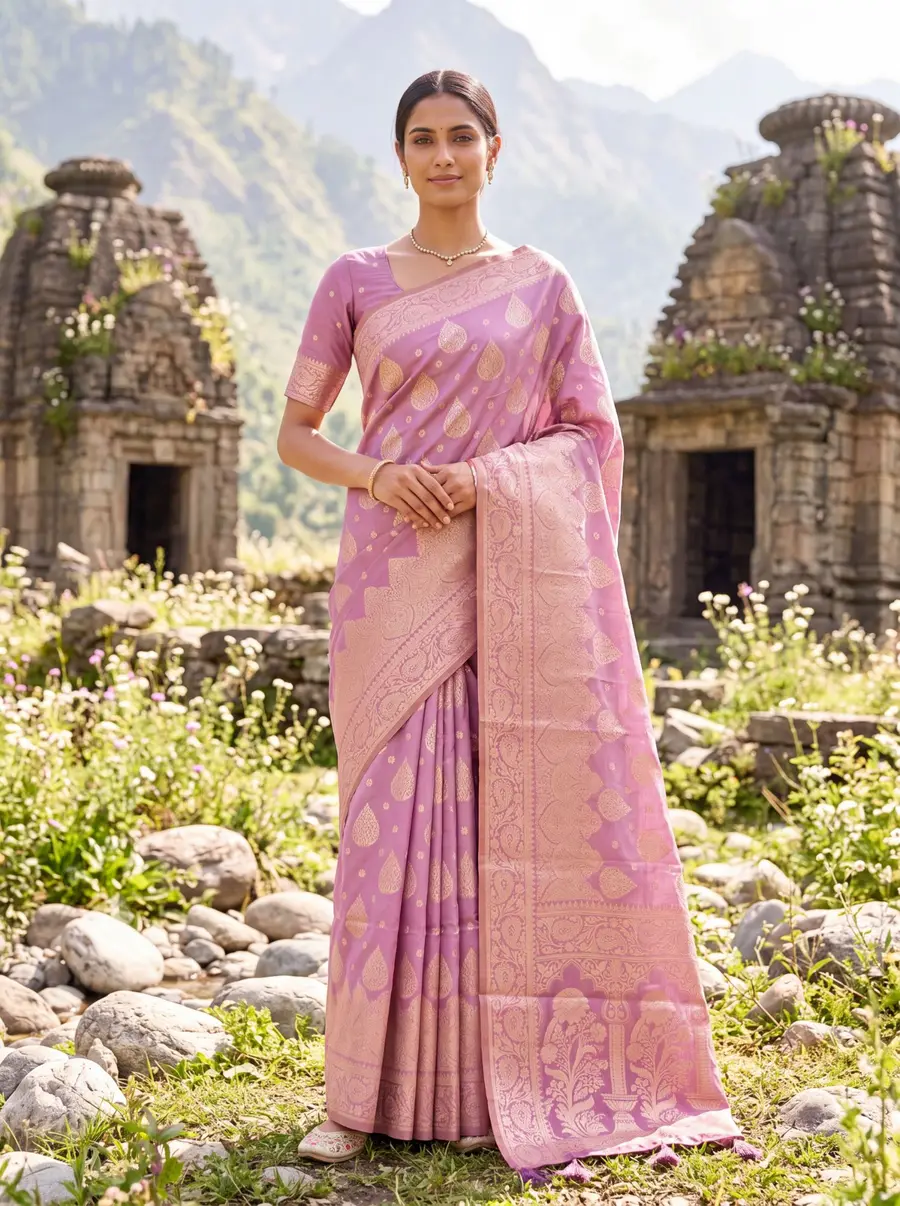
Model in a lilac banarasi saree in front of Himalayan stone temples — made with Drapify

Made with Drapify

Lilac · Himalayan temple

4 colourways·2 locations·0 reshoots

Built for every meesho · product photos business

D2C fashion brandsMarketplace sellersBoutique ownersWholesalers & resellersDesigners & studios

One upload, every sales channel

  • Website product pages
  • Myntra, Amazon & Flipkart listings
  • Instagram & Meta ad creatives
  • WhatsApp business catalogues
  • Lookbooks & campaign decks

Input photo hi output ki quality tay karti hai

AI wahi bana sakta hai jo usse dikhta hai. Isliye sabse zaroori step hai saaf input photo.

Roshni. Din ki roshni, khidki ke paas, seedhi dhoop nahi. Flash se colour badal jaata hai.

Background. Saada safed ya halka background. Patterned bedsheet par AI ko kapde ka kinara samajhne mein dikkat hoti hai.

Frame. Poora kapda frame mein — dupatta ya sleeve kata hua nahi. Phone seedha rakhiye, tircha nahi.

Detail. Agar print, zari ya embroidery hai, toh uska ek close-up bhi lijiye. Isse AI model photo mein detail sahi aati hai.

Meesho catalogue mein kaunsi photos lagayein

Ek strong Meesho catalogue mein yeh photos honi chahiye:

Hero photo. Model par pehna hua, poori length, saaf background — yahi thumbnail banegi aur click laayegi.

Back view. Peeche se design kaisa hai, buyer yeh zaroor dekhta hai.

Detail shot. Fabric, print ya embroidery ka close-up — quality par bharosa banata hai.

Lifestyle ya alag pose. Kapda chalte ya baithe hue kaisa dikhta hai.

Har photo buyer ka ek sawaal khatam karti hai, aur jitne kam sawaal bachte hain, utna zyada order aur utna kam return.

Kya AI photo Meesho par allowed hai?

Marketplace policies ka asli rule hai: photo wahi product dikhaye jo buyer ko milega. Rokti hain galat dikhane ko, photo banane ke tareeke ko nahi.

Aapke apne kapde se bani AI photo asli print, colour aur drape dikhati hai, toh listing sahi rehti hai. Kabhi bhi us kapde ki photo mat daaliye jo aapke paas stock mein nahi hai, aur colour ko asli se zyada chamkila mat banaiye — yahi return ki sabse badi wajah hai. Bade upload se pehle Meesho ki current image guidelines ek baar check kar lijiye.

From upload to catalogue in 3 steps

1

Upload your garment

Drop a fabric photo, flat-lay or a single product shot. No studio, no model, no setup.

2

Pick your model & scene

Choose ethnicity, body type, age, pose, background and lighting — or start from smart defaults.

3

Generate in ~3 minutes

Get a full set of identity-locked catalogue photos at up to 4K, ready to download and list.

Read the full how-it-works guide

Do the maths · 15 seconds

What are studio shoots really costing you?

Drag the slider to your catalogue size. The number at the bottom is what stays in your pocket — every month.

Photos per product

160 photos a month

Studio shoot₹80,000
Drapify₹4,320

You keep

₹75,680

every month · ₹9,08,160 a year

Every month on studio shoots costs you ₹75,680 more.

Studio at ₹500/photo vs Drapify Pro pack, HD quality. Your numbers may vary.

Pay once. Shoot forever.

No subscription. Credits never expire. Commercial rights included.

🇮🇳 Prices in ₹ INR

Starter

₹499INR

44 photos at 1K

₹11.3 per photo at 1K

or 16 photos at 2K (₹31 each)

Recommended

Pro

₹999INR

102 photos at 1K

₹9.8 per photo at 1K · 13% less per photo than Starter

or 37 photos at 2K (₹27 each)

Best value

Business

₹2,499INR

277 photos at 1K

₹9 per photo at 1K · 20% less per photo than Starter

or 100 photos at 2K (₹25 each)

Meesho · product photos FAQ

Meesho par fashion catalogue ke liye portrait (lambi) photo achhi dikhti hai, aur saaf, high-resolution image zoom mein dhundhli nahi hoti. DrapifyApp photos ko sahi ratio aur 2K ya 4K quality mein deta hai. Exact size limits Meesho Supplier Panel mein badal sakti hain, isliye upload page par current guideline dekh lijiye.
First 2K photo free · No card

Try your first meesho · product photos shoot free.

Add one photo of your garment and get model photos in about 3 minutes. No sign-up until you tap Generate.