Meesho · shipping charges

Meesho low shipping image: what actually lowers the charge.

Meesho prices shipping on chargeable weight, and sellers report that the primary image feeds its size estimate. Here is how it works, what genuinely brings the charge down, and what gets you penalised.

See pricing
Chargeable weight explained How the primary image is read Packaging that cuts the slab What triggers penalties
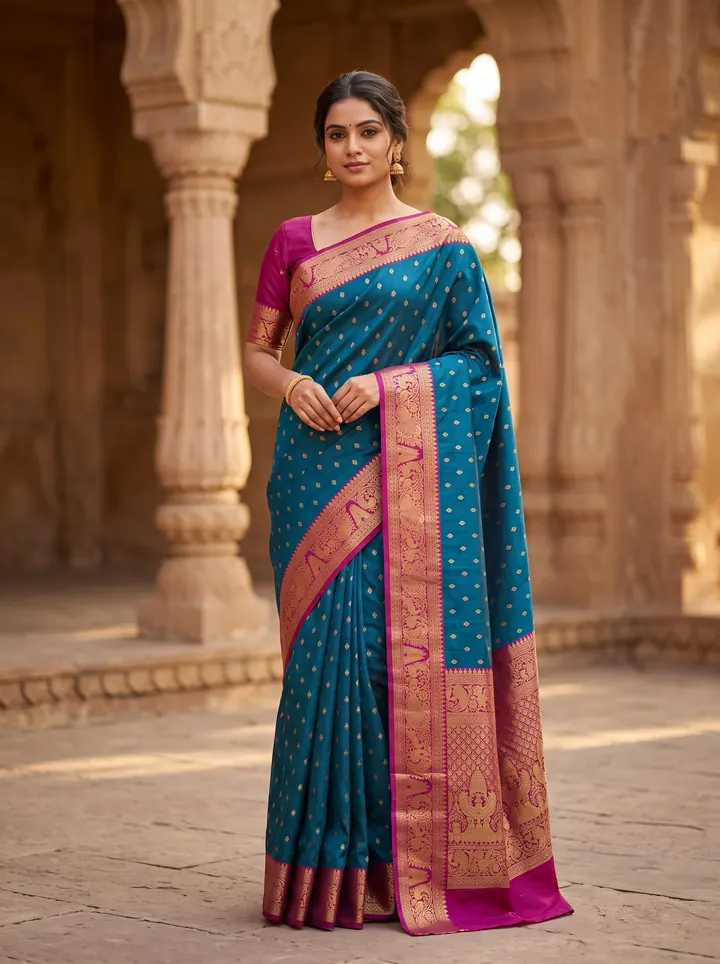
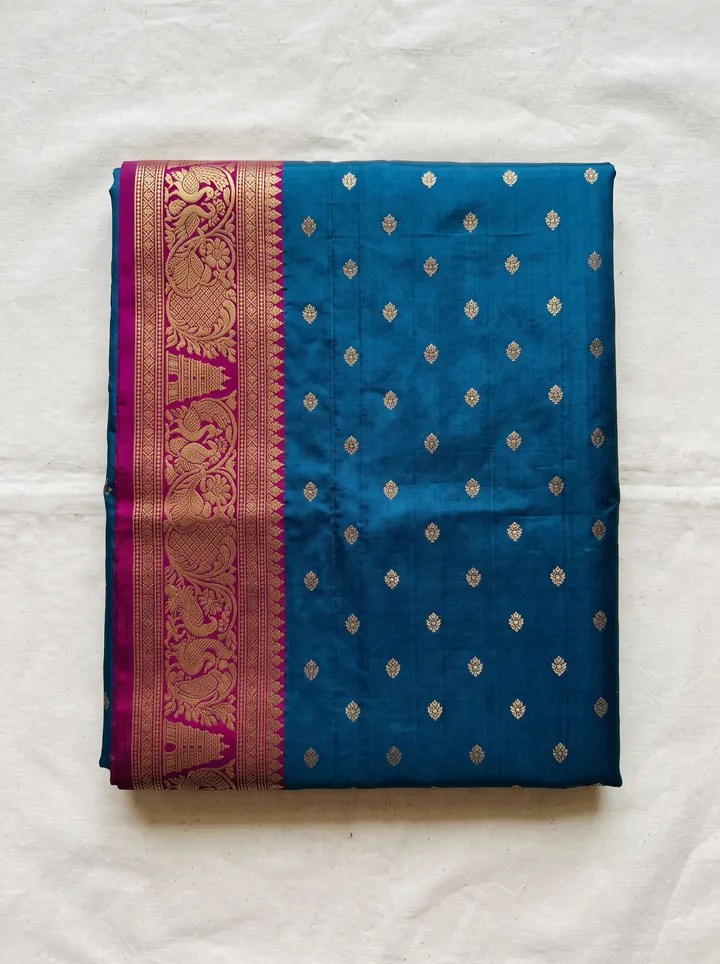
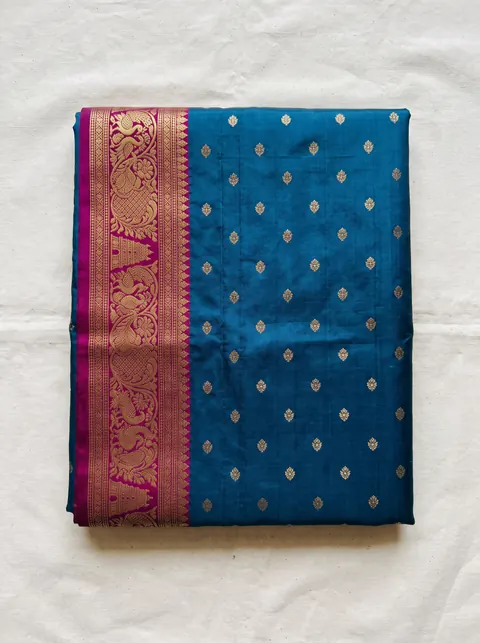
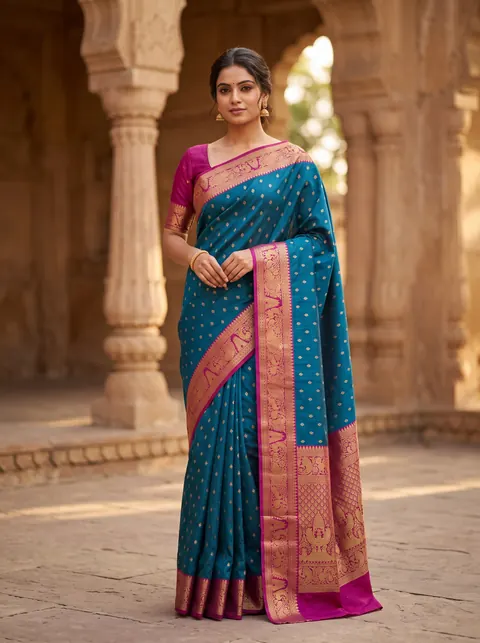
AI model wearing the saree — made with DrapifyThe saree as a plain flat-lay phone photo
Phone photo✨ Drapify
‹ ›
Drag the line

Real output · drag to compare · tap a garment

Quick answer

How do I get low shipping charges on Meesho with the right image?

Meesho charges shipping on chargeable weight — the higher of the packed dead weight and volumetric weight (length × width × height in cm ÷ 5000) — priced by weight slab and delivery zone. Sellers report Meesho also reads the primary image to estimate size, so use a clean, square, plain-background photo of the garment neatly folded or worn, declare accurate weight, and pack compactly.

Meesho chargeable weight
Meesho chargeable weight is the weight a shipment is billed on: the higher of its actual packed weight and its volumetric weight (length × width × height in centimetres divided by 5000), rounded up into a weight slab.

Search for a Meesho image generator and most results promise one thing: a picture that gets you a lower shipping charge. The idea behind them is real — sellers consistently report that the shipping charge Meesho shows during listing moves when the primary image changes — but the tools rarely explain why, and the shortcut some of them sell (making a product look smaller than it is) is exactly what Meesho’s weight audits catch. This guide explains how the charge is actually worked out, which parts you control, and how to get a primary image that is both accurate and as cheap to ship as the product genuinely allows.

Why traditional meesho · shipping charges slows sellers down

  • The shipping charge shown while listing is higher than the product’s real weight justifies
  • The same product gets a different shipping charge after a new photo is uploaded
  • High shipping makes the final price uncompetitive in a price-led category
  • Weight-discrepancy deductions appear after orders ship

How DrapifyApp fixes it with AI

  • Generate a full editorial set from one photo — multiple poses, angles and backgrounds
  • Fabric, print and embroidery reproduced 1:1 from your reference image
  • The same identity-locked model across every pose and colourway
  • New colour or scene in minutes — no re-shoot, no re-booking
  • Marketplace-ready ratios and pure-white backgrounds built in

Real outputs · not stock photos

What your meesho · shipping charges photos could look like

Every photo below started as one plain garment photo. Tap any photo to see it full size.

Side by side, honestly

What changes the chargeLowers it genuinelyRisky or penalised
Dead weightDeclare the true packed weight; trim packaging weightDeclaring less than the packed weight
Volumetric weightCompact polybag packing; fold garments tightlyUnderstating dimensions
Primary imageClean, square, plain background, product neatly folded or wornShrinking or hiding the product to look smaller
CategoryList in the correct categoryMis-categorising to a lighter group

The playbook, step by step

  1. 1

    Weigh the product packed — polybag, tag, invoice and all — and declare that weight, not the garment alone.

  2. 2

    Measure the packed parcel (L × W × H in cm) and divide by 5000. If that volumetric figure beats the dead weight, your packaging is the problem, not the photo.

  3. 3

    Use the smallest packaging that protects the product: a fitted polybag usually ships in a lower slab than a box.

  4. 4

    Make the primary image a clean, square photo on a plain light background — the garment neatly folded or worn, nothing else in frame.

  5. 5

    Remove props, hangers, boxes, packaging and collages from the primary image; extra objects can read as a bigger, bulkier item.

  6. 6

    Keep the image true to the product. Never shrink, crop or disguise the product to look smaller than it is.

  7. 7

    Check the shipping estimate in the Supplier Panel after uploading, and compare it with your own chargeable-weight calculation.

  8. 8

    If a weight discrepancy is raised, respond from the Supplier Panel with clear photos of the packed parcel on a scale and its measured dimensions.

Why brands use Drapify for meesho · shipping charges

Clean, square primary images

Plain background, garment neatly framed, nothing else in shot — the format Meesho reads most clearly.

Catalogue in ~3 minutes

One garment photo becomes the primary image plus on-model, back and detail shots.

True to the product

Generated from your own garment, so size, colour and print match what ships — no discrepancy risk.

Packs from ₹199

One-time credits with no expiry; the first 2K photo is free.

Colour variants · any location

One saree. Every colour. Any backdrop.

Shoot one colourway and render the rest — same weave, same pallu, same styling. Then move the whole shoot from a golden stepwell to a Himalayan temple. Go on, tap a colour.

Colourway

Location

Every colourway you don't list is a buyer who scrolls past.

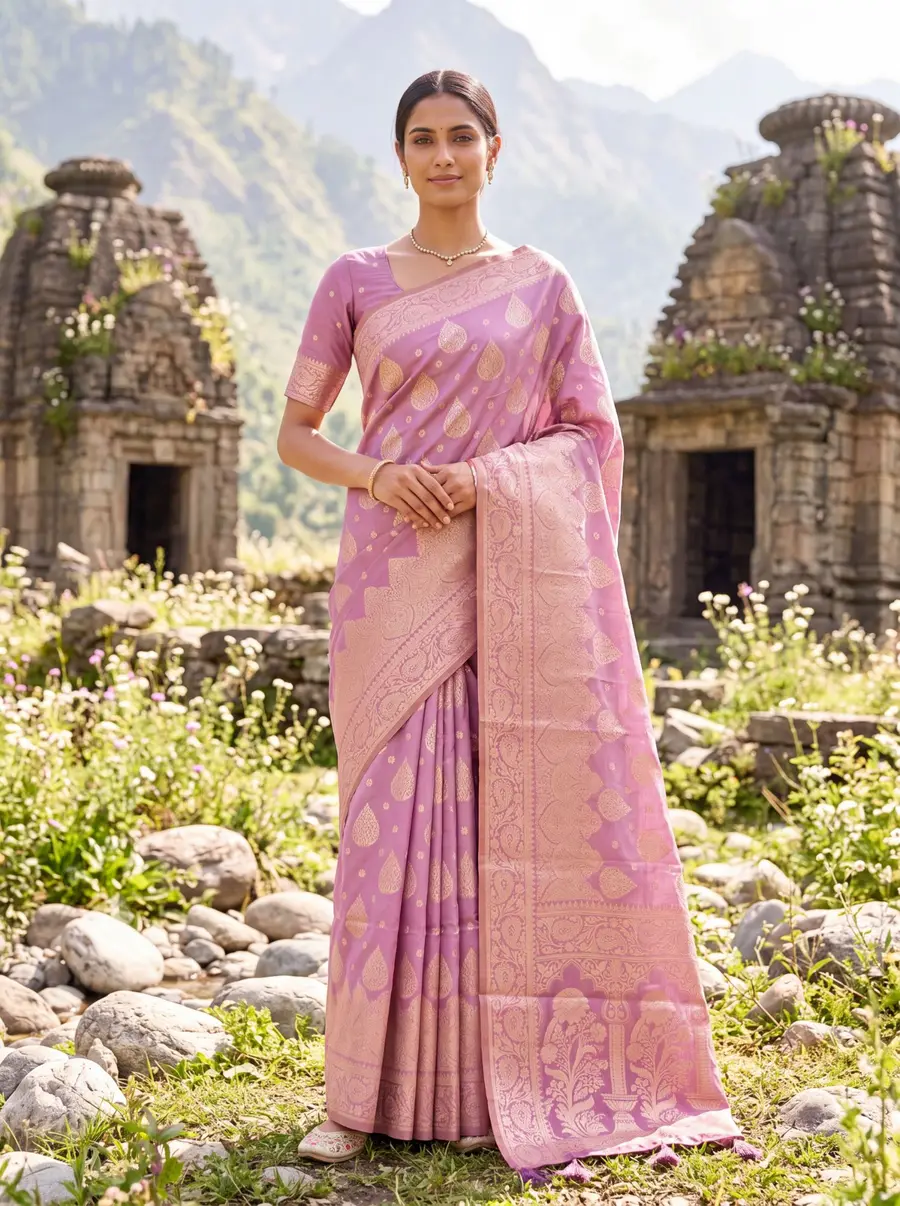
Model in a lilac banarasi saree in front of Himalayan stone temples — made with Drapify

Made with Drapify

Lilac · Himalayan temple

4 colourways·2 locations·0 reshoots

Built for every meesho · shipping charges business

D2C fashion brandsMarketplace sellersBoutique ownersWholesalers & resellersDesigners & studios

One upload, every sales channel

  • Website product pages
  • Myntra, Amazon & Flipkart listings
  • Instagram & Meta ad creatives
  • WhatsApp business catalogues
  • Lookbooks & campaign decks

How Meesho works out a shipping charge

Meesho, like every Indian courier network it uses, bills on chargeable weight: the higher of two numbers.

Dead weight is what the packed parcel weighs on a scale — garment, polybag, tag and invoice together.

Volumetric weight is the space the parcel takes up: length × width × height in centimetres, divided by 5000. A light but bulky parcel can be billed on its size rather than its weight.

The chargeable weight is rounded up into a weight slab, and the slab plus the delivery zone (local, regional or national distance) sets the charge. The exact rupee rates per slab change and are shown in the Supplier Panel, so rely on the estimate there rather than a published table.

Where the primary image comes in

Meesho does not publish exactly how it estimates a new listing's size before the first order ships, but sellers consistently report that the shipping charge shown during listing changes with the primary image — and that photos with cluttered backgrounds, hangers, boxes, loose or bulky-looking folds, or several items in one frame are estimated into a heavier slab.

That is why "low shipping image" tools exist. The legitimate version of what they do is simple: a square image on a plain background with the product clearly framed and nothing else in shot. That helps any automated system read the product accurately.

The illegitimate version — making the product look smaller than it is — saves money on the estimate and then costs it back when the parcel is actually weighed and measured. Weight-discrepancy deductions, and repeated discrepancies on an account, are the risk you take on.

What genuinely lowers the charge

Fix packaging first. For most garments the volumetric weight of a box is the real cost. A fitted polybag with the garment folded tightly is often a full slab cheaper than a carton, with no change to the product at all.

Declare the real packed weight. Weigh the parcel as it will ship. An accurate declaration avoids discrepancy deductions and keeps your account clean.

Make the primary image clean. Plain light background, square format, the garment neatly folded flat or worn by a model, filling most of the frame, with no props, packaging or collage. This is both what reads best to Meesho's systems and what converts best in the search grid.

List in the right category. Categories carry typical weights; the correct one keeps the estimate realistic.

From upload to catalogue in 3 steps

1

Upload your garment

Drop a fabric photo, flat-lay or a single product shot. No studio, no model, no setup.

2

Pick your model & scene

Choose ethnicity, body type, age, pose, background and lighting — or start from smart defaults.

3

Generate in ~3 minutes

Get a full set of identity-locked catalogue photos at up to 4K, ready to download and list.

Read the full how-it-works guide

Do the maths · 15 seconds

What are studio shoots really costing you?

Drag the slider to your catalogue size. The number at the bottom is what stays in your pocket — every month.

Photos per product

160 photos a month

Studio shoot₹80,000
Drapify₹4,320

You keep

₹75,680

every month · ₹9,08,160 a year

Every month on studio shoots costs you ₹75,680 more.

Studio at ₹500/photo vs Drapify Pro pack, HD quality. Your numbers may vary.

Pay once. Shoot forever.

No subscription. Credits never expire. Commercial rights included.

🇮🇳 Prices in ₹ INR

Starter

₹499INR

44 photos at 1K

₹11.3 per photo at 1K

or 16 photos at 2K (₹31 each)

Recommended

Pro

₹999INR

102 photos at 1K

₹9.8 per photo at 1K · 13% less per photo than Starter

or 37 photos at 2K (₹27 each)

Best value

Business

₹2,499INR

277 photos at 1K

₹9 per photo at 1K · 20% less per photo than Starter

or 100 photos at 2K (₹25 each)

Meesho · shipping charges FAQ

Sellers widely report that the shipping charge shown while listing changes when the primary image changes, and that cluttered or bulky-looking photos are estimated into heavier slabs. Meesho has not published the exact method. The final charge still depends on chargeable weight — the higher of packed weight and volumetric weight — so an accurate, clean image and compact packaging matter together.
First 2K photo free · No card

Try your first meesho · shipping charges shoot free.

Add one photo of your garment and get model photos in about 3 minutes. No sign-up until you tap Generate.