01.The Outcome: Higher Conversion, Less Buyer Confusion, This Week
Before we dive in, know what you're getting. By implementing this playbook over the next 48-72 hours, you'll see a noticeable drop in customer confusion and, critically, an uplift in conversion rates for your premium apparel. We're talking 10-30% on key products. This isn't theoretical. I've seen it firsthand with dozens of brands, from small boutiques in Bandra to larger operations supplying Myntra.
02.STEP 1: Grasp The Core Difference — Why Two Types?
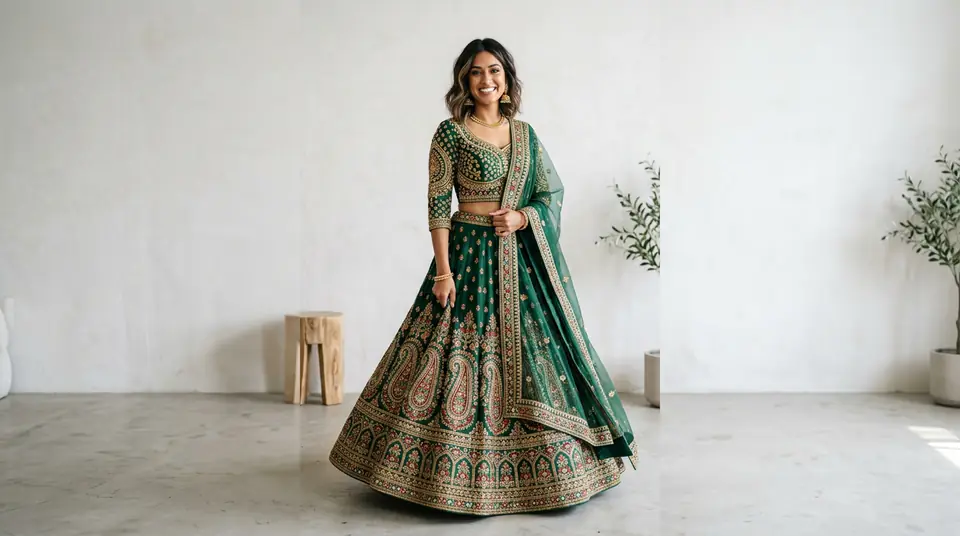
This is fundamental. Lookbook photos sell a lifestyle or an aspiration. They tell a story. They're about mood, styling, and how your brand feels. Listing photos? They sell the product. They're about clarity, detail, and what the customer actually receives. Mixing them up confuses buyers; it's like trying to get directions from a poetry book.
03.STEP 2: Audit Your Top 10 Listings Immediately
Start with your best sellers or highest-margin items. These are your conversion bottlenecks right now. Pull up their product pages on your Shopify store, Myntra, or Ajio. Ask yourself: Can a customer understand exactly what they're buying from the first three photos? Is there any doubt about the fabric, cut, or colour? Be brutally honest.
Generate your own AI fashion photoshoot with Drapify — 50 free credits, no card required.
04.STEP 3: Master Your Primary Listing Shot – The Hero Angle
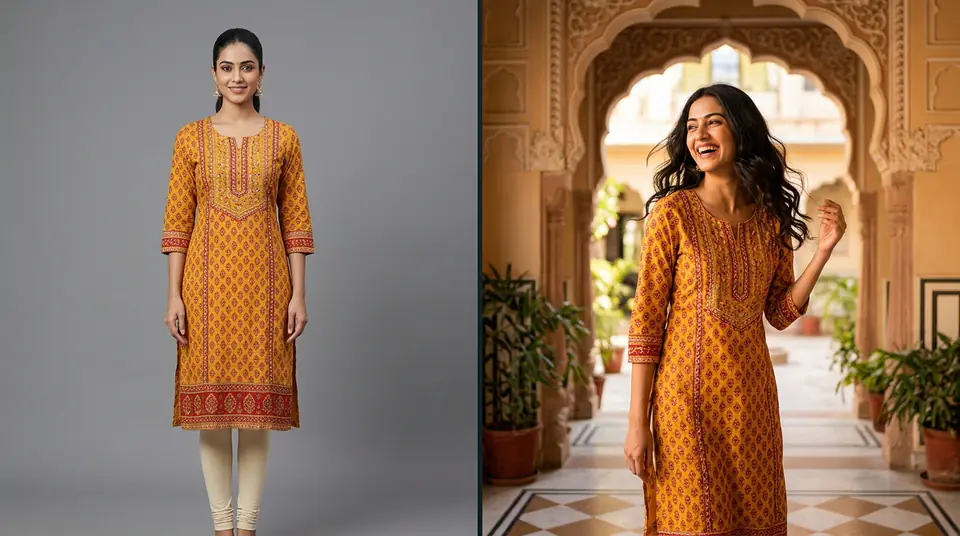
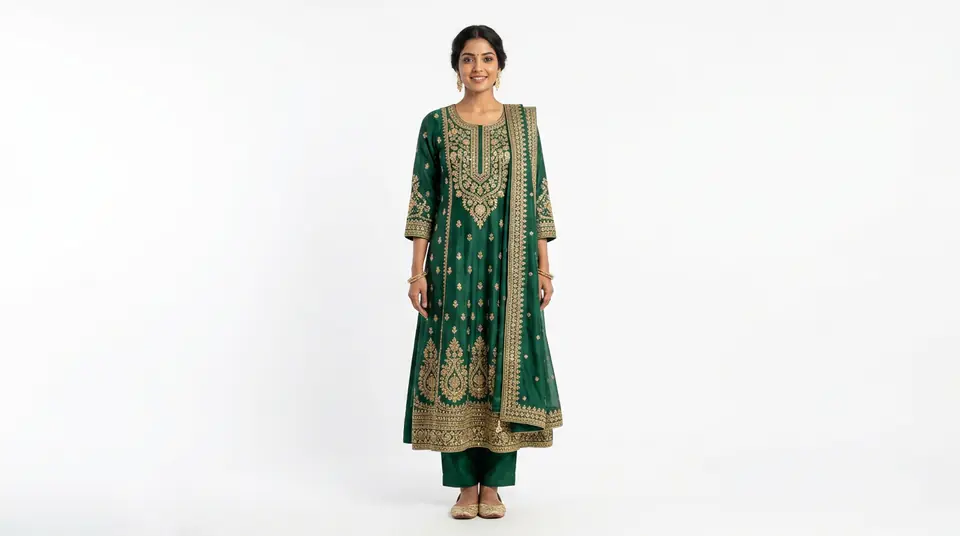
This is the most critical image. It's the thumbnail, the first impression. It must be a clear, front-on view of the garment on an appropriate model (or ghost mannequin) against a clean, consistent background. No props, no busy backgrounds, no distracting poses. It needs to scream: 'This is the product.' If your current hero shot is a moody, blurred street scene, change it. Now. This clarity alone can cut bounce rates by 5-10%.
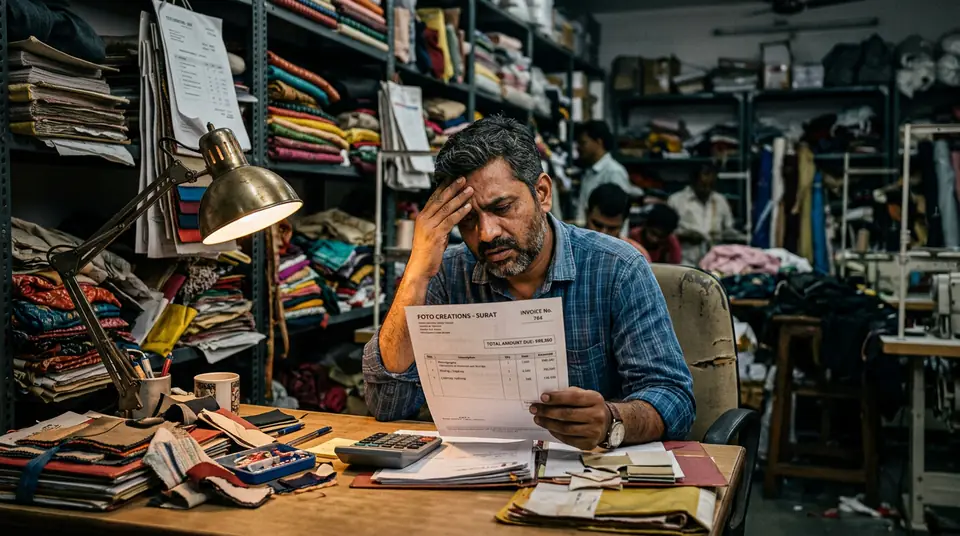
Traditional photoshoots for these hero shots can be expensive, running ₹15,000 to ₹80,000 per day for a basic studio setup, even for a limited number of SKUs. When you need consistency and scale, especially for multiple colour variants or seasonal updates, that budget evaporates fast. This is where tools like DrapifyApp become indispensable. You can get high-quality, consistent hero shots from a single garment photo, complete with identity-locked models and clean backgrounds, for around ₹13-15 per photo. No studio, no models, no scheduling headaches. It makes iterating and getting these 'just right' economically viable.
05.STEP 4: Build Out Comprehensive Supporting Photos
Once the hero shot is locked, fill the remaining 4-6 slots with specific, clear angles that answer every possible buyer question. Think of it as a virtual try-on. What do they need to see? How does it look from the back? What about the texture? What's the hemline? These aren't glamour shots; they're informational shots. Show, don't tell. This is also where you can use DrapifyApp to create multiple poses and angles for the same garment, ensuring consistency across your entire catalogue without a single reshoot, even for minor adjustments like showing a different sleeve length.
06.STEP 5: Integrate Lookbook Content — But With Precision
Your beautiful lookbook imagery has a place. Just not as the primary product display. Use it on your homepage, category banners, social media, and dedicated 'Shop the Look' sections. When you do include a lookbook-style image within a product listing, make it the last image, or perhaps the second-to-last. It should reinforce the brand's aesthetic after the customer has clearly understood the product itself. Think of it as the emotional closer, not the factual opener.
07.STEP 6: Measure, Test, And Iterate Relentlessly
This isn't a one-and-done. Monitor your product page conversion rates. Track bounce rates on pages you've updated. Use heatmaps if you have them to see where users are clicking, or where they're dropping off. If a change doesn't move the needle, try something else. A/B test different primary images. Swap the order of your supporting shots. The market in India is dynamic; what works during Diwali might need tweaking for wedding season. Be agile. Tools like DrapifyApp, with their rapid generation and low cost per photo, enable this kind of fast, iterative testing without breaking the bank.