Why photos pixelate when shoppers zoom
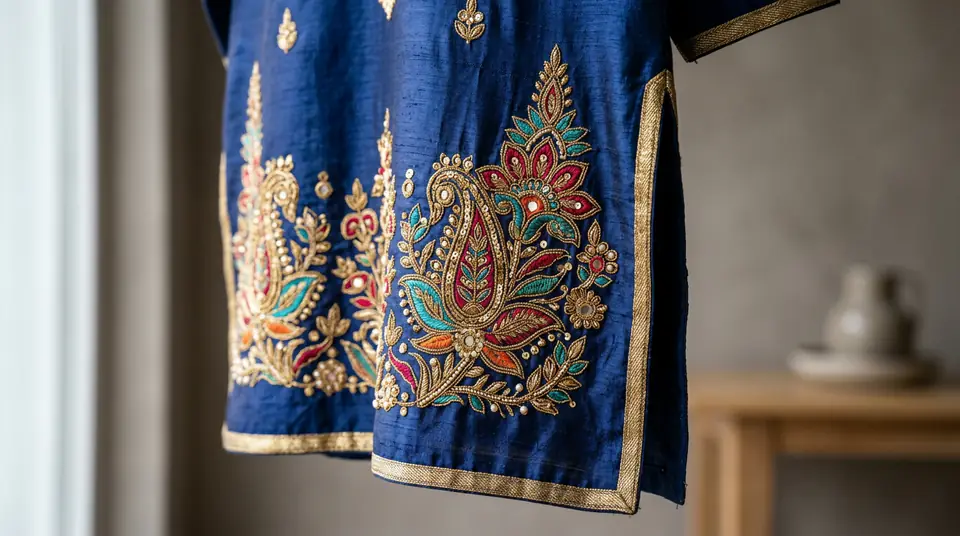
A photo is a fixed grid of pixels. Zooming does not add detail; it stretches the same pixels over more screen. Once each source pixel covers more than one screen pixel, edges go soft and fine texture (zari, embroidery, weave) turns to mush.
This matters most in fashion, because buyers zoom to judge fabric and stitching before they trust a listing. A blurry zoom does not prove the product is poor, but it removes the detail the buyer was trying to check.
The pixel arithmetic: 1K vs 2K on a phone
Take a common phone with a 390 px wide screen and a pixel ratio of 3. Its physical screen is 390 × 3 = 1,170 pixels wide.
- Full-width photo: a 2K image (roughly 2,000 px) has more pixels than the screen needs, so it is sharp. A 1K image (roughly 1,000 px) is already stretched slightly, about 1.1×.
- Pinch-zoom to 2×: the screen now needs 2 × 1,170 = 2,340 pixels of real detail. A 2K image is stretched only about 1.1×, which is barely visible. A 1K image is stretched about 2.3×, which is visibly soft.
That is the practical case for 2K: the zoom you see in a marketplace image viewer stays close to one image pixel per screen pixel. Exact pixel sizes vary by tool and aspect ratio, so check the size of the file you export.
What marketplaces expect
Amazon's image guidelines have long said that images of at least 1,000 px on the longest side enable the zoom feature, and Amazon, Flipkart, Myntra and Meesho each publish their own size and background rules for apparel. These change, so confirm the current numbers in your seller panel before you export. A file larger than the minimum is rarely a problem; one below it can lose the zoom feature or get rejected.
Use 1K for WhatsApp and Meesho-style small thumbnails, 2K for most online shops and marketplace listings, and 4K for hero images where buyers zoom into embroidery or zari.
Fixing it with DrapifyApp
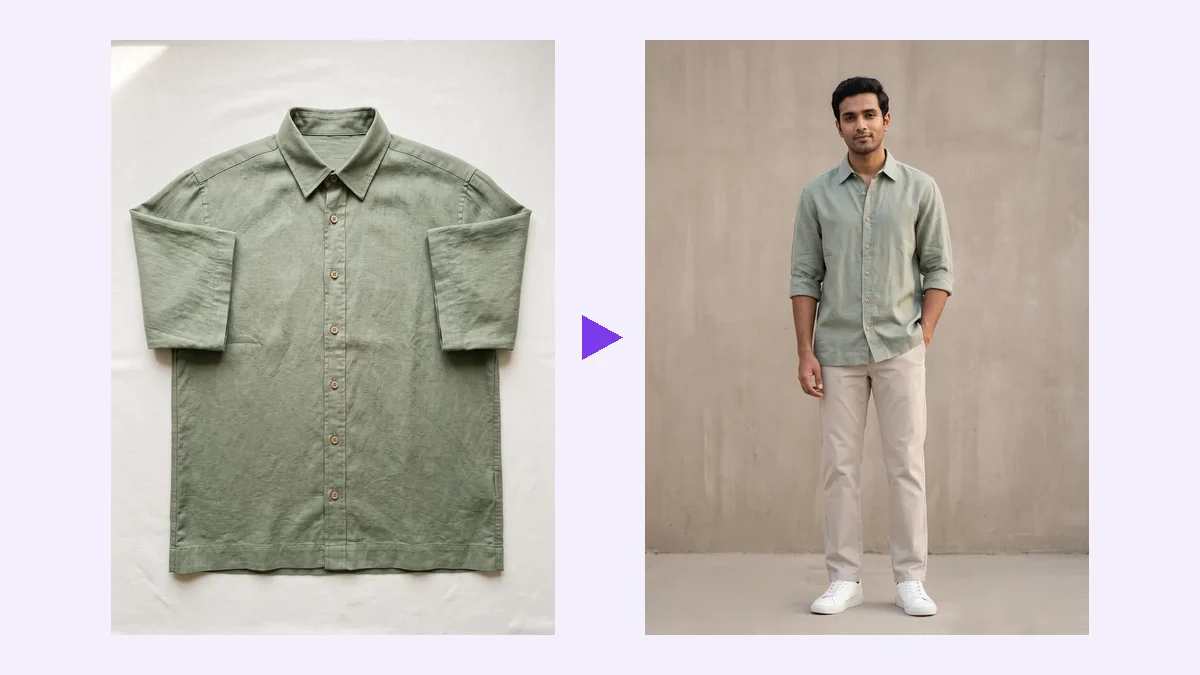
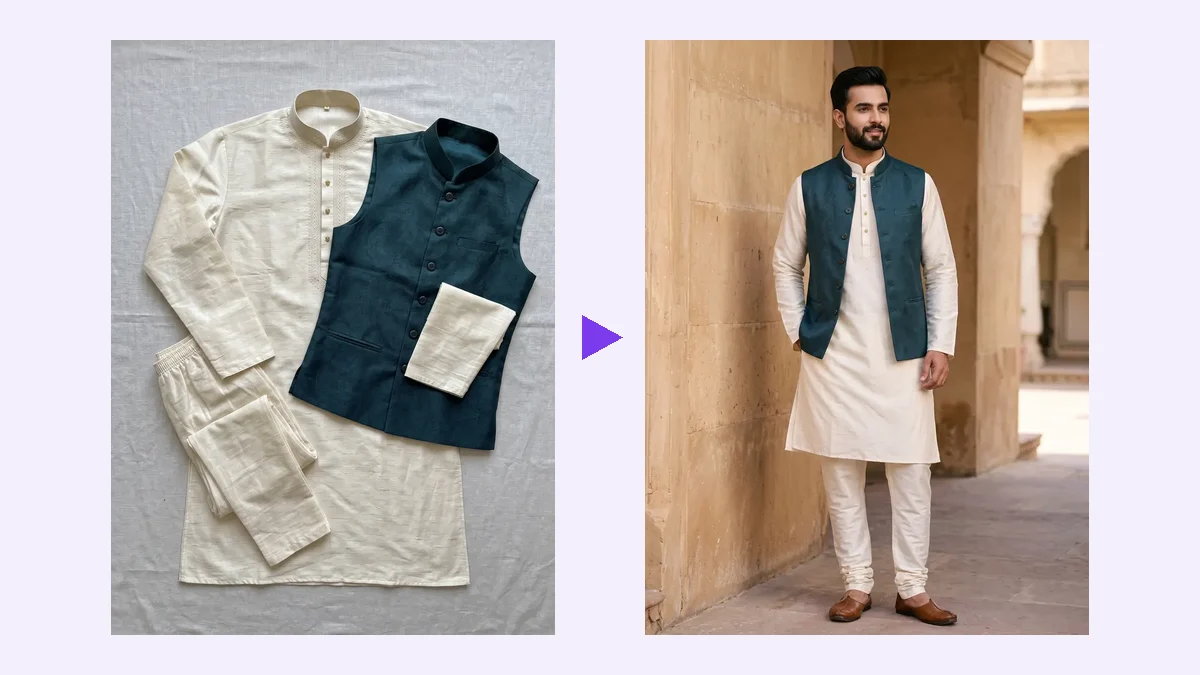
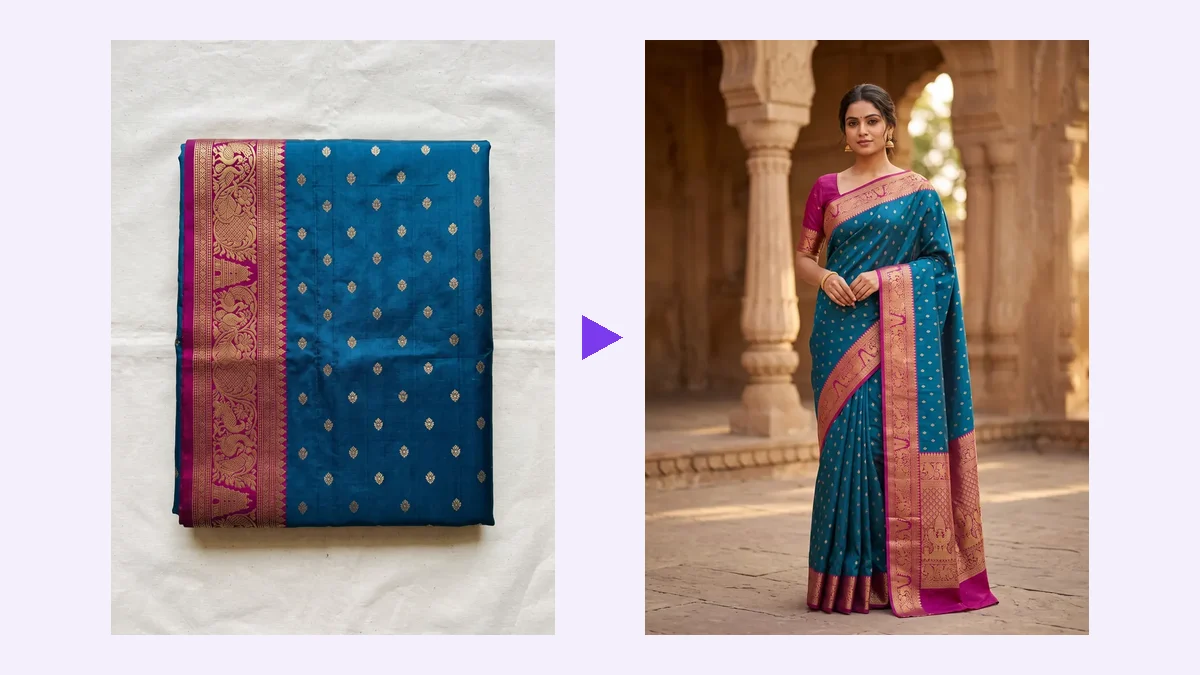
Upload a product photo, pick a model and background, and choose the 2K output. The credit cost is 9 credits at 1K, 25 at 2K and 35 at 4K. Credit packs start at ₹199 for 150 credits, which is 6 photos at 2K, and credits never expire.
Cost per 2K photo by pack: Try (₹199) about ₹33, Starter (₹499) about ₹31, Pro (₹999) about ₹27, Business (₹2,499) about ₹25. Your first 2K photo is free with no card, so you can zoom into it and judge it yourself.
Good input still matters. The tool works from your product photo, so a sharp, evenly lit source with the whole garment visible gives the best fabric detail. For heavy embroidery, add a detail close-up as a separate shot in the same set.
Checklist before you upload
- Open the exported file and zoom to 200%. Check embroidery, buttons and print edges.
- Keep the garment fully in frame, with no cropped hems or sleeves.
- Use the same background and lighting across the catalogue so the grid looks consistent.
- Do not upscale an old low-resolution image; regenerate from the original product photo instead.
- Export at the size your marketplace asks for, and keep the 2K master for your own site.