
Free QR code generator
Free · No signup · Updated November 2026 by the DrapifyApp team
How do I make a QR code for my shop?
Choose what the QR code should open: a website link, a WhatsApp chat with a pre-filled message, a UPI payment or plain text. Add an optional caption, pick a colour and download a high-resolution PNG. The codes are static, so they never expire and don’t depend on any service staying online.
Labels sorted, listings next
Make your next catalogue in minutes
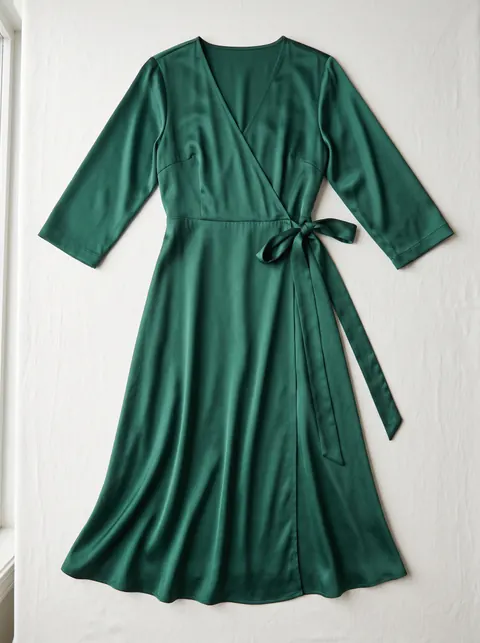
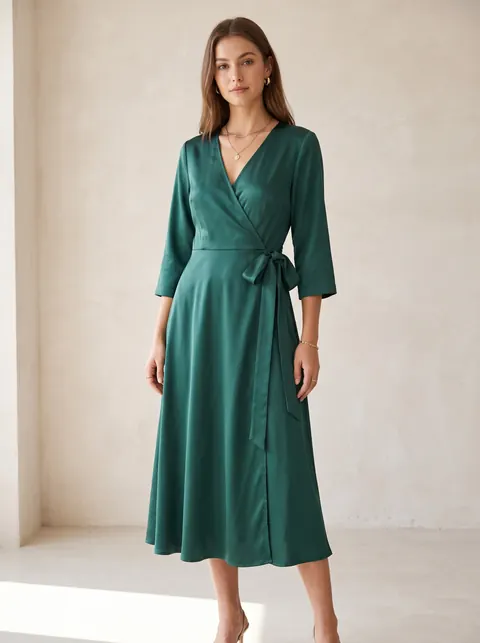
Put every new design on an AI model, in the colours you stock, without booking a shoot.
- First 2K photo free, no card
- Ready in about 3 minutes
- Full commercial rights
How to use it
- Pick the QR type.
- Fill in the link, number or details.
- Add a caption such as “Scan to order”.
- Download the PNG and test-scan it before printing.
Static QR codes never expire
Some QR sites make “dynamic” codes that redirect through their servers and stop working when a subscription ends. These codes contain your link directly, so they keep working as long as the link does.
Where sellers use them
On packaging inserts for reviews or reorders, on shop counters for UPI payments, on catalogues to open a WhatsApp chat, and on stall banners at exhibitions.
Questions
- Do these QR codes expire?
- No. They are static codes with your content inside, so nothing can switch them off.
- What size should I print?
- At least 2 × 2 cm for close scanning, larger for banners. Keep the white border around the code.
- Can I make a UPI QR?
- Yes. Choose UPI payment, or use the dedicated UPI QR code generator.