
Free barcode generator
Free · No signup · Updated November 2026 by the DrapifyApp team
How do I make barcodes for my products?
Paste your SKUs or numbers, one per line, pick Code 128 (letters and numbers), EAN-13 or UPC-A, and download each barcode as a PNG or all of them on a printable A4 label sheet or thermal labels as a PDF. Sheet PDFs draw the bars as vectors so they print sharp. EAN-13 check digits are calculated for you.
Code 128 is for your own SKUs and warehouse labels. Marketplaces that ask for an EAN or UPC usually want a number registered with GS1, so making a barcode image does not give you a valid product ID. Test-scan a printed sheet before labelling stock.
Labels sorted, listings next
Make your next catalogue in minutes
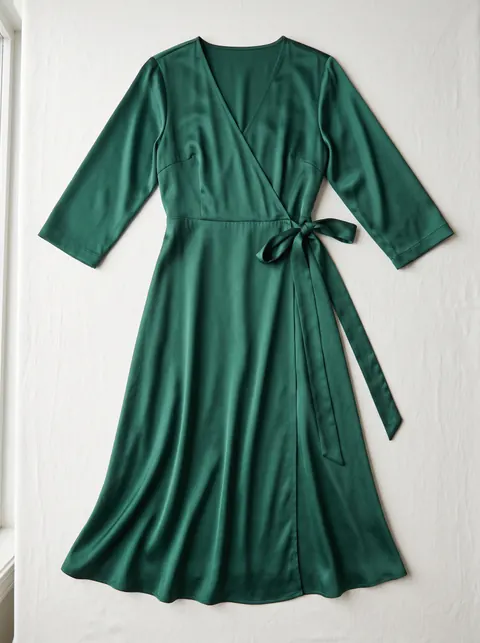
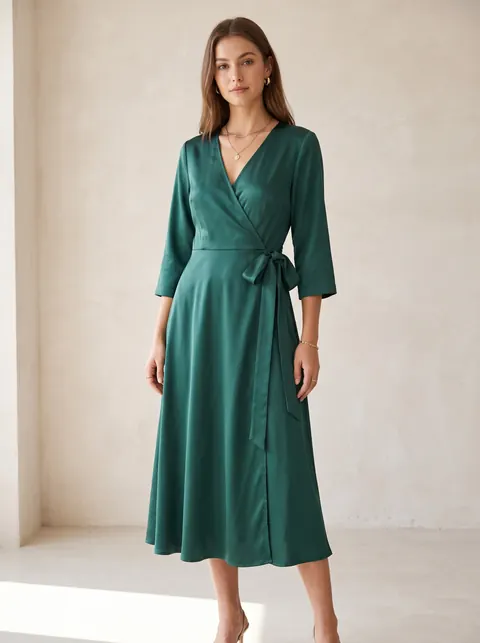
Put every new design on an AI model, in the colours you stock, without booking a shoot.
- First 2K photo free, no card
- Ready in about 3 minutes
- Full commercial rights
How to use it
- Choose the barcode type.
- Paste your codes, one per line; add “, Product name” to print a name.
- Pick a print layout: 24, 40 or 65 per A4 sheet, or 50 × 25 mm thermal.
- Download, print at 100% scale and test-scan one label.
Code 128 or EAN?
Use Code 128 for your own SKUs, bins and warehouse labels, because it handles letters and numbers. EAN-13 and UPC-A are retail product numbers that identify a product globally.
A barcode image is not a product ID
Marketplaces such as Amazon usually ask for a GTIN, like an EAN registered with GS1, or an approved exemption. Generating an EAN image from an unregistered number does not make it a valid product ID, so use registered numbers for retail listings.
Printing tips
Print at 100% scale, keep white space around each code, and use a dark ink on white labels. Scan a test sheet with a phone before labelling stock.
Questions
- Can I make barcodes in bulk?
- Yes. Paste up to 500 codes and download them as one sheet PDF or a ZIP of PNGs.
- Is the EAN check digit added?
- Yes. Enter 12 digits and the 13th is calculated. If you enter 13 digits, the check digit is verified.
- Are the barcodes free to use?
- Yes. There is no watermark or limit. Registered product numbers come from GS1, not from a barcode generator.