Why consistent catalogue photos matter
Scroll through your own listings on Myntra, Amazon, Ajio or your Shopify store. If every kurti set has a different backdrop, light and crop, the catalogue reads as several unrelated shops instead of one brand. Shoppers comparing similar products use the photos to judge how organised a seller is, so a uniform look makes a store feel more dependable.
Catalogue consistency means keeping the background, lighting, framing, model and colour treatment identical across every image in a collection. It matters most when you add many SKUs at once, such as before Diwali or a new season, because that is when styles start to drift.
Where consistency breaks down
Consistency usually fails for ordinary reasons rather than carelessness:
- Different photographers, studios or phones are used on different days.
- Window light changes between morning and evening shoots.
- Editors apply their own colour grading and background clean-up.
- A new SKU gets added months later and nobody remembers the original setup.
- Marketplaces need different outputs (a plain white background on one, lifestyle shots on another), and the versions get mixed up.
A reshoot for one forgotten item means booking the model, studio and photographer again, and matching the old look from memory. The larger the catalogue, the more often this happens.
Write a one-page shot spec
A shot spec is a single page that everyone, whether photographer, editor or AI tool, follows. It should fix:
1. Background: one colour with its hex value, for example #FFFFFF for marketplace main images. 2. Lighting: one setup, soft and from the same side, with no mixed bulbs and window light. 3. Camera: the same height, distance and orientation for each view (front, back, detail). 4. Framing: where the garment sits in the frame and how much margin is left, so crops match. 5. Poses per category: for example 4 poses for kurtis, 3 for lowers. 6. Model and styling: same model or same look, same footwear and accessories rules. 7. Colour reference: shoot a grey card once per session, apply one preset to the batch, and compare a sample to the real garment in daylight. 8. Export: size, format and file naming, for example SKU_front.jpg.
Keep it to one page. A spec nobody reads does not help.
Keeping one look with AI photoshoots
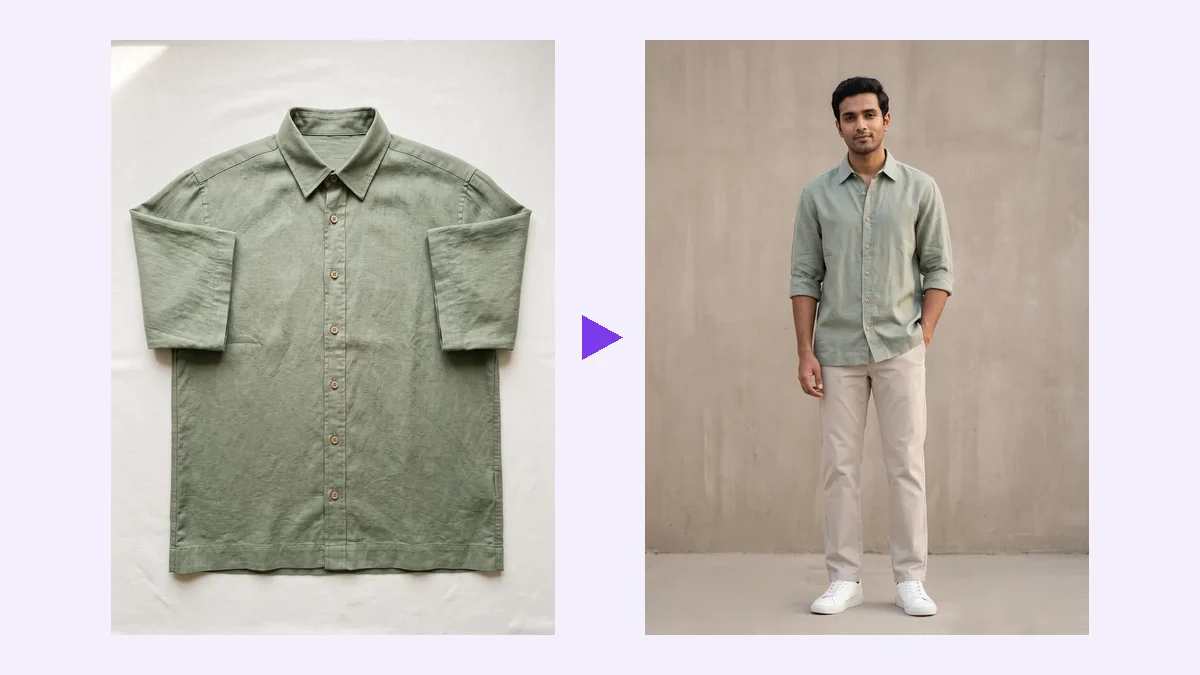
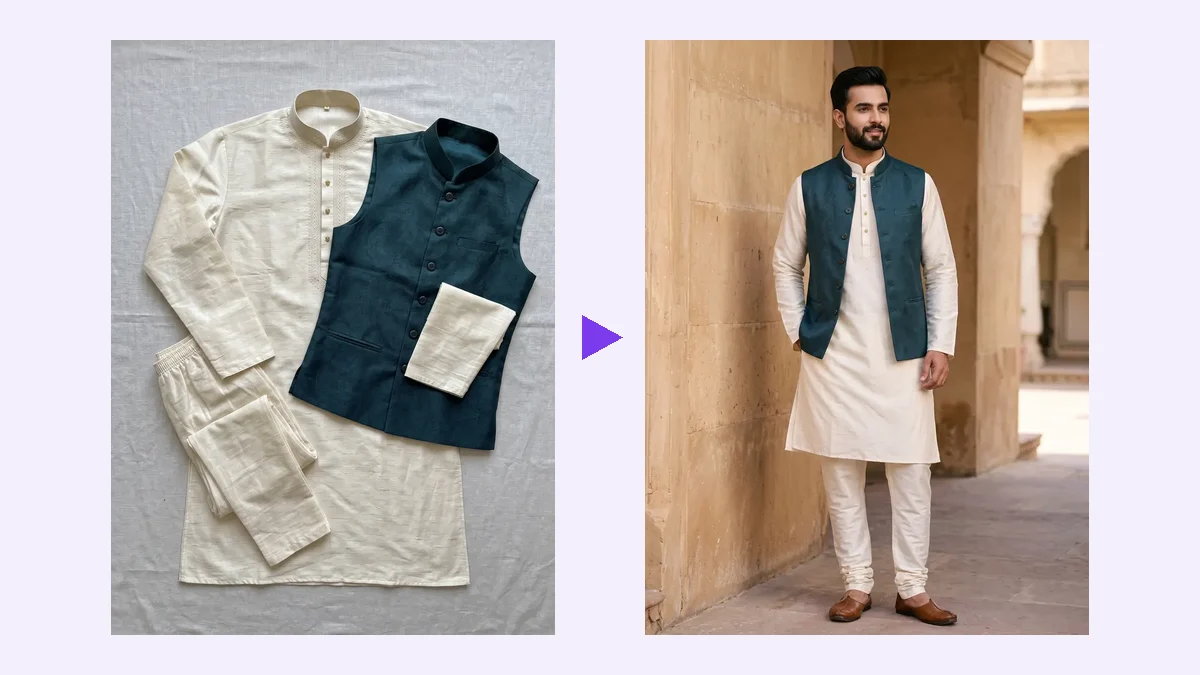
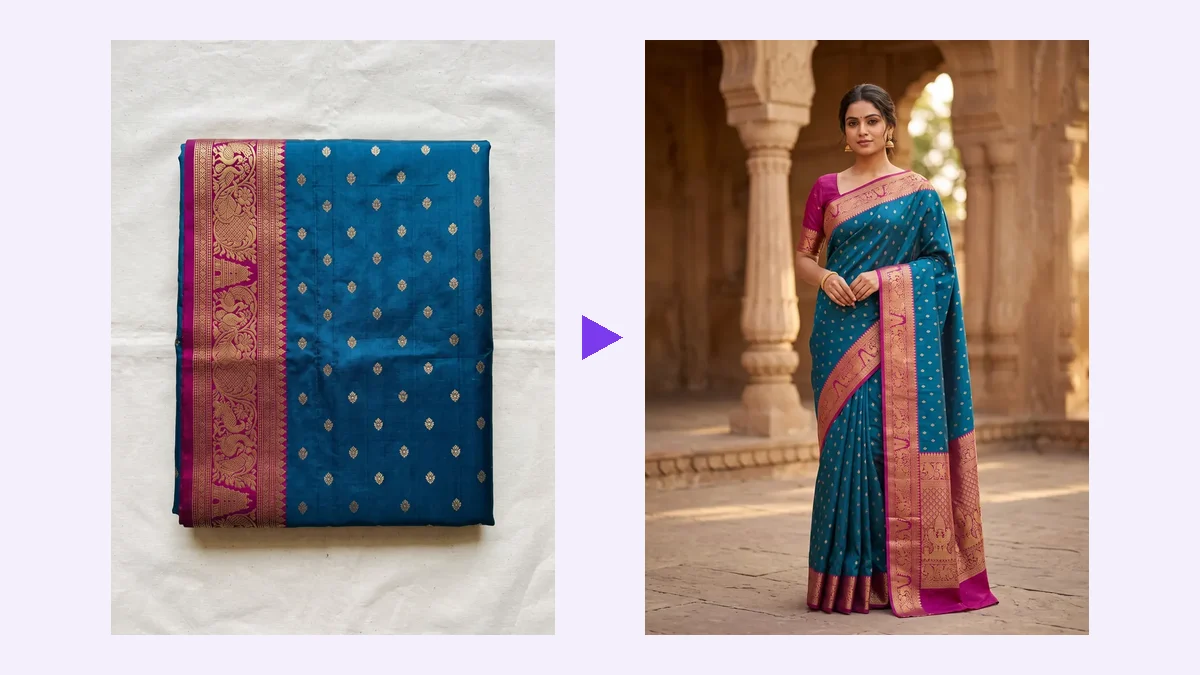
With physical shoots, the hardest things to repeat are the model and the scene. An AI photoshoot tool can hold both. In DrapifyApp, every pose inside one shoot uses the same model. On the result screen you can lock "face, body, age & ethnicity" and "scene & lighting", so the next garment you shoot comes out looking like part of the same shoot. You also choose the background (studio, heritage, outdoor or lifestyle), and when you pick a marketplace such as Amazon, Myntra, Flipkart or Meesho, the right photo shape and, where required, a plain white background are set for you.
This works for kurti sets, sarees, shirts, western wear and kids wear. Lock the look on your first garment, then reuse it for the rest of the collection, and check every result against your spec before uploading.
Worked example: 40 new SKUs
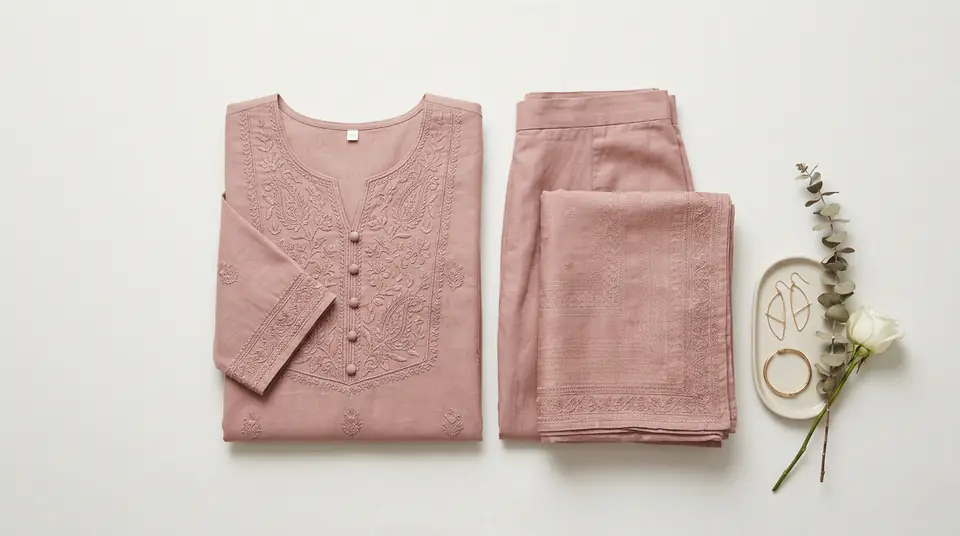
Say you are launching 40 new kurtis and want one 1K on-model photo for each. A 1K photo costs 9 credits, so 40 photos need 40 × 9 = 360 credits. The Starter pack (₹499, 400 credits) covers that with 40 credits left over, enough for 4 more 1K photos. If you want the sharper 2K version for your own website, a 2K photo costs 25 credits, so 40 photos need 1,000 credits. That is more than the Pro pack's 925, so you would need the Business pack (₹2,499, 2,500 credits) or a Pro pack plus a Try pack. Credits never expire and there is no subscription.
Your first 2K photo is free, with no card, so you can test your lock settings on one garment before you spend anything.
A short routine for every launch
1. Finalise the one-page shot spec before the first photo is made. 2. Shoot or generate one garment, check it against the spec, then lock the model and scene. 3. Run the rest of the collection with the same settings. 4. Put the finished images in a contact-sheet grid and look for outliers in colour, crop and shadow. 5. Compare two or three garments to the real product in daylight before upload. 6. Save the spec so the next season starts from the same settings.