"Catalogue Photo Banana Bahut Mehnga Hota Hai"
Studio shoot mehnga lag sakta hai, kyunki usme photographer, model, makeup artist, studio aur editing sab alag jodte hain. Rates city aur team ke hisaab se badalte hain, isliye 2-3 studios se written quote lena sabse sahi hai.
Ek example lete hain. Maan lijiye studio ₹600 per finished photo quote karta hai. Tab 50 kurtis ki ek-ek photo ₹30,000 ki padegi. DrapifyApp me 1K photo 9 credits ki hoti hai, to 50 photos = 50 × 9 = 450 credits. Pro pack (₹999, 925 credits) me ye aaram se aa jaata hai, yaani lagbhag ₹10 per photo. Aapka first 2K photo free hai, bina card ke, to pehle ek garment par check kar sakte hain.
Myth ka sach: AI se photo sasti padti hai, par har tarah ki shoot ki jagah nahi leti. Campaign ya editorial look chahiye to studio ab bhi sahi hai.
"Sirf Real Models Hi Product Sell Karti Hain, Mannequin Ya Flat-lay Nahi Chalti"
Model par dikhne wala kapda customer ko fit aur drape samajhne me madad karta hai, isliye Myntra, Ajio jaise platforms par on-model photos ka use common hai. Sawaal ye hai ki har SKU ke liye real model shoot karna practical hai ya nahi.
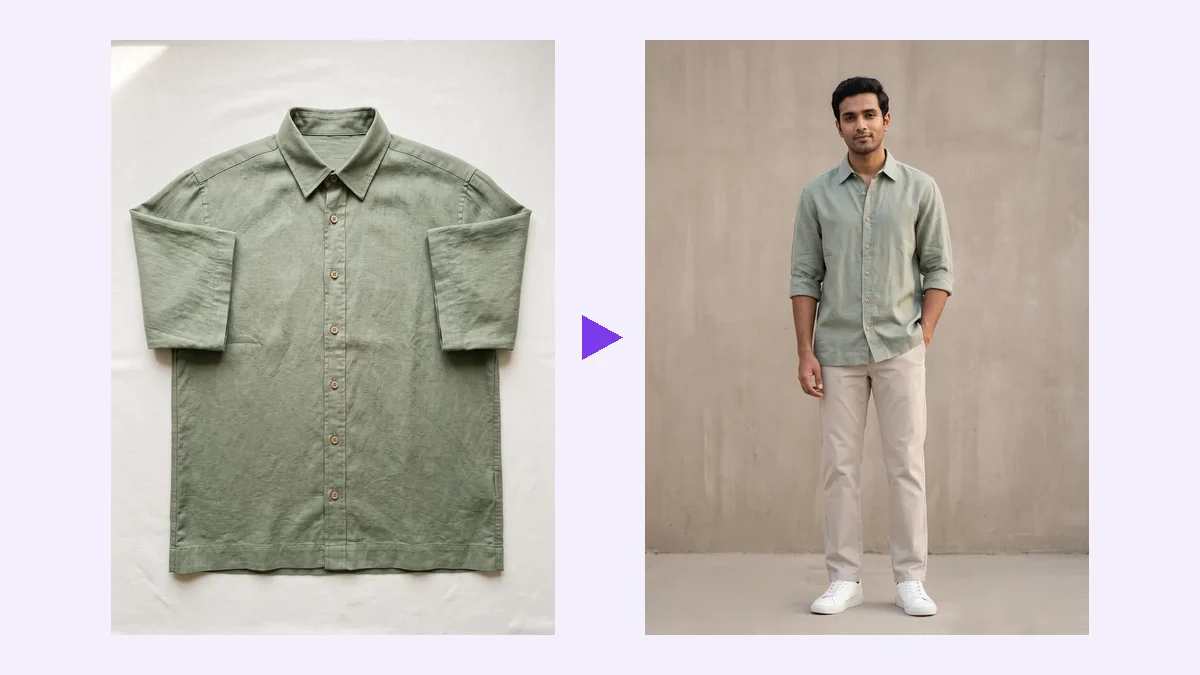
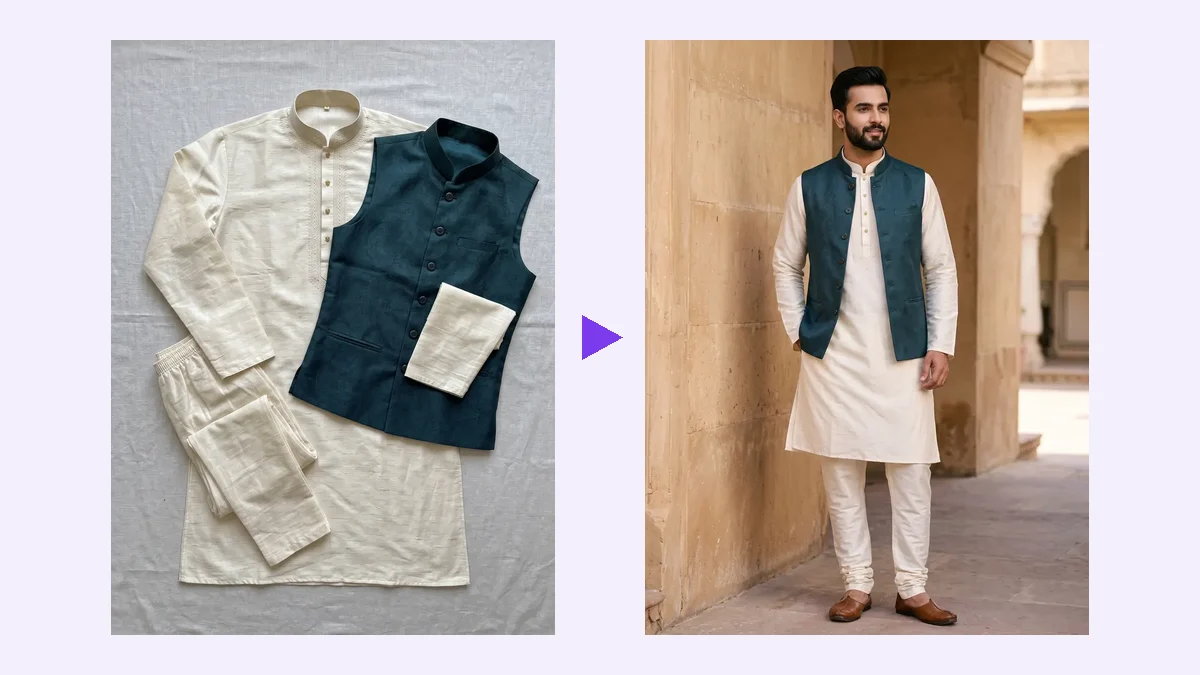
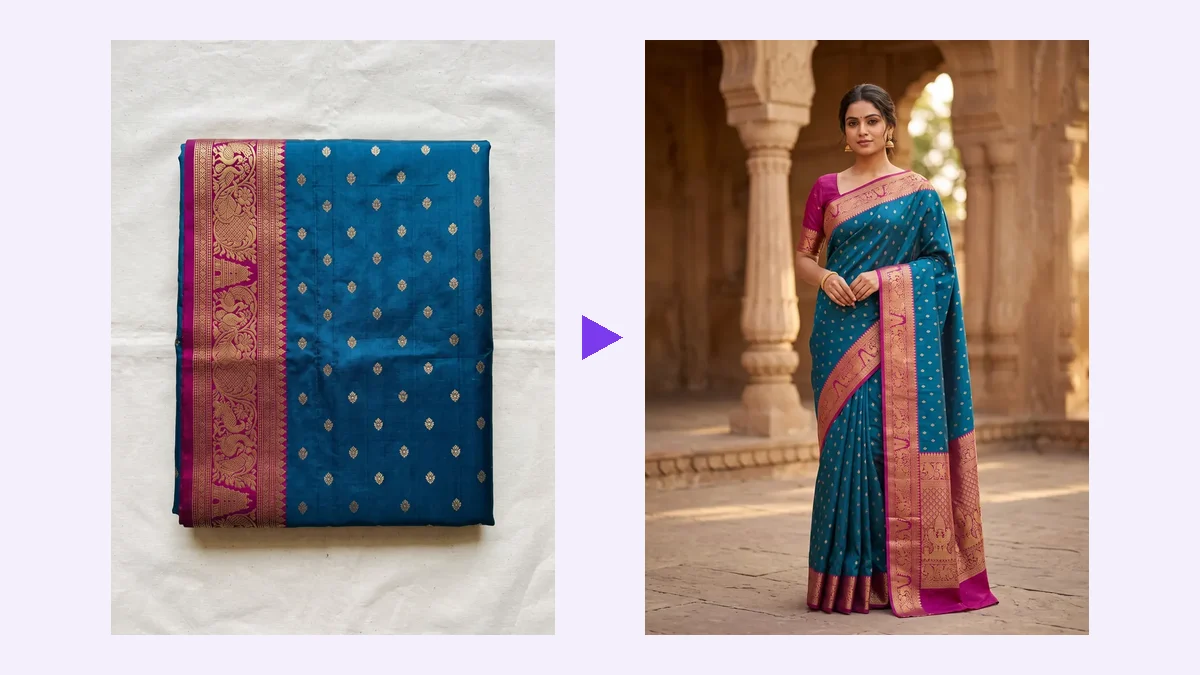
Agar hafte me 100 naye designs aate hain, to sab par real model shoot karna mehnga aur slow ho jaata hai, aur kai sellers flat-lay par hi rukk jaate hain. AI model photo ek option hai: aap ek flat-lay ya hanger photo upload karte hain aur kuch minute me on-model photo milti hai. Dekhiye AI model photoshoot.
Is se click-through ya sales kitni badhengi, ye aapke product aur price par depend karta hai. Ek listing par pehle test kijiye, phir baaki par lagaiye.
"Achhi Photo Sirf Professional Studio Mein Hi Banti Hai"
Acchi photo ke liye studio zaroori nahi hai. Zaroori ye hain: focus clear ho, light natural ho, kapda crease-free ho aur background clean ho. Aaj ke smartphone camera in basic cheezon ke liye kaafi hain.
| Smartphone (DIY) | AI model photo | Studio shoot | |
|---|---|---|---|
| Cost per photo | Setup cost only | From 9 credits (1K), 25 (2K), 35 (4K) | Studio quote par depend |
| Model variety | Limited | 8 body types, 40 ethnicities | Hired models tak limited |
| Consistency | Mushkil | Same settings lock kar sakte hain | Achhi, agar team disciplined ho |
| Best for | Quick test | Bahut SKUs, colour variants | Campaigns, creative direction |
- Khidki ke paas natural light me shoot karein, direct dhoop nahi.
- Plain sheet ya deewar background rakhein.
- Kapda iron ya steam karein aur phone ko garment ke parallel rakhein.
- Poora garment frame me rakhein aur ek close-up bhi lein.
"Ek Photo Sab Marketplaces Ke Liye Chal Jaati Hai"
Har marketplace ki image rules alag hoti hain aur category ke hisaab se badalti hain. Ek hi file sab jagah chalegi, ye maan kar upload karne se listing reject ho sakti hai. Working defaults (October 2026 me check kiye) neeche hain, par final rule apne seller panel me confirm karein.
| Marketplace | Working size (px) | Ratio | Background |
|---|---|---|---|
| Meesho | 1000 x 1000 (min 500) | 1:1 | White |
| Amazon | 2000 x 2000 (min 1000) | 1:1 | Main image par white |
| Flipkart | 1500 x 1500 (min 1000) | 1:1 | White |
| Myntra | 1500 x 2000 (min 1080 x 1440) | 3:4 | White zaroori nahi |
DrapifyApp me marketplace chunne par photo ka shape aur jahan zaroori ho, white background apne aap set ho jaata hai. Colour variants ke liye color variant photography dekhiye.
"Background Se Kuch Farak Nahi Padta, Product Dikhna Chahiye"
Background product se dhyan hata sakta hai. Busy ya alag-alag backgrounds se store unprofessional lagta hai, aur marketplaces par aksar plain white ya clean background maanga jaata hai. Ek jaisa background customer ko products compare karne me aasaani deta hai.
Ek simple rule: ek hi background colour, ek hi light direction aur ek hi crop sab SKUs par rakhein. Apni brand ke liye ek shot checklist banakar har photo ko usse match karein. Is baare me aur padhne ke liye color variant photography bhi dekh sakte hain.