Why does Myntra make my listings invisible, even with great products?
Myntra's algorithm prioritizes listings that promise a good customer experience, and that starts with high-quality, compliant photos. I've seen thousands of products, beautiful garments often handcrafted in Jaipur or Lucknow, simply vanish into the marketplace abyss because their visuals were subpar. It's not about your product's inherent quality; it's about how it's presented.
Think about it from Myntra's perspective. They want happy customers who click, buy, and don't return items because the product looked nothing like the picture. Bad photos lead to high bounce rates, low click-through rates (CTR), and ultimately, poor conversion rates (CVR). The algorithm quickly learns that your listing isn't delivering, so it de-prioritizes it. Your beautiful kurti might be hidden on page five because the algorithm thinks customers won't like what they see in your photos. It's that simple.
What exactly are Myntra's photo requirements beyond the basic specs?
Beyond technical specs like 1500x2000 pixel resolution and a pure white background (RGB 255,255,255), Myntra really cares about consistency, accurate model representation, and showing the product completely. It’s not just about meeting the minimum; it’s about exceeding the implied standards for a premium shopping experience.
How much detail do I need for ethnic wear like sarees or lehengas?
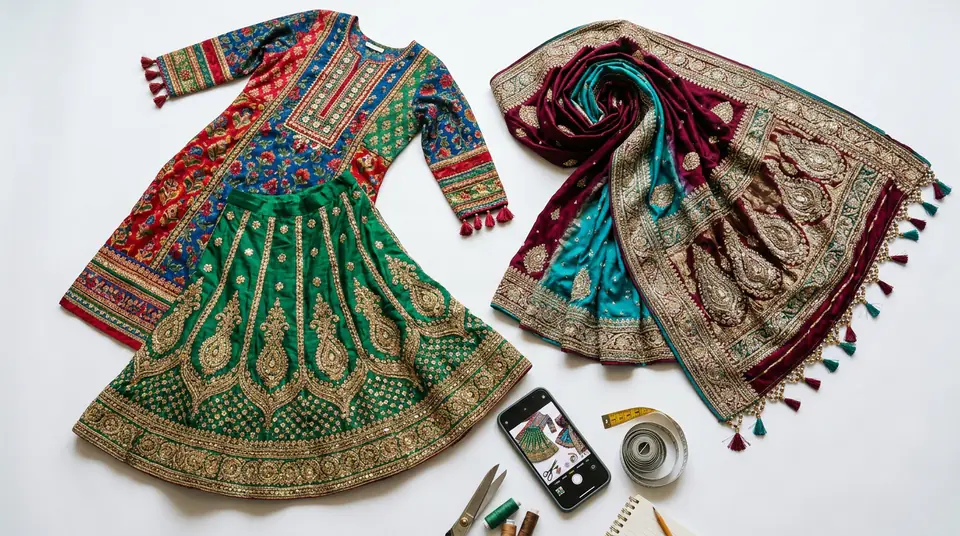
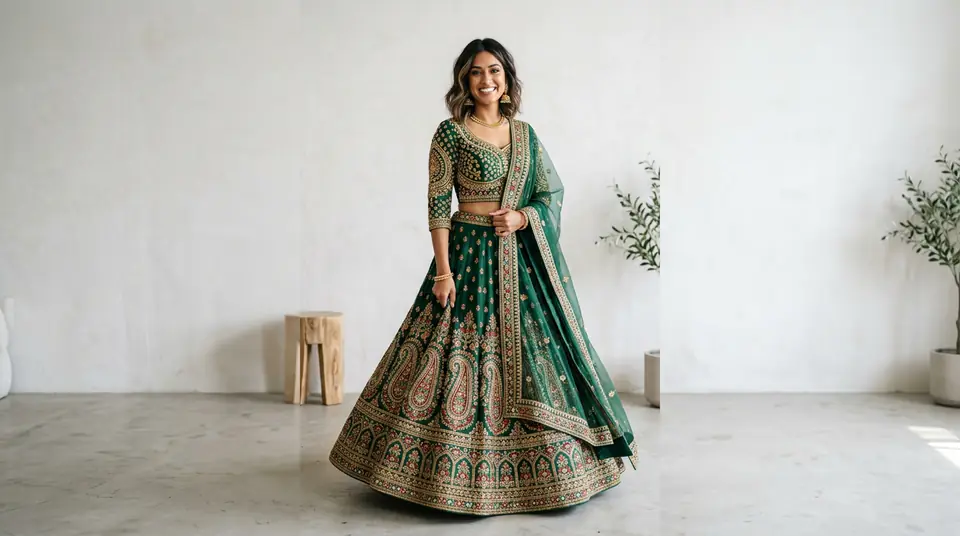
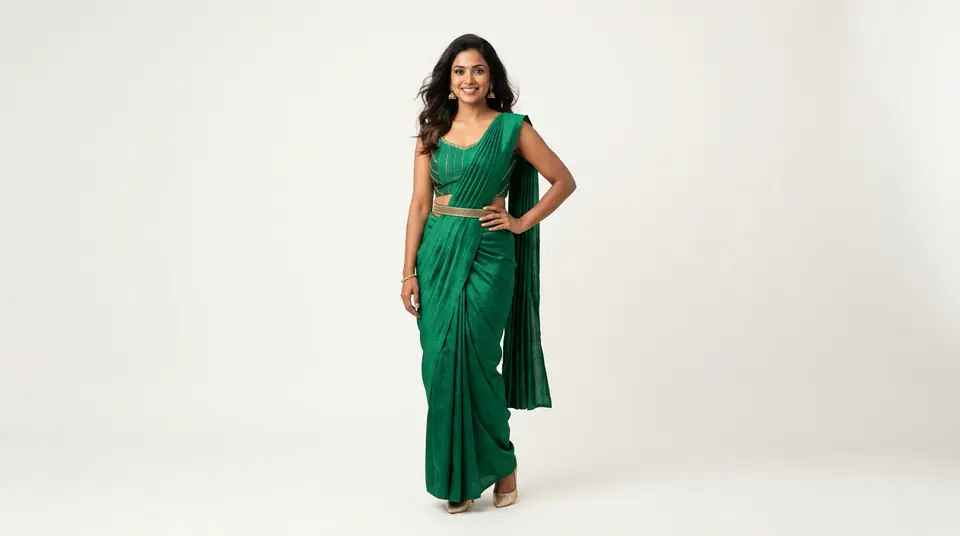
For intricate ethnic wear, you need at least 5-7 high-resolution photos that show the garment's full drape, work, fabric, and styling versatility. A single, static studio shot, even if well-lit, just won't cut it. Customers buying a Banarasi silk saree for a wedding or a heavily embroidered lehenga for Diwali want to see everything before they commit hundreds or thousands of rupees.
They're looking for the zari work on the pallu, the intricate embroidery pattern, the quality of the fabric weave, how the pleats fall, and the finish of the border. You need close-ups that show texture, shots that highlight embellishments, and clear full-length photos on a model demonstrating the fit and flow. Don't forget a back shot and a side profile; a lehenga's flair can be a major selling point. If your catalogue only has two images per product, you’re practically handing your sales to a competitor who has done their homework.
Generate your own AI fashion photoshoot with Drapify — 50 free credits, no card required.
Can I use the same photos on Myntra, Ajio, and Flipkart?
Yes, you absolutely can use the same high-quality photos across Myntra, Ajio, and Flipkart, but you need to adjust your strategy for each platform to truly maximize impact. The core principles of good product photography—clear, consistent, high-resolution—are universal. However, each marketplace has a slightly different audience and, sometimes, slightly different stylistic preferences.
Myntra often leans towards a more editorial, fashion-forward look, while Ajio appreciates a contemporary aesthetic. Flipkart, with its broader consumer base, values clarity and affordability cues. The key is to ensure your best photos meet the highest common denominator across all platforms. Don't use a low-res image for Flipkart just because you think their standards are lower. Use your best assets everywhere.
Is there a way to show all my colour variants without expensive reshoots?
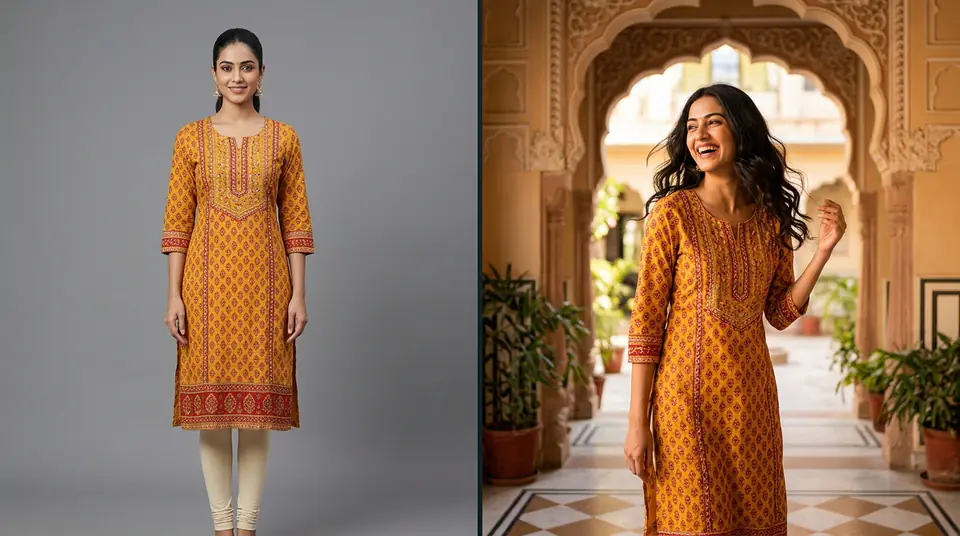
Absolutely. This is a massive pain point for so many sellers, especially those with popular kurtis or tops in 8-10 different colours. Traditionally, generating new catalogue shots for each colour variant could add ₹500-₹1000 per variant per SKU to your photoshoot bill. If you have 20 SKUs, each with 5 colour variants, you're looking at an additional ₹50,000-₹100,000 just for colour variants. Most brands simply give up and only show 2-3 colours, leaving potential sales on the table.
The good news? Modern AI photography tools, like DrapifyApp, have completely solved this. You can now generate catalogue-quality photos for every colour variant from a single base image. You upload one photo of your green kurti, and in about three minutes, you can have professional shots of that exact same kurti in blue, red, yellow, whatever colours you offer. All without expensive reshoots, model costs, or studio time.
₹13-15
per AI-generated photo
3 minutes
per photoshoot output
50
free credits to start
Do I really need a model for every single product, even small accessories?
For apparel on Myntra or Ajio, yes, a human model is non-negotiable for visibility and conversion. Period. Clothes are made for people; showing them on a person helps customers visualize fit, drape, and styling. Flat lays or ghost mannequins might cut it for some marketplaces or specific categories, but for fashion, especially ethnic wear or premium western wear, a model is crucial. Myntra's algorithms definitely favor listings with models.
For smaller accessories like earrings or scarves, a well-styled flat lay or a clear shot on a simple prop can sometimes work. However, even then, showing the accessory on a model, perhaps a close-up on an ear or around a neck, provides invaluable context and scale. This is another area where DrapifyApp excels; you can use identity-locked AI models across countless poses, ensuring brand consistency without the logistical nightmare of hiring multiple models.
What's the fastest way to fix my existing Myntra listings for Diwali season?
The fastest way to fix your Myntra listings for high-stakes seasons like Diwali or the wedding rush is to prioritize. Don't try to fix everything at once. Start with your best-selling SKUs and those with high potential but currently low visibility. Focus on products that have high inventory and good margins – these are your cash cows.