Why do my Shopify fashion photos matter for sales?
Your Shopify fashion photos aren't just pretty pictures; they're the only way a customer can experience your product before buying it, acting as your digital salesperson.
Think about it. On your Shopify store, no one can touch that kurti's fabric, see how that saree drapes in real life, or feel the weight of that lehenga. Your photos have to do all that heavy lifting. They're telling the story of quality, fit, and style. If those photos are blurry, poorly lit, or just plain boring, that story gets lost. Customers click away, sometimes in seconds. It’s a make-or-break moment for every single product.
How much do bad product photos *really* cost my Shopify store?
Bad product photos are secretly eating into your profit margins, costing you sales, increasing return rates, and making your ads less effective.
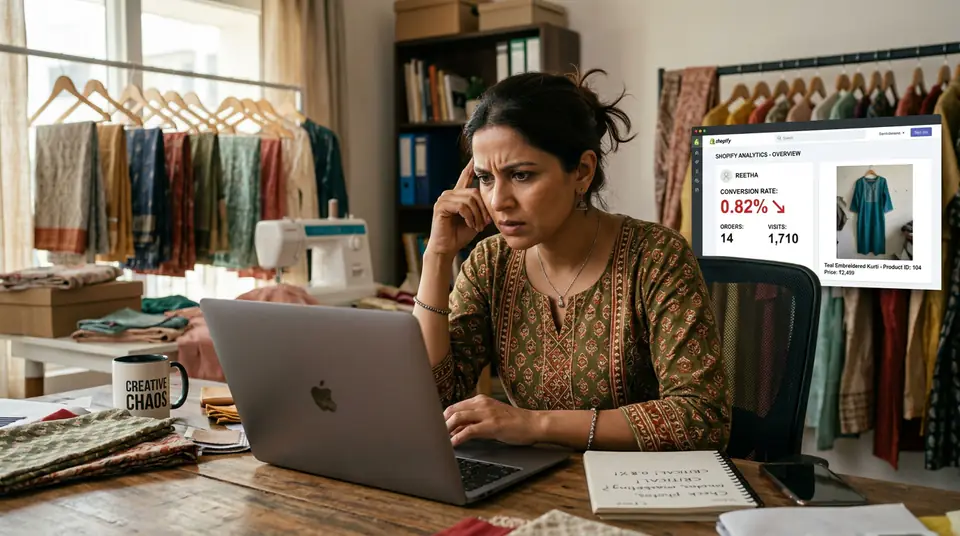
I speak from experience here. Back in 2023, I blew ₹40 lakh on Facebook and Instagram ads for a D2C ethnic wear brand. We had traffic, lots of it. Clicks were decent. But sales? Pathetic. Our conversion rate hovered around 0.5% – half of what it should be. We looked at ad copy, landing pages, pricing. Turns out, it was the photos. Our catalogue shots were on cheap mannequins with inconsistent lighting. Customers saw them and just didn't trust the product quality, even though the garments were premium. They'd rather pay ₹500 more on Myntra for a similar kurti with professional photos.
5.7%
Average Shopify Conversion Rate (India)
10-25%
Potential Sales Lift from Better Photos
20-30%
Higher Return Rates Due to Misleading Photos
This isn't just about lost sales, either. Misleading photos lead to higher return rates. Customers get a product that doesn't match their expectations from the pictures, and boom, it's back. That means more shipping costs, more processing time, and less profit. It adds up fast.
How can I tell if my Shopify product photos are actually bad?
You can tell your Shopify product photos are hurting sales if you see high bounce rates on product pages, low 'add to cart' rates despite traffic, and frequent customer inquiries about product details that should be clear from images.
Check your analytics first. If 80% of visitors land on a product page and leave within 10 seconds without interacting, your photos aren't holding their attention. Also, look at 'add to cart' vs. 'view product' ratios. If you have 1000 views but only 10 adds-to-cart, something's wrong. You're getting people to the product, but not past it.
Lastly, just open your Shopify store on your phone. Really look at it. Do the photos pop? Do they look like they belong on Myntra or Ajio? Or do they look like something shot quickly with a phone in a poorly lit room? Be brutally honest. Your customers are.
Generate your own AI fashion photoshoot with Drapify — 50 free credits, no card required.
What photos should every Shopify fashion product page have?
For every fashion product on Shopify, you need a minimum of 5-7 high-quality photos covering full-body shots, close-ups of details, fabric texture, styling ideas, and a clear back view.
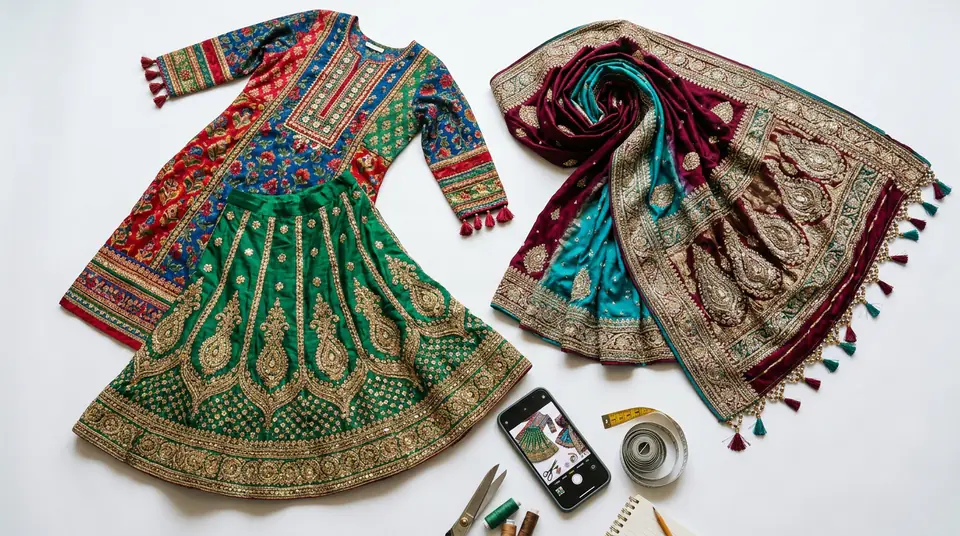
If you sell sarees, for example, don't just show it folded. Show it draped on a model, a close-up of the border work, another shot showing the pallu, and maybe a lifestyle shot with accessories. Each photo answers a different customer question.
Can AI create good fashion photos for my Shopify store?
Yes, AI can now create incredibly realistic and high-quality fashion photos, making professional-grade visuals accessible and affordable for any Shopify seller.
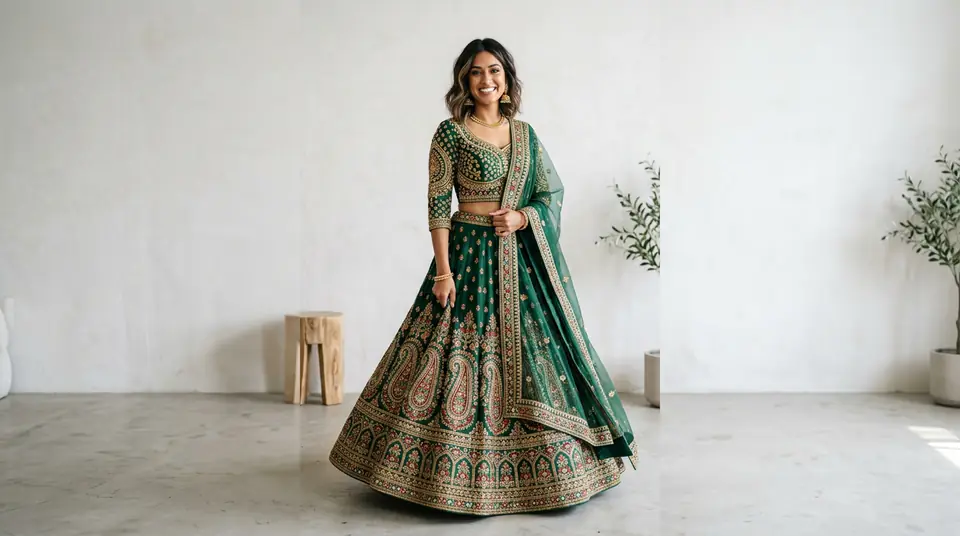
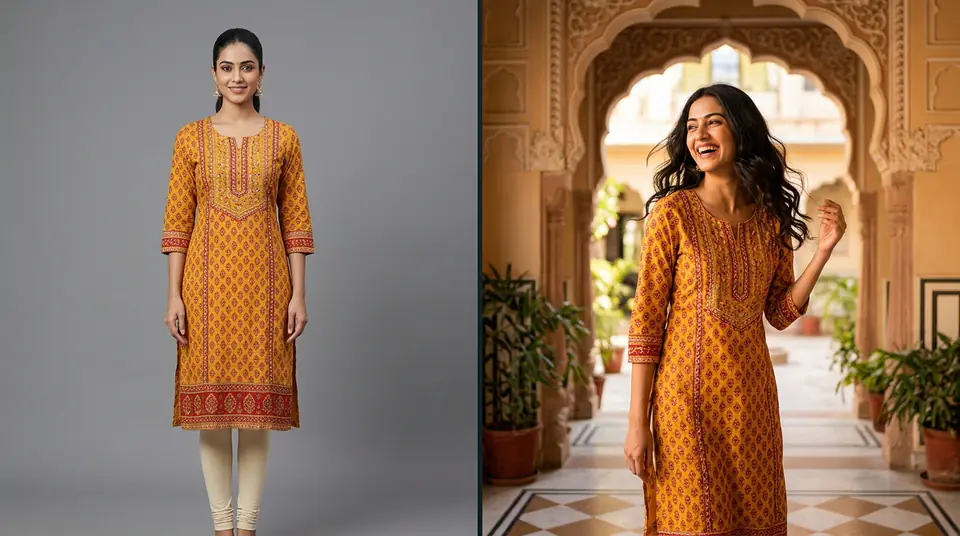
Gone are the days when 'AI photos' meant uncanny valley models or weird distortions. Tools like DrapifyApp let you take a single garment photo – even a flat lay – and generate full model shoots in minutes. We're talking about models wearing your specific kurtis, lehengas, or menswear, in various poses, with perfect lighting. It's fast, incredibly cost-effective, and the results are often indistinguishable from traditional studio shoots.
This means you can get 1K, 2K, or even 4K resolution photos for your Shopify listings for about ₹13-15 per photo. Compare that to a studio day rate in Mumbai or Delhi, which can run upwards of ₹45,000 for a single day, plus model fees, stylist fees, and location costs. AI cuts all that out. You can even generate colour variants of a garment without needing a reshoot.
How can I keep my Shopify catalogue photos consistent across hundreds of products?
Maintaining consistency across hundreds of Shopify product photos, from models to backgrounds, is crucial for brand image and customer trust; AI-powered tools offer a scalable solution.
Inconsistent backgrounds, different models, varied lighting – these things make your brand look amateurish. A customer browsing your Shopify store should feel like they're in a well-curated boutique, not a chaotic clearance sale. Consistency builds trust and a professional image. Traditionally, achieving this for a large catalogue meant huge studio costs, trying to book the same models, and meticulous post-production.
This is where AI really shines for Shopify brands. DrapifyApp, for example, allows you to 'lock' an identity. Meaning, you can choose a specific AI model and generate hundreds of photos of different garments, all worn by the same model, in consistent poses and settings. Imagine the time and money saved not having to manage multiple human models or reshoots because a model wasn't available. Your product pages will look cohesive, polished, and trustworthy – something critical for turning browsers into buyers during the Diwali or wedding season rush.
What's the fastest way to upgrade my existing Shopify product photos?
The fastest way to upgrade your existing Shopify product photos is to prioritize your best-selling items, high-traffic products, and new arrivals, then use AI tools for rapid, cost-effective creation.
Don't try to reshoot your entire 500-product catalogue overnight. That's a recipe for burnout. Start with the products that get the most views or generate the most revenue. Improving those conversion rates first will give you the biggest immediate impact on your bottom line. And with tools like DrapifyApp, you get 50 free credits to start, so you can test this strategy without any upfront investment.