Why Photos Matter More on Meesho
Meesho shoppers scroll through many near-identical products, usually on a phone and mostly at a low price point. They cannot touch the fabric, so the image does most of the persuading. If your photo is dark, blurry or inconsistent with the colour that arrives, you pay for it twice: fewer clicks, and more returns.
We don't have figures that apply across all Meesho sellers, so use your own numbers. Your supplier panel shows views, orders and returns per listing. The simplest test is to change the main image on a few listings and compare orders per 100 views before and after.
What Weak Catalogue Photos Look Like
These are the problems we see most often:
- Blurry or low resolution. Small files go soft when a buyer zooms. Aim for at least 1000x1000 px square.
- Poor or uneven light. Colours look dull or wrong, which drives "colour not as shown" returns.
- Inconsistent styling. Different backgrounds, crops and models across one catalogue make it look unreliable.
- No sense of fit. A flat lay does not show drape or length. A garment on a person does.
Meesho also has its own rules on image shape, background and text. See Meesho image size and photo requirements for the working specs.
What Weak Photos Cost: A Worked Example
The numbers below are an example. Replace them with your own.
Say a listing gets 2,000 views a month. At a 1.5 percent order rate that is 30 orders. If a better main image lifts it to 2 percent, that is 40 orders, 10 more per month. At ₹150 profit per order, that is ₹1,500 more per month on one listing, or ₹18,000 a year, and a catalogue has many listings. The lift is an assumption: your real change might be larger, smaller or zero, which is why you test on a few listings first.
The cost side matters too. A studio shoot at, say, ₹250 per product (a typical quote in the cheaper range, which varies a lot by city) is ₹12,500 for 50 products. On DrapifyApp, 50 photos at 2K cost about ₹1,250 to ₹1,650 depending on the pack.
Where AI Model Photos Fit
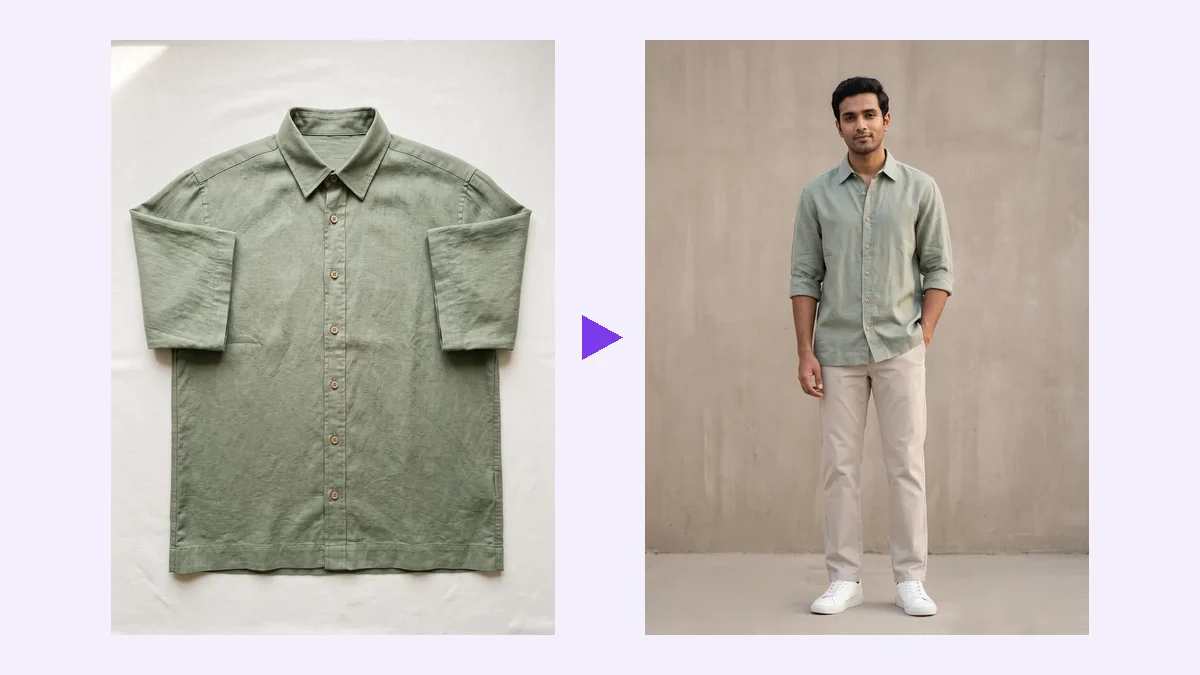
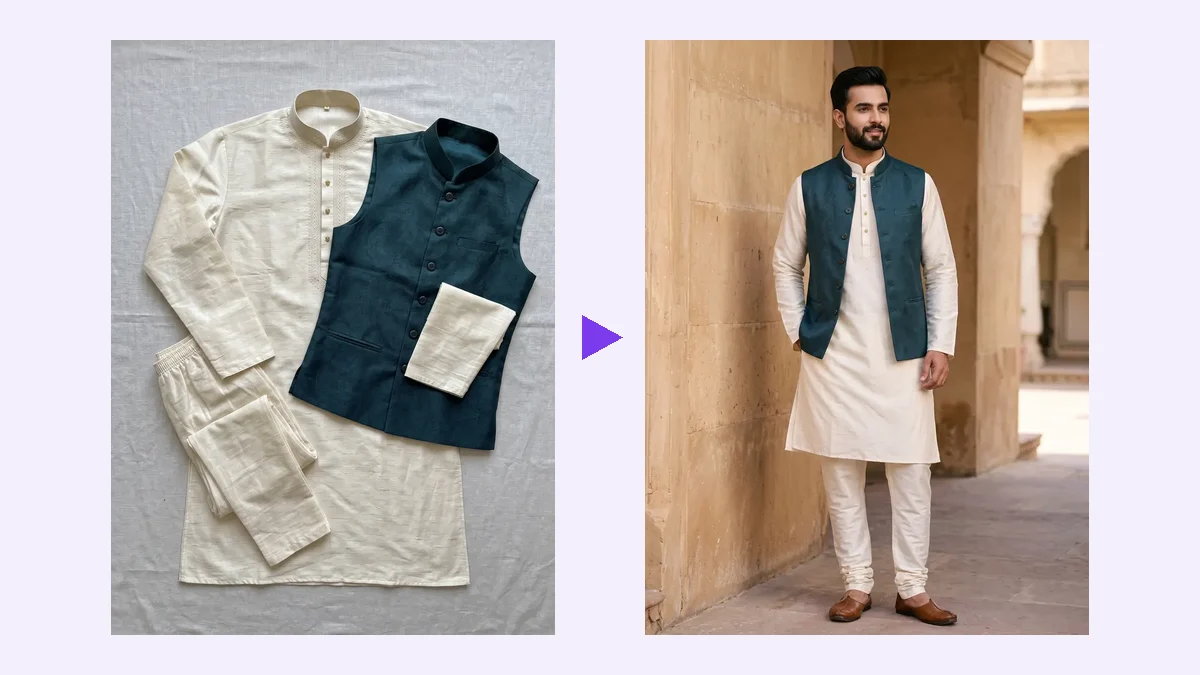
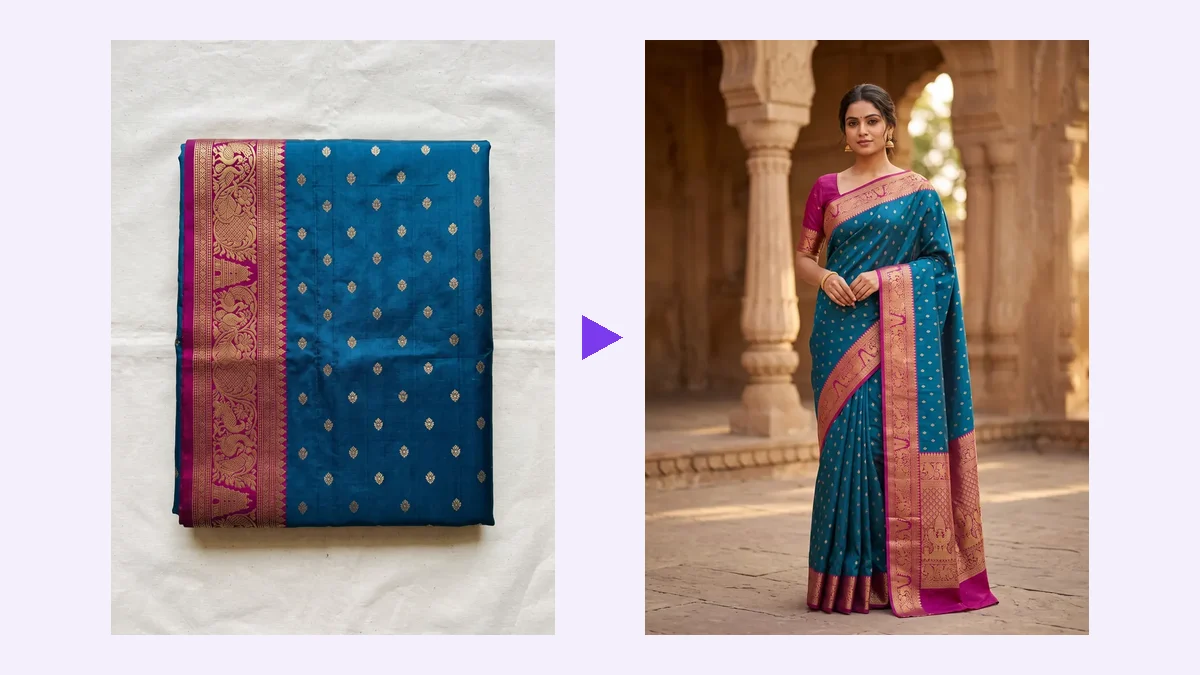
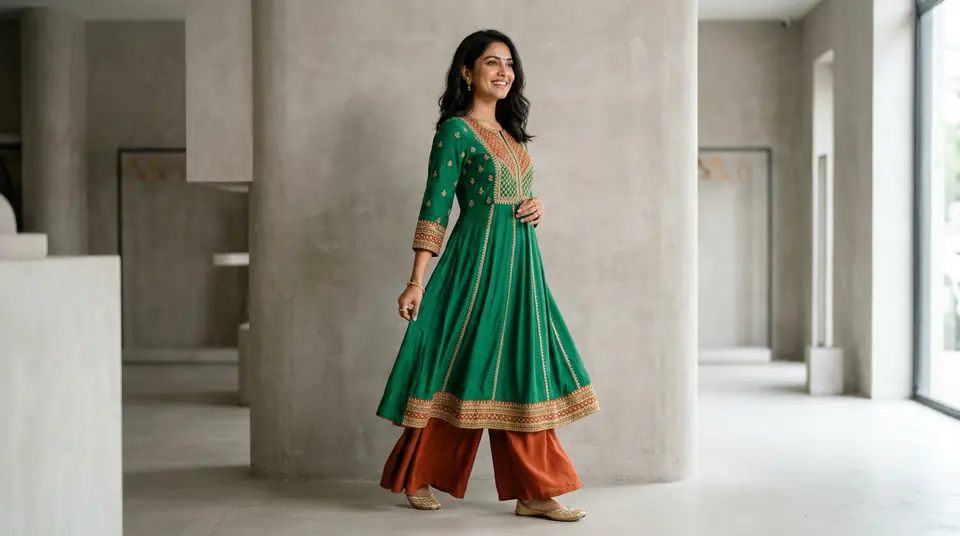
DrapifyApp turns a flat-lay or mannequin photo into an on-model photo, with a choice of Indian models, poses and backgrounds. You can also keep one model across the whole catalogue so it looks consistent.
- Price: credit packs start at ₹199. A 2K photo costs about ₹25 to ₹33 depending on the pack and a 1K photo about ₹9 to ₹12. Credits never expire and there is no subscription.
- Categories: kurtis, sarees, shirts, western wear, kidswear and more. Footwear and jewellery work best with a close, clean source photo.
- Backgrounds: a plain background is safest for the main image. Festival or lifestyle backgrounds suit the other slots, if the category allows them.
- Free trial: your first 2K photo is free, with no card.
How to Make a Catalogue Photo Step by Step
1. Start with a clear source photo. A well-lit flat lay or mannequin shot from a phone is enough. Iron the garment first. 2. Upload it to DrapifyApp and choose a model and pose that match your buyers. 3. Choose a background. For the main Meesho image use a clean background; save festive settings for later slots. 4. Generate and check. Look at the result at full size, especially prints, borders and embroidery. Regenerate if anything looks off. 5. Export at 1K or 2K and upload square images to your listing.
Try different models for the same product and compare orders per 100 views over a couple of weeks.
What to Expect and What Not to
- Speed: about 3 minutes for a first photoshoot, and you can do many products in an afternoon.
- Cost: per-photo, not per-catalogue. You pay only for photos you generate.
- Consistency: the same model and background style across all listings.
- Limits: AI photos are only as good as the source photo. A creased, dark or cropped source gives a weaker result. Fine details should always be checked at full size.
- Honesty: the photo must show the real garment. If the colour or detailing differs from what you ship, you will get returns.
A Pre-Launch Checklist
Before you publish a catalogue, check each listing:
1. Every image is square and at least 1000x1000 px. 2. The main image has a clean white background and no text, logo or price. 3. Colour matches the real garment in daylight. 4. At least one close-up of fabric or embroidery, and a back view. 5. Same model and style across the catalogue. 6. You have a way to compare orders per 100 views after the change.