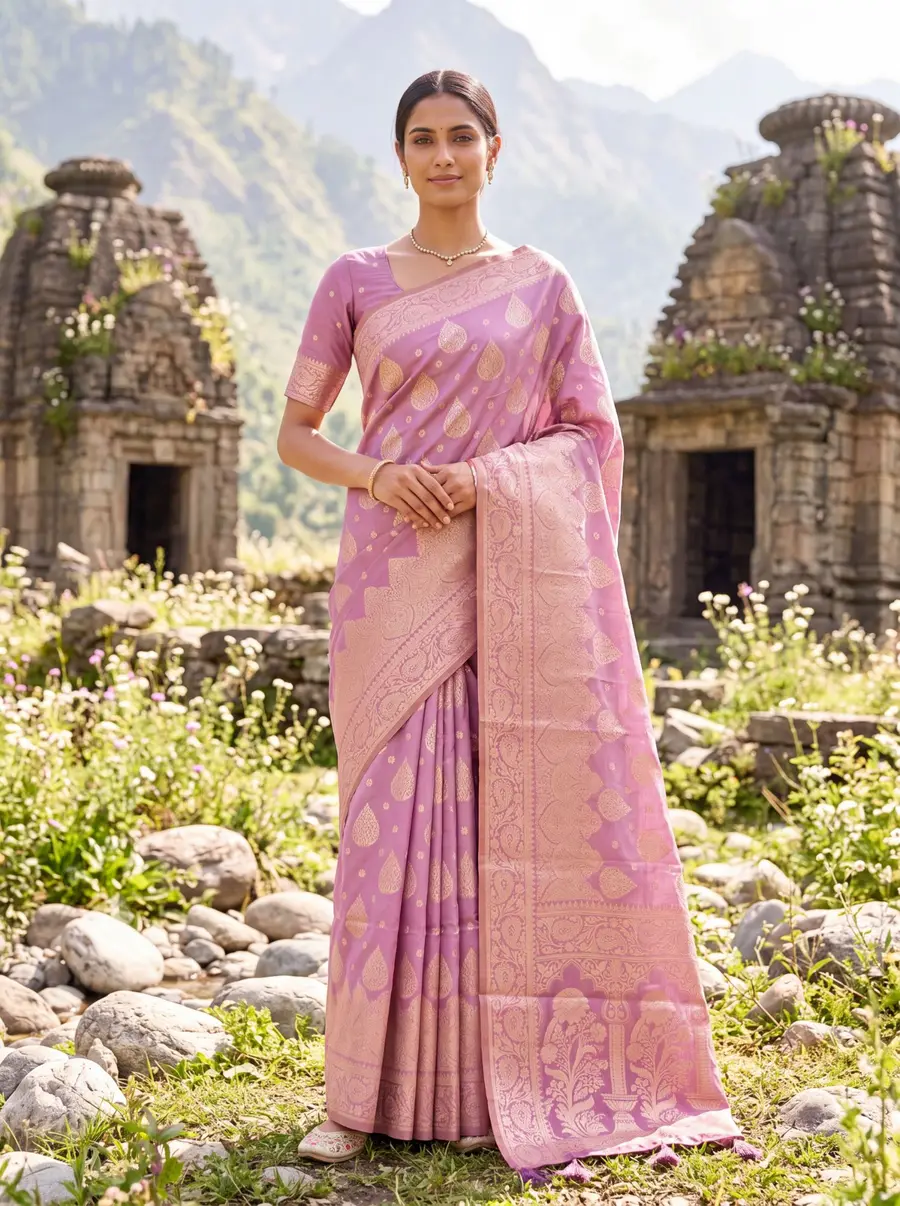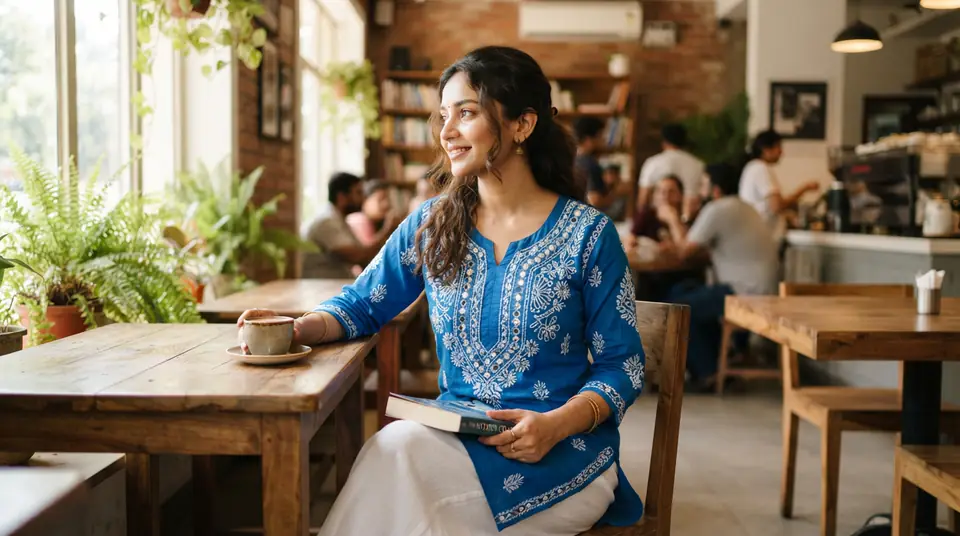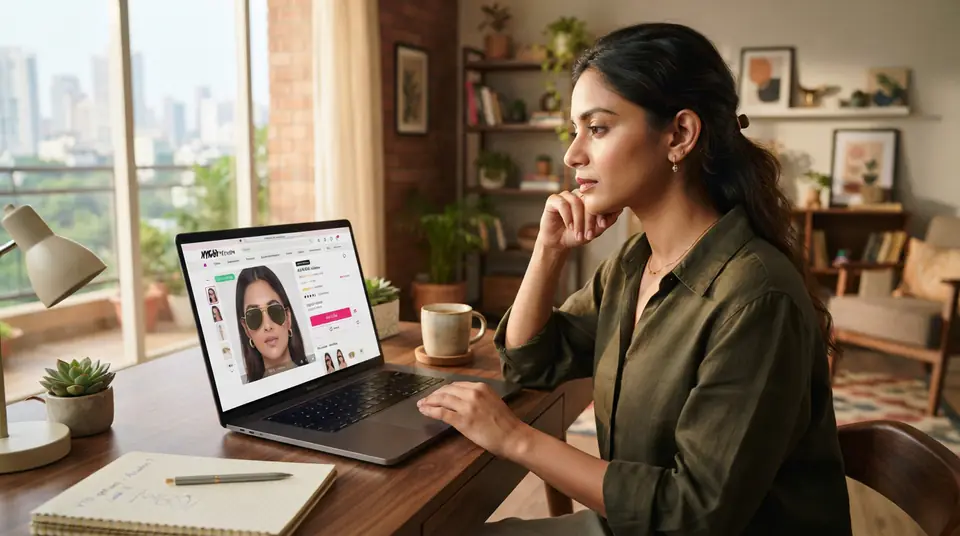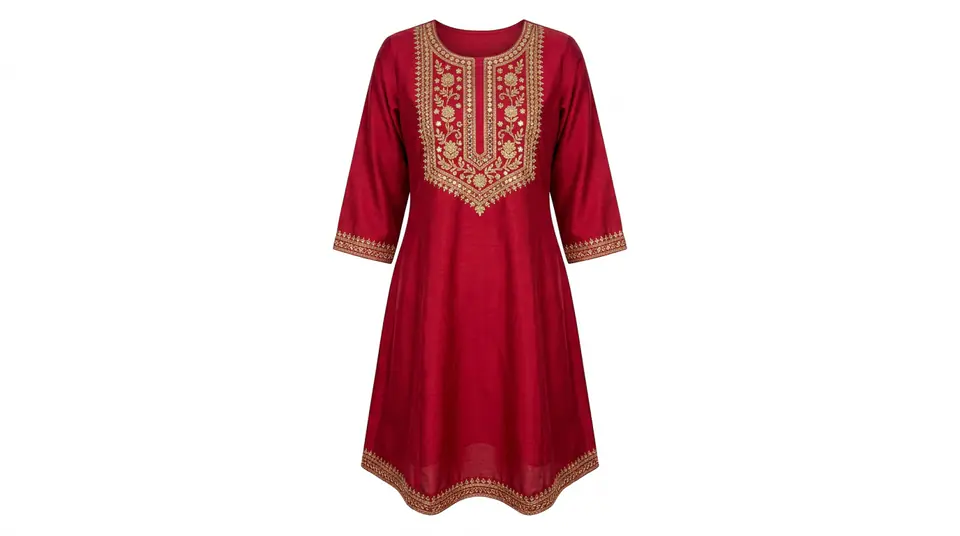
01.1. The Strict 1:1 Aspect Ratio and Minimum Pixels
Meesho absolutely demands a square image with a 1:1 aspect ratio, and while the minimum is 500x500 pixels, you're foolish if you don't go larger. Seriously, aim for at least 1000x1000 pixels, or even 1200x1200 pixels, to give your customers the ability to zoom in and examine the details of your kurti's embroidery or the weave of a saree. Tiny, low-resolution images scream 'cheap' and get ignored on mobile screens, which is where most of your Meesho sales happen anyway. Don't skimp on this; it's the foundation.
1:1
Required Aspect Ratio
500x500 px
Minimum Resolution
1200x1200 px
Recommended for Zoom
Remember, every single listing image, from your main product shot to any lifestyle or detail images, must adhere to this square format. If it's rectangular, even slightly, it's getting cropped or rejected. You want every pixel working for you, not against you.
02.2. Pure White Background: RGB (255, 255, 255) Is Law
For your primary product image, Meesho isn't looking for off-white, light grey, or even a soft beige; they want pure, unadulterated white, specifically RGB code 255, 255, 255. This isn't just a suggestion; it's a non-negotiable rule that catches out countless sellers. Garments shot beautifully in a studio can still be rejected because the background is a hair too creamy. Meesho wants uniformity across its platform, and that starts with a consistent, neutral backdrop that highlights your product without distraction. If your background isn't pristine, you're wasting everyone's time, especially your own.
The main product shot, the first image customers see, must have this pure white background. For subsequent images, you might get away with lifestyle shots or different settings, but that first impression? It needs to be flawless white. Many sellers struggle to achieve this consistently, particularly with their own DIY setups. It's a common reason for Meesho catalogue rejections, and it's frustratingly easy to fix if you know how.
03.3. The 80% Frame Fill Rule (No Tiny Garments in Vast White Space)
Your product needs to fill at least 80% of the image frame, leaving minimal white space around the edges. This rule ensures the garment is the star of the show, clearly visible without being dwarfed by the background. Think about it: a customer scrolling on their phone isn't going to strain their eyes trying to decipher what you're selling if it looks like a postage stamp in the middle of a blank canvas. This is crucial for selling anything from a simple t-shirt to intricate AI-generated lehenga photoshoots.
This goes hand-in-hand with clarity and detail. When your product occupies the majority of the frame, its textures, patterns, and colours are far more apparent. If you're struggling to crop and compose your images perfectly for Meesho's strict frame fill rules, consider an AI tool like DrapifyApp. It can take your single garment photo and place it on models with consistent sizing, ensuring your product is always prominently featured and perfectly framed, cutting down on those tedious manual adjustments and potential rejections for inadequate product visibility. This takes the guesswork out of getting your product to stand out, even for items like complex saree catalogue photography where every detail matters.
04.4. No Watermarks, Logos, Text, or Pricing Info
Meesho is very clear on this: absolutely no watermarks, brand logos, promotional text, or pricing details are allowed on your product images. Your goal is to sell the product on their platform, not to drive traffic elsewhere or clutter the visual experience. This rule is designed to maintain a clean, consistent marketplace where the product itself takes precedence, not a seller's branding. Attempting to circumvent this with subtle watermarks will almost certainly lead to a swift rejection. They have algorithms and human reviewers for a reason.
| Forbidden Elements | Reason for Ban |
|---|---|
| Watermarks | Deters customers, platform control |
| Logos | Promotes external branding, inconsistent aesthetic |
| Text Overlays | Clutters image, platform consistency |
| Pricing/Discount Info | Price changes, misleads customers |
This rule extends beyond just obvious text. Avoid graphic elements like arrows, circles, or callouts that aren't inherently part of the garment itself. The image should be solely about the product, presented as cleanly as possible. Your branding efforts should go into your seller profile and product descriptions, not the visual assets that are meant to be purely descriptive.
05.5. Clarity, Lighting, and Sharp Focus: The 'Professional Look'
Beyond the technical specifications, Meesho has an unspoken expectation for image quality: your photos must be clear, well-lit, and in sharp focus. Blurry images, dark shots where details are lost, or overexposed photos that wash out colours are instant red flags for both customers and Meesho's quality control. Even if your image hits all the pixel and background requirements, if it looks like it was shot in a dimly lit godown in Surat with a potato, it's not going to fly. Invest in decent lighting, even if it's just natural daylight, and make sure your camera is properly focused on the garment. This is where many budget studio shoots in Delhi or Tirupur deliver passable but not professional results.
A good photo ensures your product's actual appearance translates accurately online, which is vital for reducing returns. If your ecommerce product photography misrepresents the item, customers will feel misled, and that's bad for everyone. Remember, customers can't touch or feel the fabric, so your photos are their only window into your product's quality. Make that window as clear as possible.
06.6. What to Put in Those Multiple Image Slots (Beyond the Main Shot)
Meesho allows for multiple images per product, and smart sellers use these slots strategically, not just repeating the same hero shot. After your compliant main image, use the subsequent slots for detail shots – a close-up of the embroidery, the fabric texture, the neckline of a kurti, or the border of a saree. Show different angles, a back view, or even how the garment drapes. These are your chances to answer unspoken customer questions before they even ask. You might also include lifestyle shots with models, but be wary of compliance; check out our guide on whether AI generated product photos are allowed on Meesho for clarity.
Each additional image should add value and information. Don't just upload five versions of the same photo; make every shot count. This approach not only keeps Meesho happy but also builds customer confidence, leading to better conversion rates and fewer returns. It's how top sellers on Meesho in Jaipur present their jewellery and apparel.
07.7. The Catalogue Rejection Reasons Meesho Doesn't Explicitly Detail
Beyond the written rules, Meesho has a knack for rejecting catalogues for reasons they don't spell out in black and white, often falling under 'low quality' or 'inconsistent product.' This includes poor garment styling where the clothes look wrinkled, ill-fitting, or just thrown on a hanger. Your product needs to look appealing and professionally presented. Also, avoid showing products that aren't actually part of the sale; if you're selling only a kurti, don't show it with a dupatta and palazzo unless they are part of a 'set' variant. It confuses customers and invites rejection.
Another subtle but common rejection trigger is inconsistent product representation. If your main image shows a yellow kurti, but a subsequent image shows it in green without a clear colour variant option, that's a problem. This is where AI fashion photography platforms like DrapifyApp really shine. You can generate multiple color variants for a single garment without reshooting, ensuring every option is perfectly consistent across all poses. It saves time and prevents those infuriating rejections due to minor discrepancies, helping you easily create Meesho supplier photos that pass muster every time.