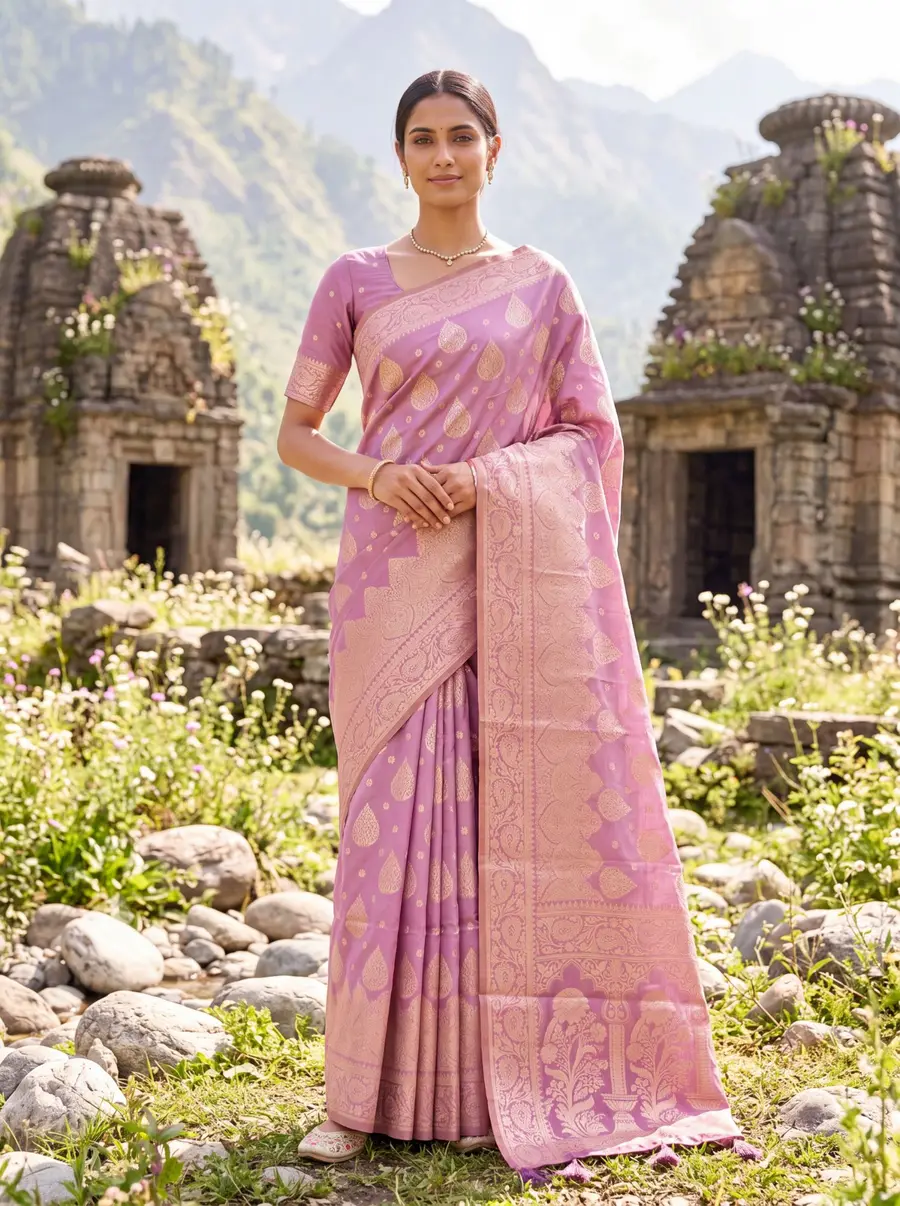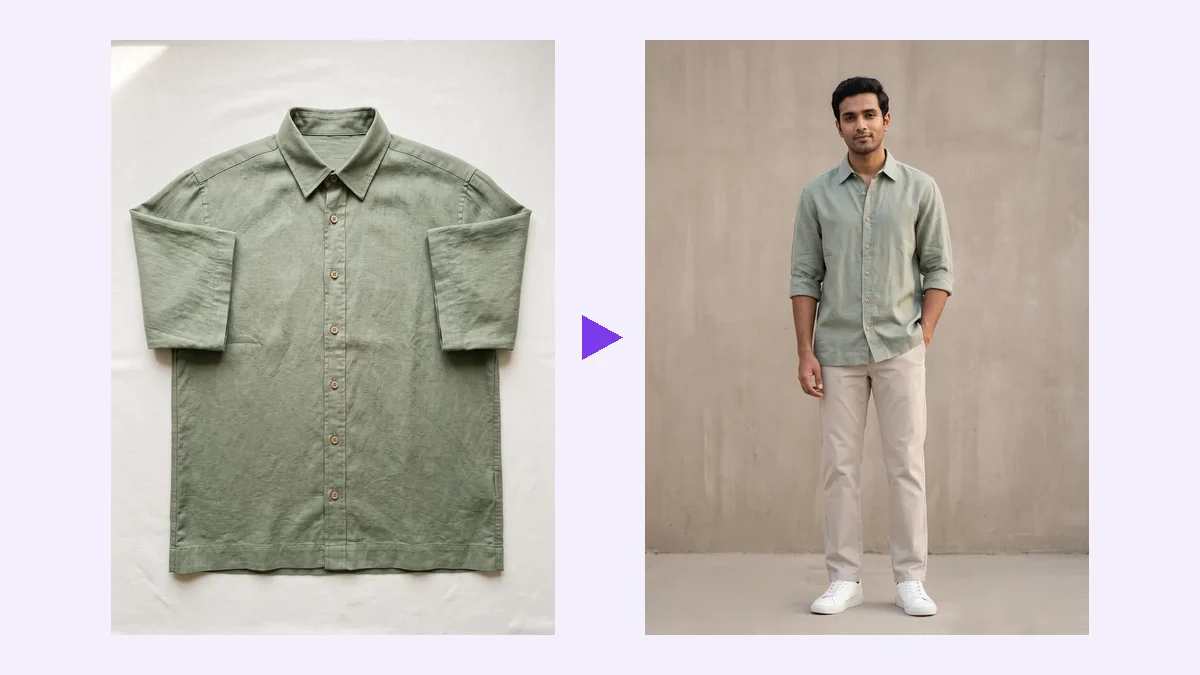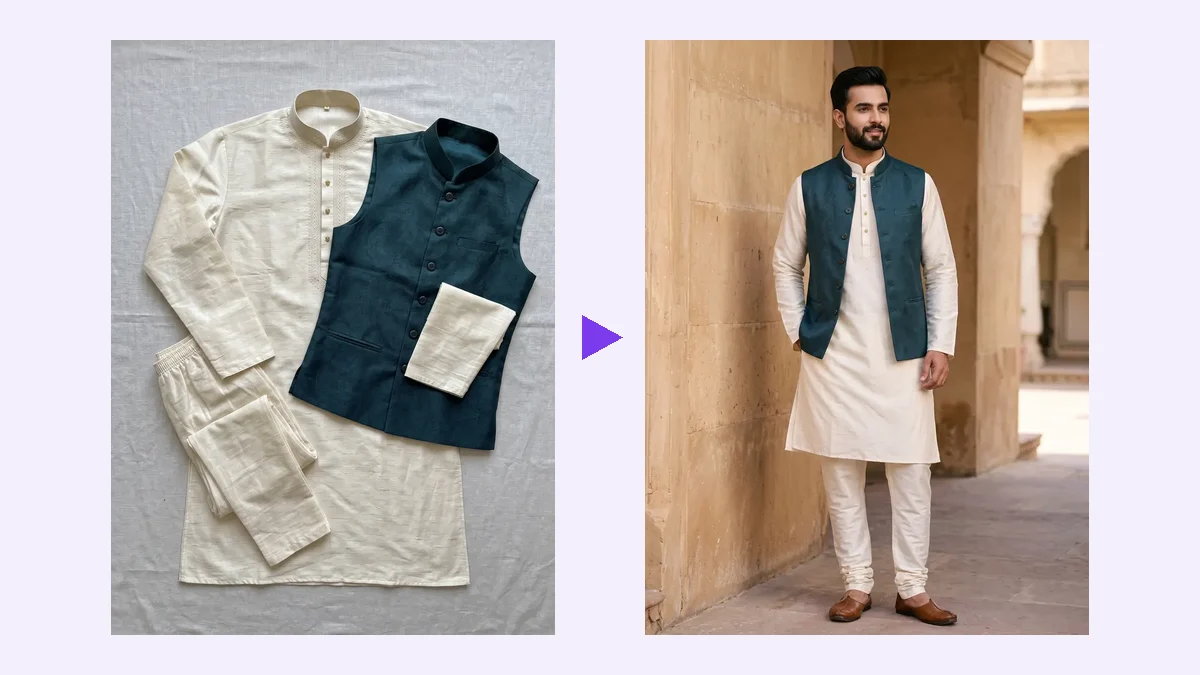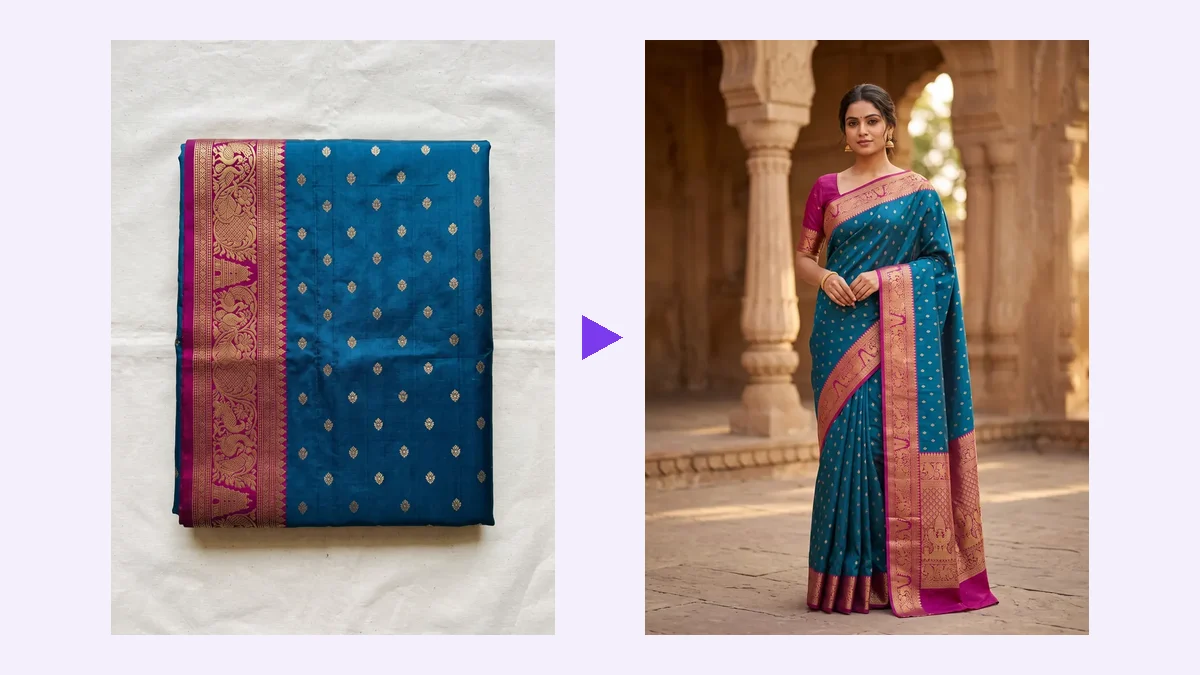
What Product Image SEO Means for Fashion Sellers
Product image SEO is the work of making your photos understandable to Google: descriptive alt text, sensible file names, good image quality and clear surrounding page text. Search engines cannot see a picture the way a shopper does, so these text signals tell them what it shows.
Be clear about where it applies. On your own website, Shopify store or blog you control alt text and file names. On marketplaces such as Myntra, Meesho or Amazon you usually cannot edit alt text, and the marketplace controls the page, so your levers there are the title, attributes, description and image quality.
Why Listings Go Missing in Google Images
Why it matters for fashion sellers with their own site:
1. Google Images and Lens. Shoppers search things like "red Banarasi saree" or "men's embroidered kurta" and browse image results. An image with no descriptive text around it is much less likely to match. 2. Accessibility. Alt text is read aloud by screen readers, so it also makes your site usable for visually impaired visitors. 3. Product listings in Google. Google Shopping free listings use your product feed and structured data. Good, clean images and accurate titles help eligibility, but alt text itself is not the feed. 4. Page context. Google uses the title, headings and nearby text to understand an image, so alt text alone is not enough.
We don't have figures on how much traffic image SEO brings a given store. Check yours in Google Search Console under Performance, filtered by Search type: Image.
How to Write Alt Text That Helps Discovery
Alt text should describe what the image shows, in plain words, the way you would to someone who cannot see it. Include colour, fabric, style and a key detail, only where true. Don't stuff keywords.
| Weak | Better | |---|---| | IMG_7890.jpg | (file name) | | kurti | Emerald green georgette kurti set with sequin embroidery on the neckline | | best cheap saree buy online | Red Banarasi silk saree with gold zari border, worn with matching blouse |
Tips: - Aim for roughly one sentence. Very long alt text reads as keyword stuffing. - Describe each image differently: front view, back view, fabric close-up. - Skip phrases like "image of" and don't add marketplace names. - Decorative images can have empty alt text.
Where DrapifyApp Fits: Consistent, High-Resolution Photos
Search visibility also depends on the images themselves. Sharp, consistent, high-resolution photos tend to be more useful to shoppers, and shoppers click through to them more.
DrapifyApp generates on-model photos from a single garment photo, so you can produce a consistent set for every product on your own store. Credit packs start at ₹199 and never expire. A 2K photo costs about ₹25 to ₹33 depending on the pack, and a 1K photo about ₹9 to ₹12. Your first 2K photo is free, with no card.
A tool that makes an image does not write your alt text. You still need to describe each image, and check that it shows the real garment accurately.
How to Audit and Fix Your Catalogue Images
A practical audit you can finish in an afternoon:
1. Pick your top 20 products by sales or margin, plus anything seasonal. 2. Check alt text. In your browser, right-click the image and inspect it, or use a free extension. Is it empty, or a file name like image1.jpg? 3. Write alt text following the examples above, one per image. 4. Rename files before upload to something readable, for example `royal-blue-silk-kurta-set.jpg`, lowercase with hyphens. 5. Check size. Compress to keep pages fast, without visible softness. 6. Review in Search Console after a few weeks: Performance, Search type Image.
Next Steps
Image SEO is one part of the picture. Pair it with good titles, descriptions and category pages, and track results in Search Console rather than assuming. Start with your top products and build alt text and file names into your upload routine.