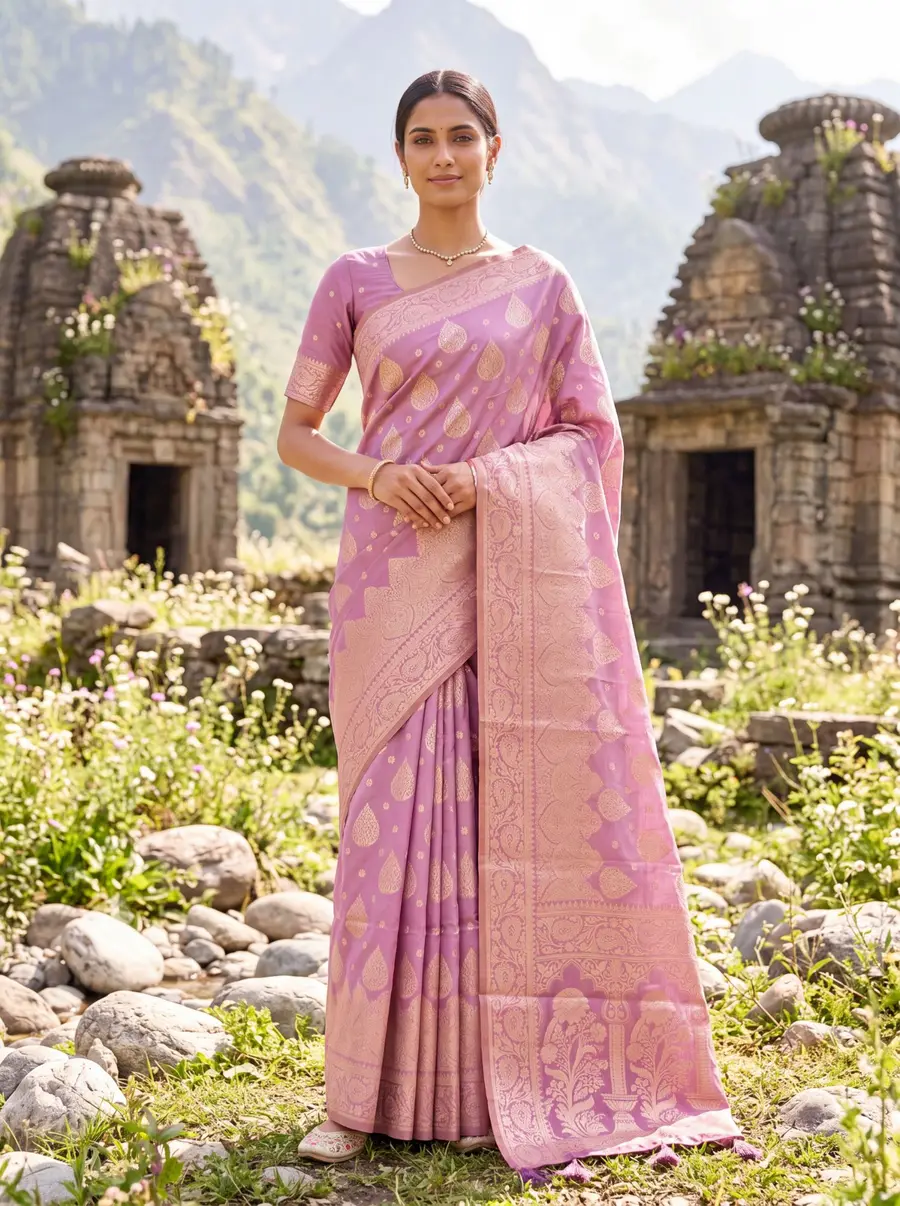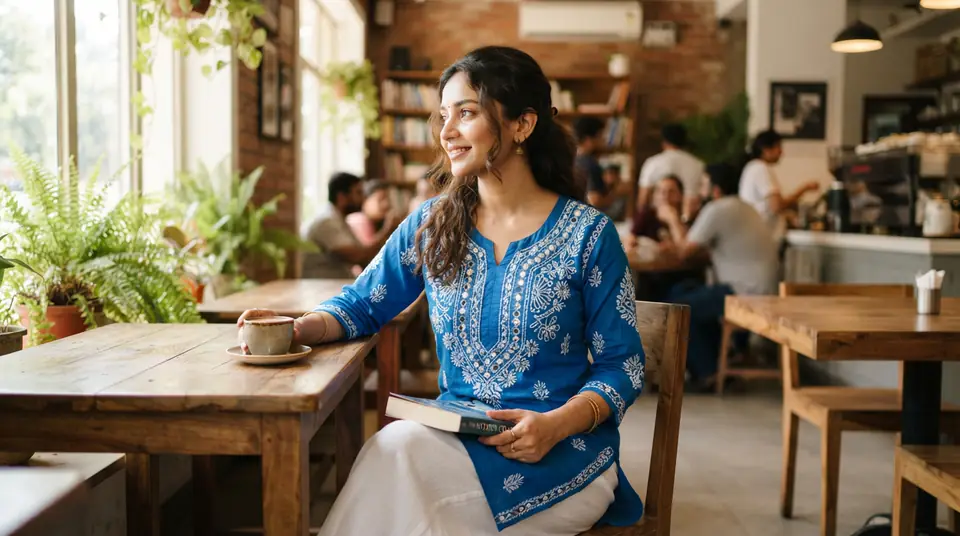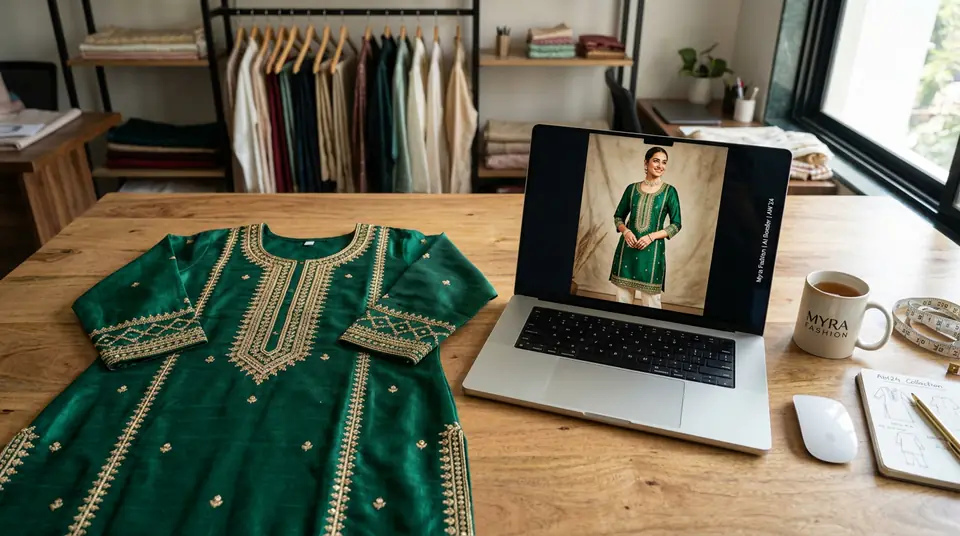
The ₹5 Lakh ‘Asset’ Graveyard
Most fashion brands have a massive, unused folder of flat-lay images because while they were cheap to create, they don't meet marketplace model requirements and they just don't convert. Folders of 200 SKUs are often shot this way. At a conservative ₹300 per product for a basic shoot, that's ₹60,000 of dead capital. For larger brands, this number can easily cross ₹5 lakh. It’s a silent killer of cash flow.
The logic behind these shoots always seems sound at the time. You're just starting out. You need images for your WhatsApp catalogue, maybe for a quick post on Instagram. A flat lay is fast. It's cheap. You can shoot 50 products in a day. But then reality hits. You try to get a brand approval on Myntra or Ajio, and they reject your entire catalogue. Why? No model photos. Or you try running ads with those flat lays on Facebook. Your CTR is a miserable 0.2%. Nobody clicks on a lifeless, folded kurti. They want to see it on a person. They want to imagine it on themselves. So the photos go into the digital graveyard, and you promise yourself you’ll do a ‘proper’ shoot someday. That someday rarely comes.
Garbage In, Garbage Out: What Makes a Flat Lay Usable for AI
For an AI to successfully convert a flat lay to a model shot, the source image must be clean, evenly lit, uncreased, and shot directly from above without any part of the garment being obscured. The AI is a powerful tool, but it's not a magician. It's an amplifier. If you feed it a blurry, wrinkled photo with harsh shadows, you will get back a blurry, wrinkled model photo. Your output is 100% dependent on the quality of your input.
| Requirement | Good Example (Do this) | Bad Example (Don't do this) |
|---|---|---|
| Lighting | Shot in soft, diffuse, natural light (e.g., near a large window). Even illumination, no harsh shadows. | Shot under a single, harsh ceiling light. One side is bright, the other is a dark shadow. |
| Angle | Camera is directly overhead (90-degree angle). The garment looks flat and proportional. | Shot from a 45-degree angle. The garment is distorted (e.g., shoulders look narrow, hem looks wide). |
| Creases & Folds | The garment is steamed or ironed perfectly smooth before the shot. It lays completely flat. | The garment is taken straight from the package, full of wrinkles and fold lines. |
| View | The entire garment is visible in the frame. No part of the sleeves, hem, or neckline is cut off. | The photo is cropped too tightly, cutting off the bottom of the kurti or the ends of the sleeves. |
Your background matters, too. A simple, neutral background like a white sheet or a light grey floor works best. Avoid busy patterns, reflective surfaces, or dark wood grains that can confuse the AI's edge-detection algorithms. The goal is to make it as easy as possible for the software to 'cut out' the garment perfectly. The cleaner the input, the more realistic the AI model photoshoot output.
The Actual Workflow: How to Turn Flat Lay Photos Into On-Model Photos
The process to turn flat lay photos into on model photos involves four main steps: triaging your best-performing SKUs, doing a quick digital cleanup of the flat-lay image, uploading it to an AI model generator like Drapify to create the shots, and then curating the final poses for your listings.
This whole thing isn't about creating a single image. It's about generating a complete catalogue set—front, back, 3/4 view, detail shot—from one flat-lay photo. That's the part that changes the game for your entire e-commerce product photography workflow. You go from a single, unusable file to a full set of high-converting assets in less time than it takes to coordinate with a studio for a booking.
Where This Breaks (And When You Still Need a Studio)
This AI workflow breaks down for highly complex, multi-layered garments like intricate bridal lehengas or products with unique transparency, where a traditional studio shoot can still capture the necessary detail and styling. Let’s be honest about the limitations. AI is incredible, but it's not infallible, and anyone who tells you otherwise is selling you something.
Think about the edge cases. A seven-layered Anarkali with a sheer, hand-embroidered dupatta that needs to be styled in a specific way. A fine piece of Polki jewellery where capturing the precise facet of every single stone is critical. A western dress made of iridescent, semi-transparent organza. For this top 5% of your catalogue, the nuance of a human photographer and a stylist physically arranging the product on a model is, for now, probably still the better option. You can see a full breakdown of the pros and cons in this AI vs. traditional photoshoot comparison.
But for the other 95%? Your cotton block-print kurtis, your daily-wear sarees, your menswear shirts, your lineup of western dresses? For the bulk of your inventory, AI isn't just 'good enough'—it's faster, cheaper, and delivers a level of consistency across your entire catalogue that is brutally difficult and expensive to achieve with studio shoots spread across months.
From Dead Asset to Sales Engine: The Unit Economics
Converting old flat lays with AI turns a zero-value asset into a sales driver for a minimal cost, typically under ₹50 per product for a full set of marketplace images. Let's just look at the raw numbers. The thinking is simple.
₹300
Original Flat-Lay Cost (per SKU)
₹0
Current Revenue From That Asset
~₹40
Drapify AI Conversion Cost (4 Images)
₹2,500+
Traditional Reshoot Cost (per SKU)
The choice is stark. You can let that ₹60,000 folder sit on your Google Drive, a monument to a past mistake. Or you can invest another ₹800 (at ~₹40 per SKU for your top 20 products) to turn your bestsellers into active, revenue-generating listings. It is probably the highest-leverage, highest-ROI decision you can make this quarter.
This is exactly why we built DrapifyApp the way we did. You can get a free HD photo to test this entire workflow on your own products without spending a rupee. See if it works. Prove the concept to yourself and your team. Once you see a flat-lay of a kurti you've had in a gunny bag for six months suddenly being worn by a model in a beautiful setting, you'll get it. This isn't about fancy technology. It's about being scrappy. It's about squeezing every drop of value out of the assets you already own. That's how you build a profitable D2C brand in India. Not by outspending the competition, but by out-thinking them.