
JPG to WebP converter
Free · No signup · Updated November 2026 by the DrapifyApp team
How do I convert JPG or PNG to WebP?
Add JPG or PNG images and download them as WebP, singly or as a ZIP. WebP files are usually noticeably smaller than JPGs at similar quality, which helps product pages load faster. Conversion runs in your browser; Chrome, Edge and Firefox can save WebP, while Safari may not.
Your photos stay on your device. Nothing is uploaded.
Better than resizing
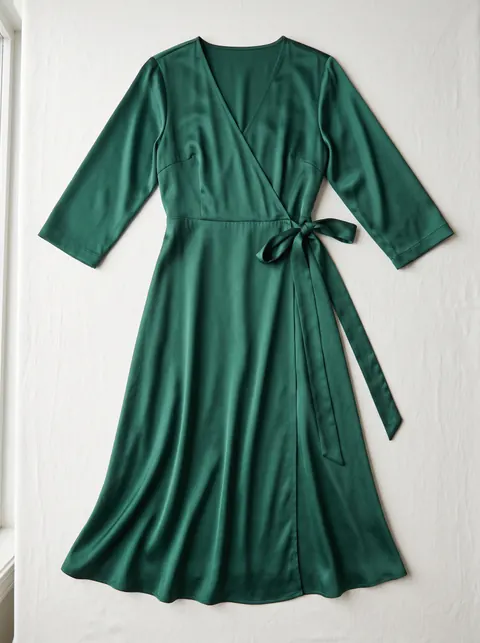
Turn a flat-lay into a model photo
Fixing size and background is step one. DrapifyApp puts your garment on an AI model, ready for any marketplace, in about 3 minutes.
- First 2K photo free, no card
- Ready in about 3 minutes
- Full commercial rights

How to use it
- Open this page in Chrome, Edge or Firefox.
- Add your JPG or PNG images.
- Compare the before and after sizes.
- Download the WebP files.
Where WebP helps
Use WebP on your own website or Shopify theme to speed up pages. Marketplaces usually ask for JPG or PNG uploads, so keep those originals for listings.
Transparency
WebP keeps PNG transparency, so cut-out product images stay transparent.
Questions
- Is WebP smaller than JPG?
- Usually, at similar visual quality. The saving depends on the photo.
- Why doesn’t it work in Safari?
- Some Safari versions can display WebP but cannot create it in the browser. Use Chrome, Edge or Firefox for this tool.
- Do marketplaces accept WebP?
- Many marketplace upload forms ask for JPG or PNG. Check before uploading WebP.