
Make a photo’s background pure white
Free · No signup · Updated November 2026 by the DrapifyApp team
How do I make a product photo background pure white?
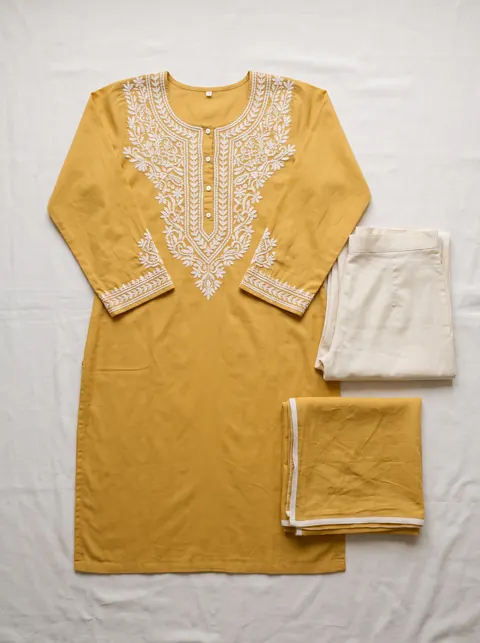
Add photos shot against a white or light-grey sheet. The tool pushes the near-white, colourless background to pure white (RGB 255) and softens grey shadows, with a strength slider and a before-and-after preview. It works on light backgrounds only; it does not cut a product out of a busy or coloured scene.
Your photos stay on your device. Nothing is uploaded.
Works on photos shot against a white or light-grey sheet: it cleans shadows and grey tints to pure white. It does not cut a product out of a busy or coloured background, and a white garment may lose edge detail at high strength, so check the preview.
Better than resizing
Turn a flat-lay into a model photo
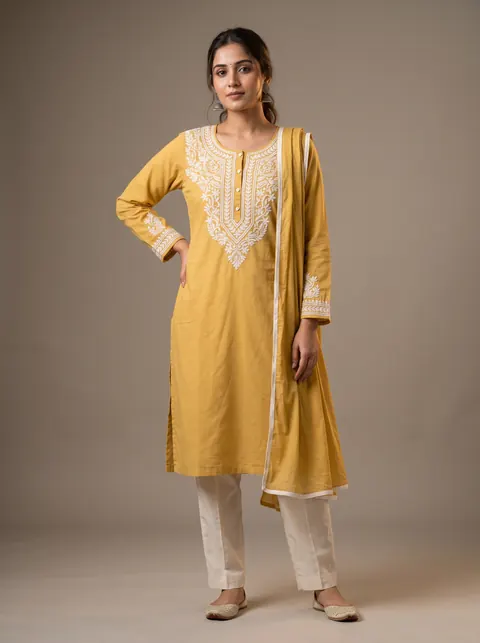
Fixing size and background is step one. DrapifyApp puts your garment on an AI model, ready for any marketplace, in about 3 minutes.
- First 2K photo free, no card
- Ready in about 3 minutes
- Full commercial rights
How to use it
- Shoot on a plain white sheet in daylight.
- Add your photos here.
- Raise the strength until the background turns white without eating into the product.
- Download, then check with the marketplace image checker.
Why near-white fails
Marketplaces that ask for a white background expect pure white. A sheet in room light usually photographs as light grey with shadows, which looks dull next to clean listings.
White and cream garments
Light garments sit close to the background colour, so high strength can blur their edges. Use a lower strength, or shoot white products on a light-grey sheet and keep the result.
Questions
- Does it remove the background?
- No. It cleans an existing light background to pure white. Removing a busy background needs a cut-out tool.
- Can I do many photos at once?
- Yes. All photos use the same strength and download as a ZIP.
- Will it pass Amazon’s white background rule?
- It brings light backgrounds to pure white, which is what that rule asks for. Check each main image with the marketplace image checker.